What is PublishBuddy
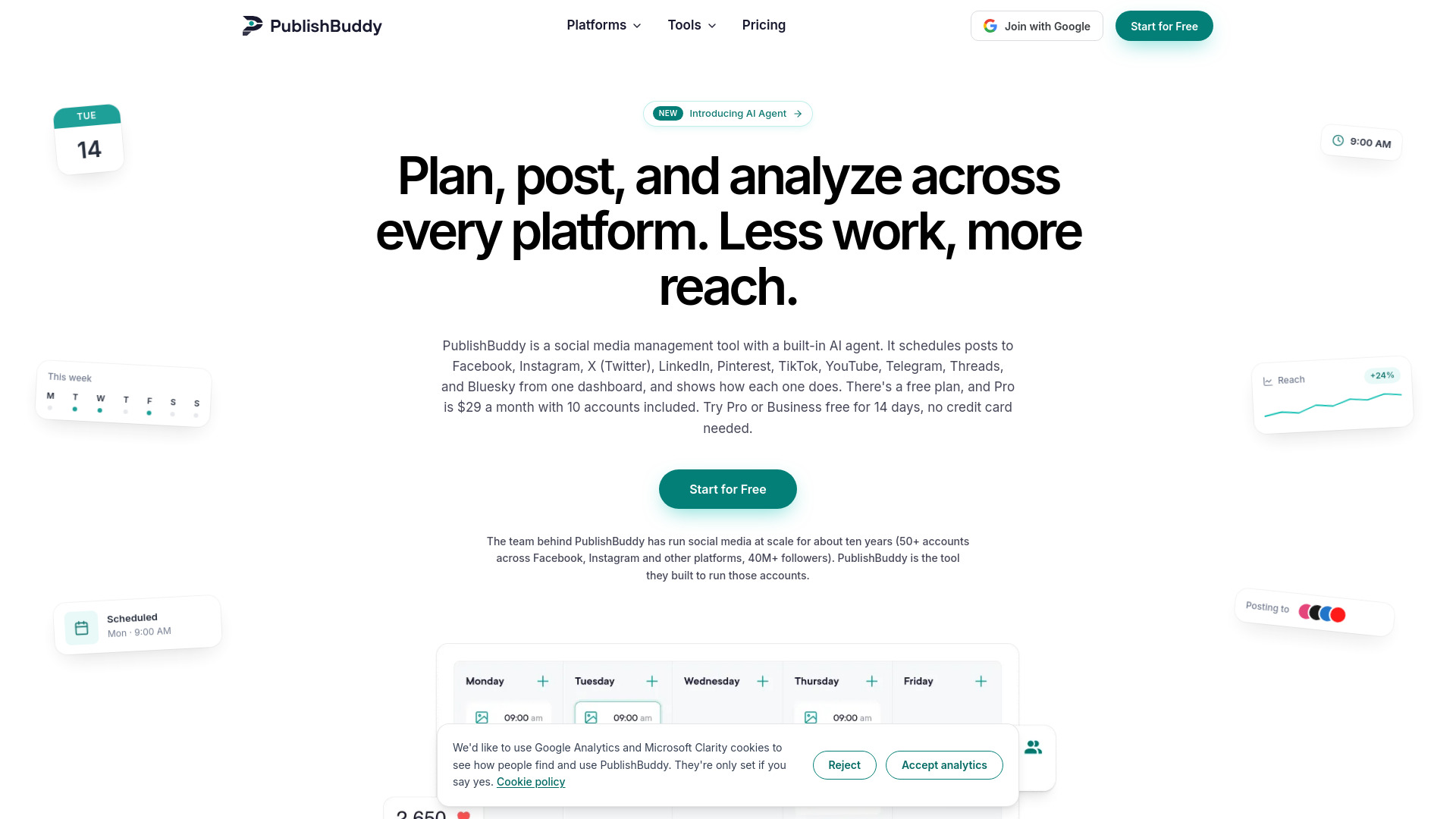
PublishBuddy is a social media management tool with a built-in AI agent. It allows users to schedule posts to 10+ networks from one dashboard and analyze performance. The platform supports Facebook, Instagram, X (Twitter), LinkedIn, Pinterest, TikTok, YouTube, Telegram, Threads, and Bluesky.
How to use PublishBuddy
- Sign up for a free account or start a 14-day trial (no credit card required).
- Connect your social media profiles to the dashboard.
- Use the composer to create posts, with AI assistance for captions and hashtags.
- Schedule posts using queue scheduling (set posting slots) or bulk scheduling (import via CSV or upload multiple files).
- Preview how each post will look on each network before publishing.
- Monitor performance through the analytics dashboard, tracking followers, reach, and engagement.
- Collaborate with team members using approval workflows and fine-grained access control.
- Optionally, use the AI Agent to create, schedule, and manage posts via chat, or integrate via API/MCP for programmatic access.
Features of PublishBuddy
- Multi-platform support: Schedule and publish to Facebook, Instagram, X (Twitter), LinkedIn, Pinterest, TikTok, YouTube, Telegram, Threads, and Bluesky.
- AI Agent: Creates, schedules, and manages posts via chat; works across your workspace or specific profiles; takes real actions; remembers preferences and past conversations.
- AI Assistant: Provides caption drafts, hashtag suggestions, and refinements within the composer.
- Queue scheduling: Set posting slots once and add content whenever ready.
- Bulk scheduling: Import via CSV or upload multiple files to plan a week of posts quickly.
- Post previews: See native previews for each network with formatting, crops, and links.
- Analytics: Track followers, reach, and engagement across profiles; see which hashtags, content types, and posting times perform best; export reports.
- Competitor analysis: Add public Facebook Pages to a watch list and see their post engagement.
- Collaboration & workflows: Fine-grained access control, draft and approval workflows, multiple workspaces, publishing credentials control, team activity tracking.
- API & MCP: REST API for posting, media uploads, and analytics; MCP server for AI clients like Claude and Cursor; included on Pro and Business plans.
- Integrations: Works with tools you already use.
Use Cases of PublishBuddy
- Social media managers: Plan and schedule content for multiple clients or brands from one dashboard.
- Small businesses: Maintain a consistent social media presence without switching between apps.
- Agencies: Collaborate with team members, manage approvals, and generate client reports.
- Developers: Integrate social media posting and analytics into their own applications via API.
- AI users: Use the MCP server to manage social calendars through AI assistants like Claude or Cursor.
- Competitive analysis: Monitor competitors' Facebook Pages to learn from their engagement.
Pricing
PublishBuddy offers three plans:
- Free: $0
- Pro: $29 per month
- Business: $49 per month
A 14-day free trial is available for Pro and Business plans, with no credit card required.
FAQ
What platforms does PublishBuddy support?
Facebook, Instagram, X (Twitter), LinkedIn, Pinterest, TikTok, YouTube, Telegram, Threads, and Bluesky.
Is there a free plan?
Yes, a free plan is available. Pro and Business plans also come with a 14-day free trial.
Do I need a credit card to start?
No, the trial does not require a credit card.
Can I collaborate with my team?
Yes, PublishBuddy offers collaboration features such as approval workflows, multiple workspaces, and team activity tracking.
Does PublishBuddy have an API?
Yes, a REST API is available on Pro and Business plans, allowing you to post, upload media, and pull analytics from your own code.
What is the MCP server?
The MCP server lets AI clients like Claude and Cursor manage your social calendar via chat. It is included on Pro and Business plans.