What is MakeASong
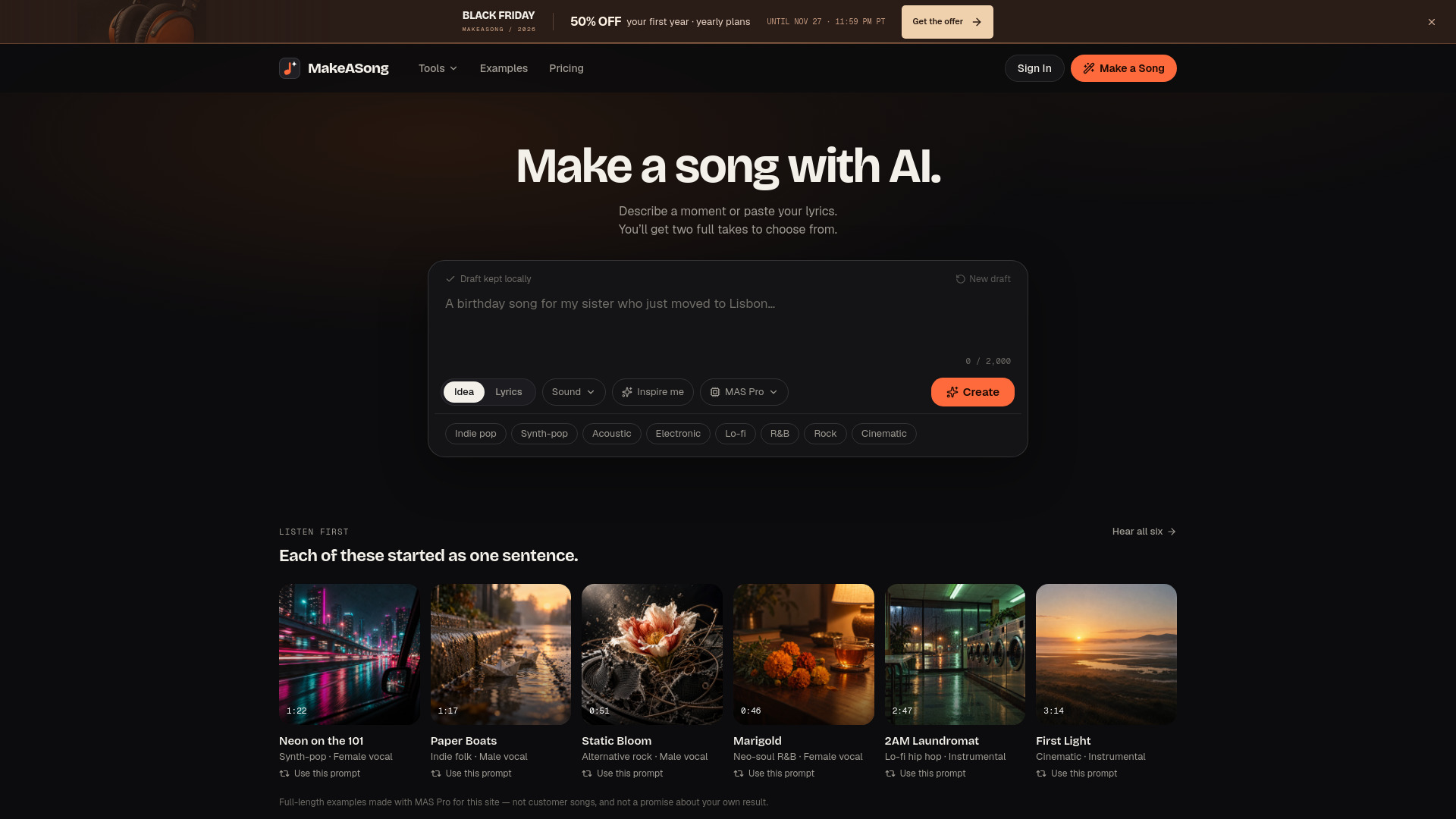
MakeASong is an AI-powered platform for generating complete songs, lyrics, instrumentals, covers, and lyric videos. It allows users to create full songs with vocals or instrumentals from a simple text description or their own lyrics. The platform offers both free tools (no account required) and credit-based song generation, with 80 free credits upon sign-up.
How to use MakeASong
- Describe your song idea in the prompt field (e.g., a moment, feeling, or story) or paste your own lyrics.
- Optionally, specify the sound by entering genre, mood, instruments, or voice preferences, or select from preset tags like Indie pop, Synth-pop, Acoustic, etc.
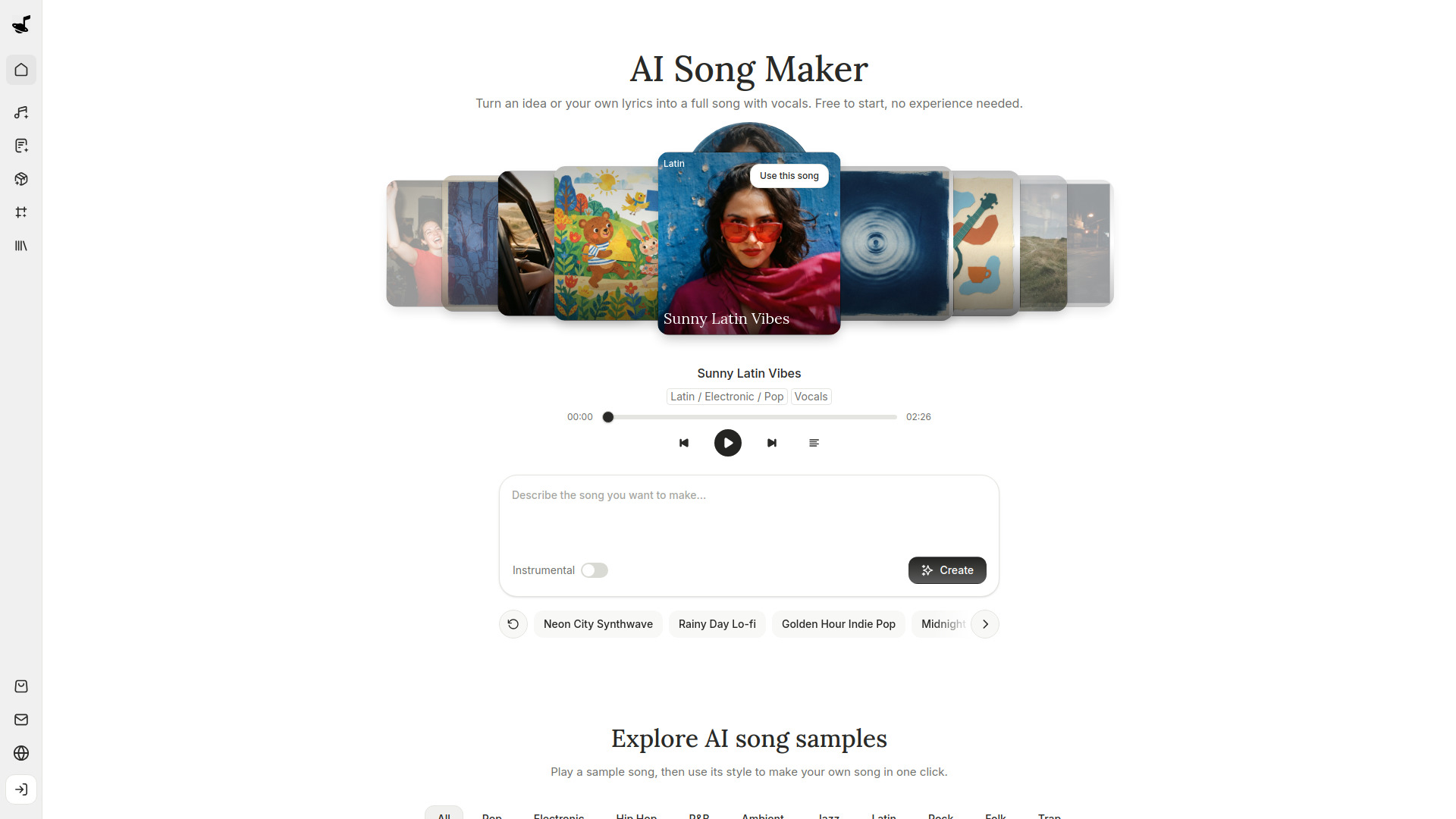
- Toggle the Instrumental switch if you want a song without vocals.
- Click the Create button to generate two full song takes.
- Review both versions and choose the one that fits best; both are saved in your library under one request.
Features of MakeASong
- AI Song Generator: Create two full songs from one idea.
- Lyrics to Song: Turn your own words into sung tracks in two takes.
- AI Rap Generator: Generate rap songs with beats.
- AI Instrumental Generator: Produce beats and background music without vocals.
- AI Song Cover: Recreate your song in a new style.
- AI Song Extender: Continue a song from any point.
- Lyric Video Maker: Create synced lyric videos from any song.
- Music Visualizer: Generate beat-synced videos in eight visual styles.
- Free Tools (no credits needed): AI Lyrics Generator, Rap Lyrics Generator, Band Name Generator, Rap Name Generator, Song Title Generator, Vocal Remover.
- Draft saving: Edit as a guest with drafts stored in your browser.
- Private by default: Songs are private unless shared.
Use Cases of MakeASong
- Creating personalized songs for occasions like birthdays or anniversaries.
- Turning original lyrics into fully produced tracks.
- Generating instrumental background music for videos, podcasts, or focus sessions.
- Producing rap songs with custom beats.
- Making lyric videos for social media or personal projects.
- Experimenting with different musical styles by covering existing songs.
- Extending song ideas into full-length compositions.
FAQ
Can I make a song without writing lyrics?
Yes. Use the idea field to describe a subject, scene, or feeling, and the AI writes the lyrics. If you have existing lyrics, use the Lyrics to Song workspace for a dedicated editor.
How long should my song idea be?
One to three sentences is sufficient. Include who or what the song is about, one concrete detail, and the desired feeling. Longer descriptions may blur the result.
Can I make an instrumental without words?
Yes. Switch on Instrumental in the sound options and describe the mood and instruments. Instrumentals are ideal for intros, background music, and focus tracks.
Why does each request return two takes?
The same input can be performed differently. Two versions help you choose the best fit, and both are grouped under one request in your library.
Can I keep a draft without signing in?
Yes. You can edit as a guest, and drafts are stored in your browser. However, clearing browser data may remove them, so keep a separate copy of important lyrics.