
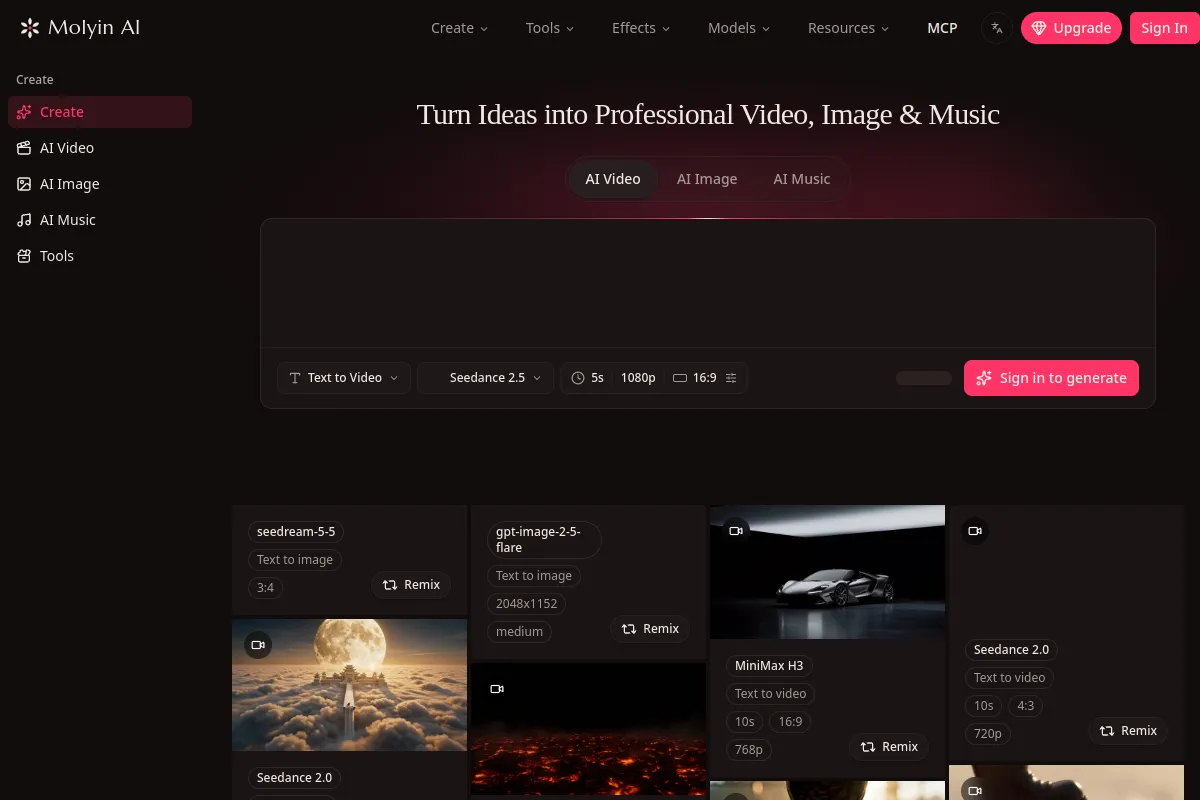

Molyin AI
AI Music Generator
Generate videos, images, and music from prompts or references in one workspace using shared credits and a centralized asset library.
Check pricingVisit site

AI Developer Tools
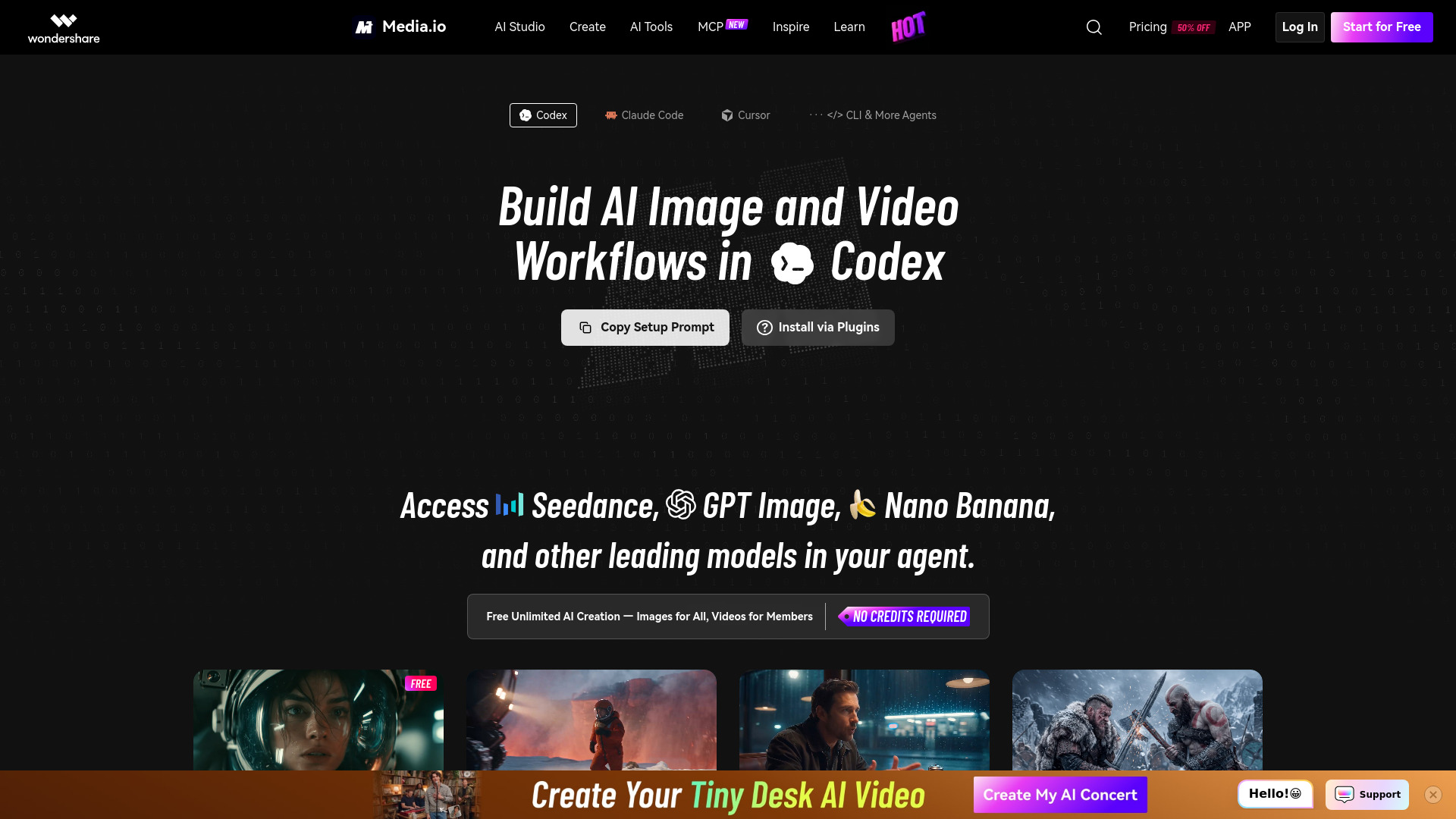
Media.io MCP connects compatible AI agents to multiple AI image and video generation models. Create stunning visuals with simple prompts, enjoy 100% free image generation with eligible models, and unlock credit-free video creation for qualifying members.
Explore other tools in related categories.
AI Music Generator
Generate videos, images, and music from prompts or references in one workspace using shared credits and a centralized asset library.

AI Ad Creative
An AI studio for creating and refining images, videos, voice, and music.
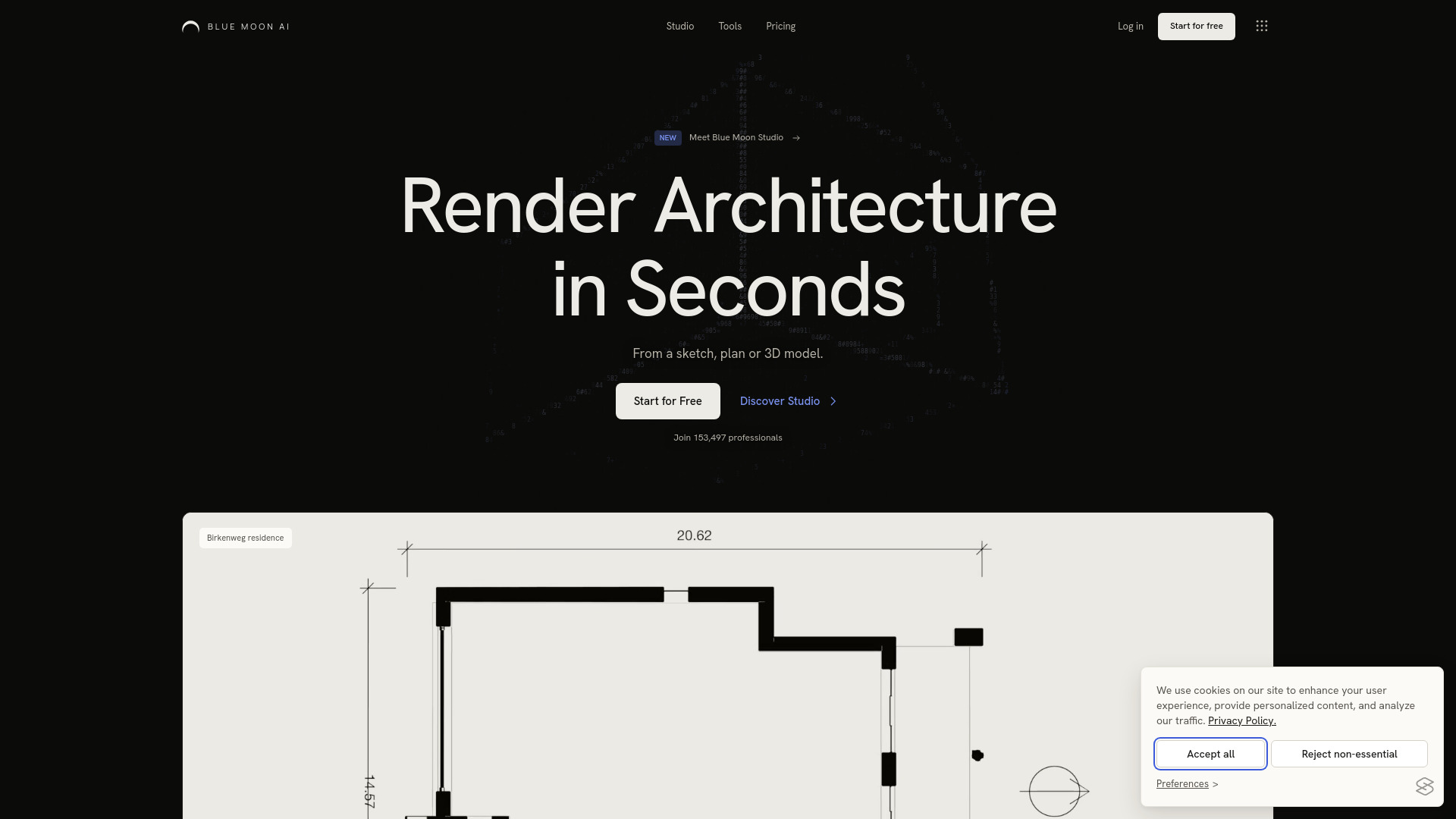

AI Floor Plan Generator
AI architecture visualization with project-based Studio and image tools
Media.io MCP is an integration that connects compatible AI agents to Media.io's AI image and video generation capabilities through the Model Context Protocol (MCP). It allows users to create AI-generated images and videos directly within supported AI agent workflows, such as Claude Code and Codex. The service provides access to multiple AI generation models, enabling text-to-image and text-to-video creation with simple prompts.
What is Media.io MCP? Media.io MCP is an integration that connects compatible AI agents to Media.io's AI image and video generation capabilities through the Model Context Protocol (MCP).
What can I create with Media.io MCP? You can use Media.io MCP to create AI-generated images and videos within supported AI agent workflows, using the generation capabilities available through Media.io.
Does Media.io MCP support Claude Code and Codex? Media.io MCP is designed to connect with compatible MCP clients. Claude Code and Codex integration depends on the supported setup method and client configuration.
How do I get started with Media.io MCP? Follow the Media.io MCP setup instructions for your supported AI client, complete any required account authentication, and start creating images or videos through your connected workflow.