Newsletter
Join the Community
Subscribe to our newsletter for the latest news and updates

Task-based workspace for MiniMax H3 AI video generation
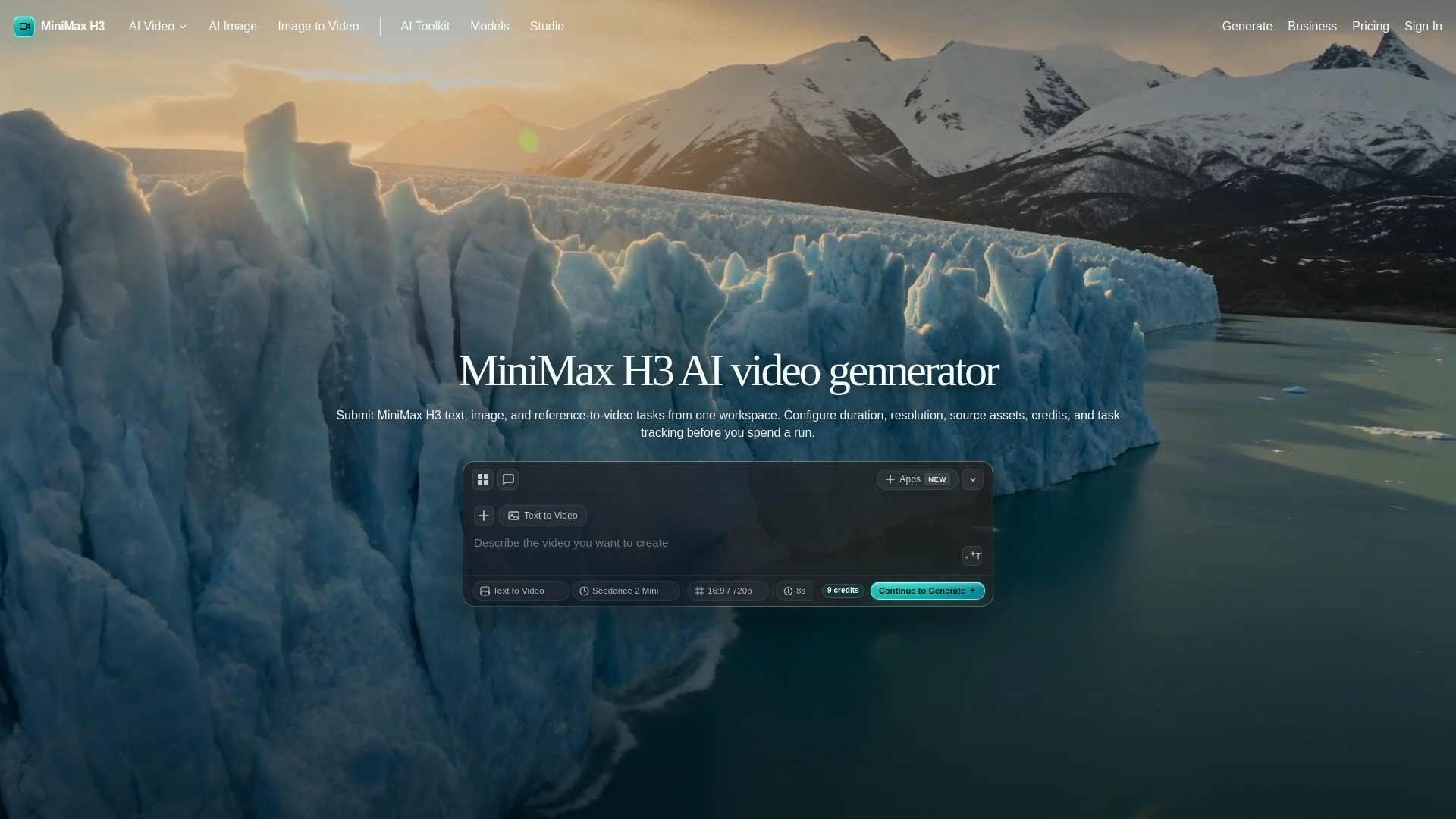
MiniMax H3 Studio is a web-based workspace for generating AI videos using the MiniMax H3 model. It supports text-to-video, image-to-video, and reference-to-video workflows, allowing users to submit jobs, track their status, and download the resulting videos.
Pricing is credit-based. The interface shows credit estimates before generation, and costs vary based on model, duration, resolution, and reference inputs. Specific pricing plans are available on the pricing page.
What is MiniMax H3 Studio? It is a web workspace that connects MiniMax H3 generation routes to account credits, uploads, provider task creation, polling, and result downloads.
Does it support the official KIE task format? Yes. The backend maps requests to minimax-h3/text-to-video, minimax-h3/image-to-video, and minimax-h3/reference-to-video task payloads.
Can I use more than one reference? For reference-to-video requests, the backend accepts arrays for reference images, videos, and audio files when those URLs are public HTTPS assets.
What happens after I click generate? The app checks authentication and credits, stores a generation record, submits the provider job, then polls status until the task completes or fails.
Why do some jobs refund credits? If a provider submission or tracked task fails before a usable result is delivered, the credit ledger can create a refund entry for that generation.
What settings matter most? Duration and resolution drive cost and output expectations. Reference jobs also depend heavily on the clarity and compatibility of the supplied source media.