
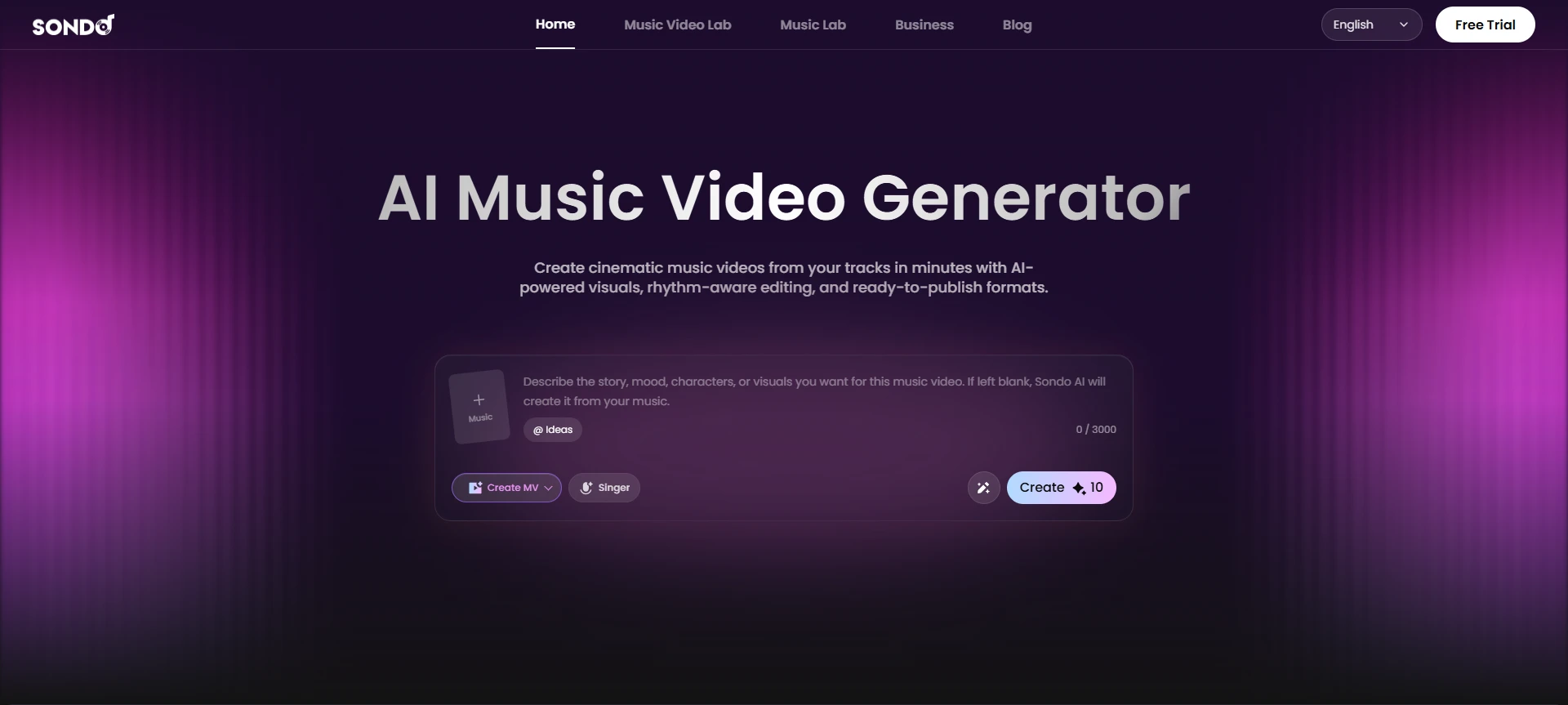

Sondo
AI Music Generator
AI platform for creating music and rhythm-matched music videos
Check pricingVisit site

AI Music Generator
AI workspace for generating videos, images, voiceovers, music, and audio
Explore other tools in related categories.
AI Music Generator
AI platform for creating music and rhythm-matched music videos
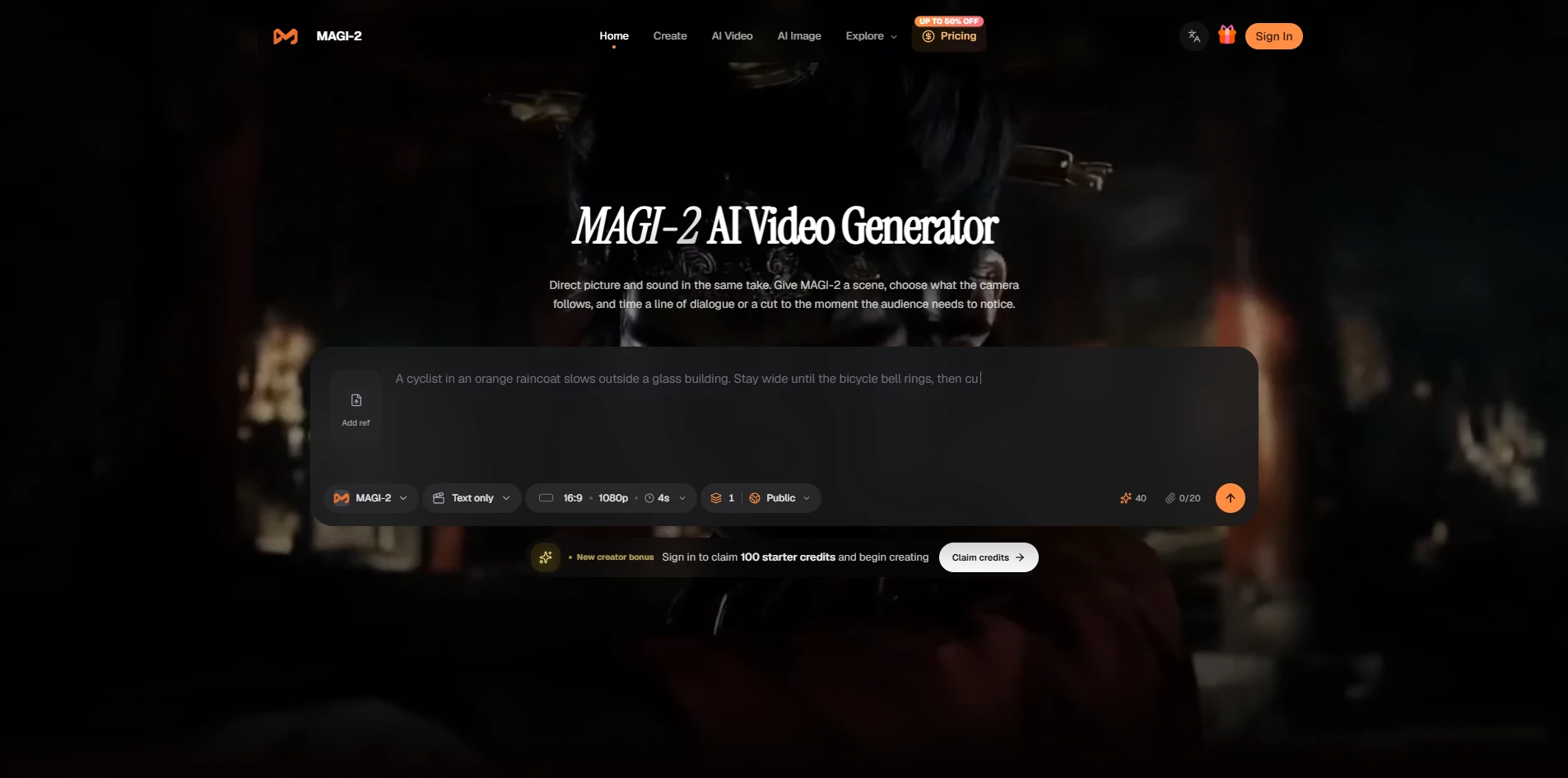

Image to Video
AI video creation and editing with directed visuals, dialogue, sound, and shot timing
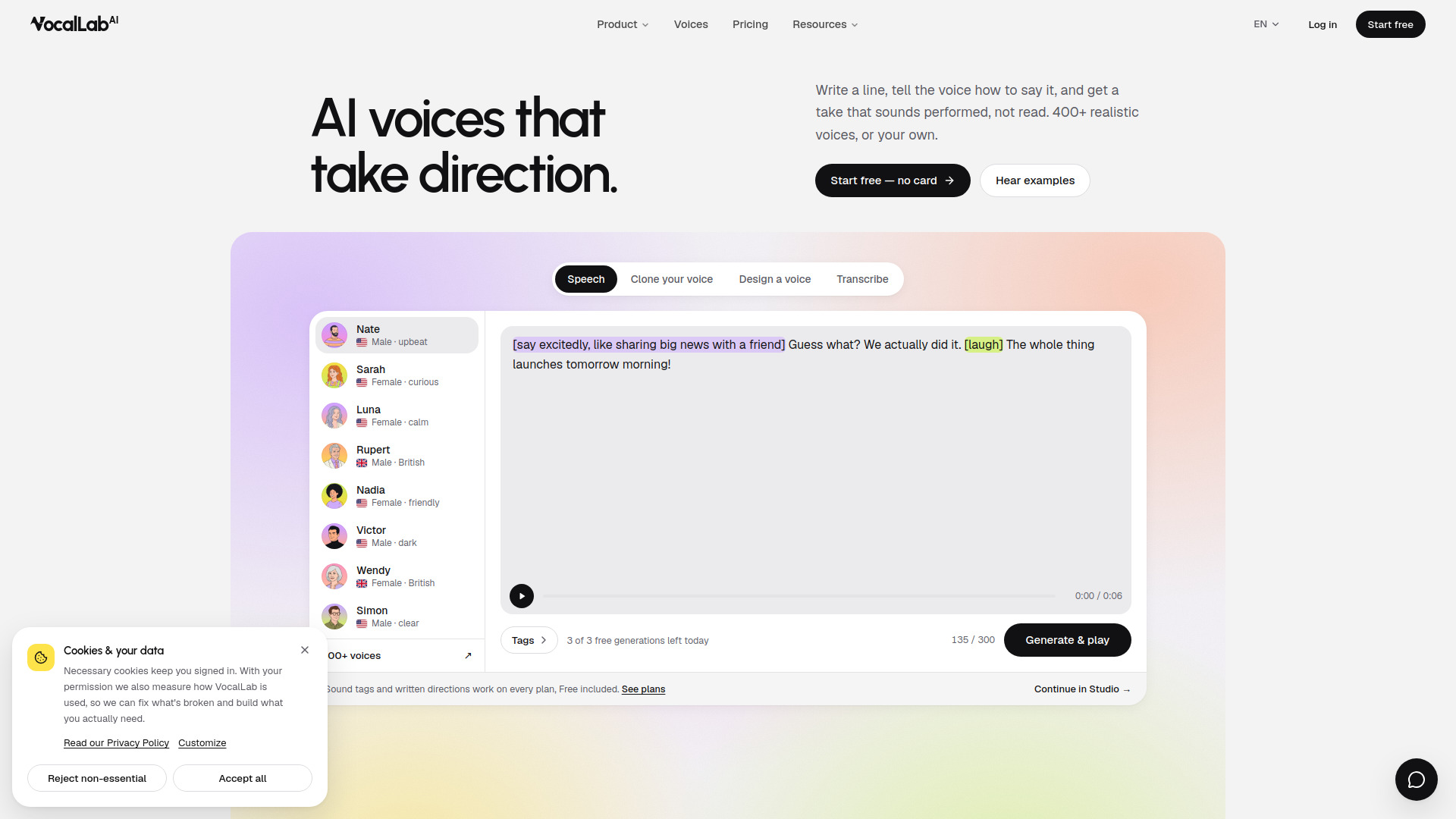

AI Voice Over
AI voices that take direction: text to speech, voice cloning, audiobooks, podcasts and dubbing in one studio.
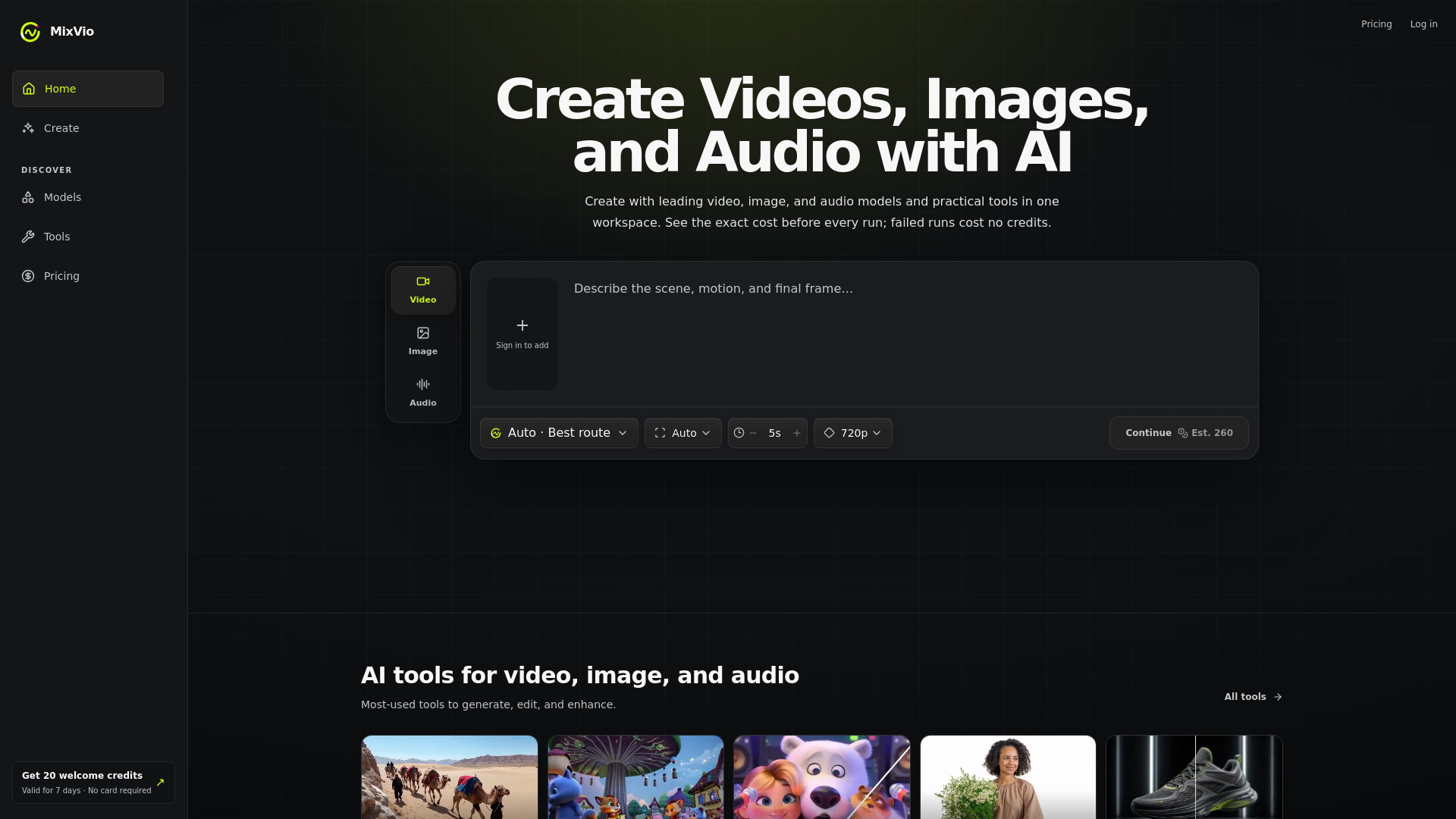
MixVio AI is an AI-powered creative workspace that enables users to generate videos, images, and audio in one place. It integrates leading models like Seedance, Kling, Veo, GPT Image, and Seed Audio, along with practical tools for editing and enhancement. The platform emphasizes transparent credit costs, with exact costs shown before each run and no credit charged for failed attempts.
MixVio AI offers a free plan with 20 welcome credits (valid for 7 days). Paid plans (Starter, Pro, and Ultra) provide subscription credits that expire at the end of each billing period and do not roll over. Purchased credit packs remain usable until their own expiry. Exact credit costs for each model and tool are displayed before submission. Failed runs do not consume credits. For detailed plan pricing and model costs, refer to the Pricing page.
What can I create on MixVio? You can create short videos from text or a reference image, product-ready images and edits, voiceovers in multiple languages, and original music. Live routes include Seedance, Kling, Veo, GPT Image, and Seed Audio.
Can I try MixVio for free? Yes. Every new account receives 20 welcome credits valid for 7 days, with no credit card required.
Does the Free plan add a watermark? Yes. Free Plan image outputs include a visible MixVio watermark, and Free voiceovers include an audible MixVio disclosure. Paid plan exports do not add a MixVio plan watermark.
Do I have to choose a model? No. Auto recommends a compatible live model for your task, or you can choose one manually.
Can I upload my own images, video, or audio? Yes, on routes that accept references—image-to-video, edits, and other tools that ask for a source file. Uploads stay private to your workspace.
How do credits work? Every model and tool shows an integer credit cost before you submit. A task reserves that quote, settles it on success, and releases the reservation if the run fails.
What if a generation fails? The failed task stays visible with a safe error message, and reserved credits are automatically released so you can retry or switch routes.
What happens to credits and creations if I cancel? Paid creations stay accessible long-term after cancellation. Subscription credits expire at the end of each billing period and do not roll over; purchased credit packs stay usable until their own expiry.
Are my uploads or results public? No. Uploads and generated results stay in your private workspace and are not listed publicly.
Can I use outputs commercially? Paid plans include commercial use of outputs you create on MixVio, subject to the Terms of Service. Free-plan outputs are for evaluation and are not for commercial publishing.