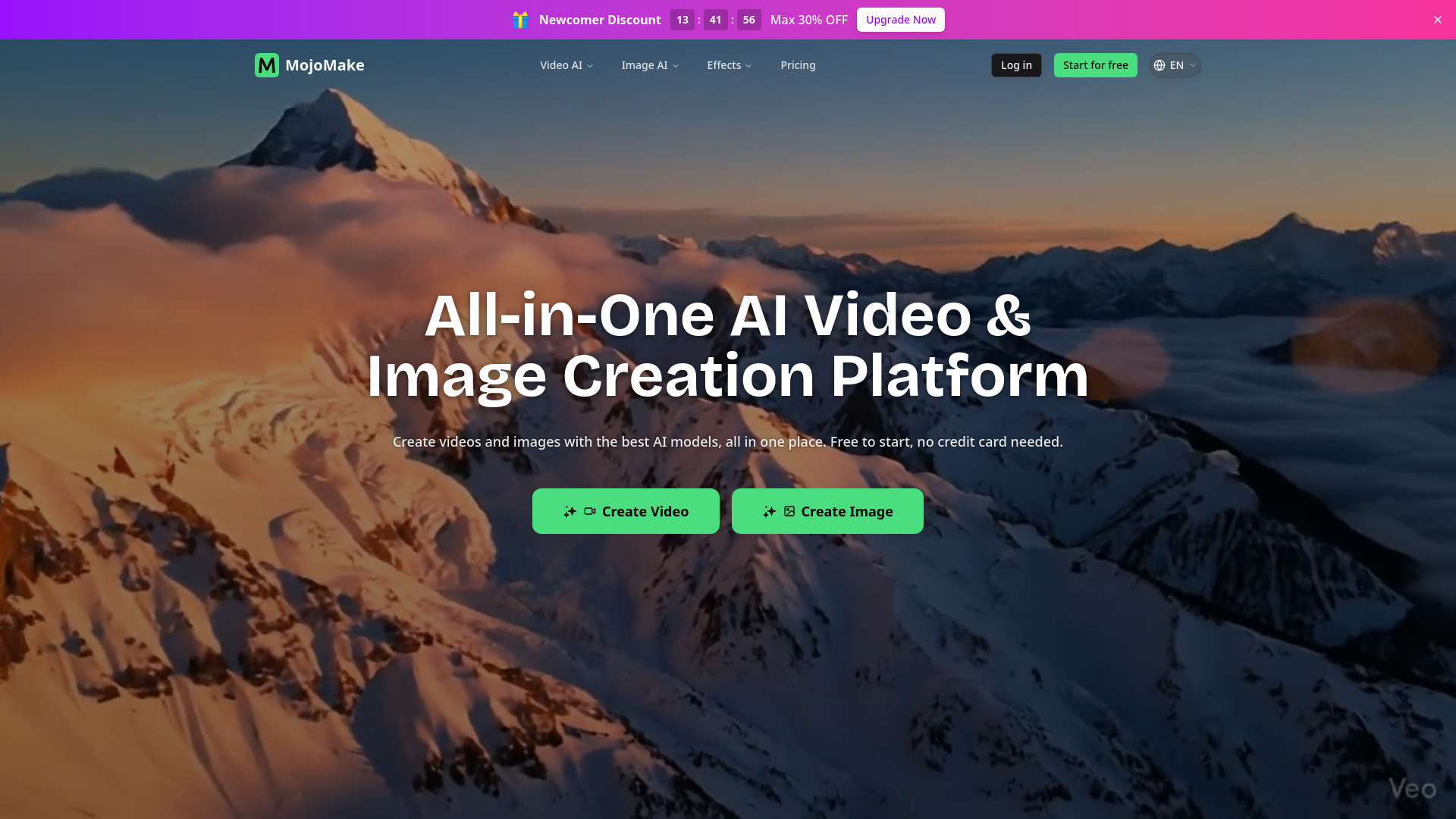
What is MojoMake All-in-One AI Video & Image Creation Platform
MojoMake is a comprehensive AI-powered platform designed for creating videos and images. It offers access to various leading AI models, including Google Veo, Runway, Kling AI, and OpenAI Sora, all within a single, unified interface. The platform aims to simplify the content creation process, making it accessible to users without requiring design skills or complex software.
How to use MojoMake All-in-One AI Video & Image Creation Platform
While a detailed step-by-step guide is not explicitly provided, the platform's functionality can be inferred from its features:
- Choose a Feature: Select the desired creation tool, such as Image to Video, Text to Video, Reference to Video, or Text to Image.
- Provide Input: For video creation, this may involve entering a text description or uploading an image. For image creation, a text prompt is typically used.
- Select AI Model: Choose from a range of available AI models (e.g., Veo, Sora, Kling, Nano Banana, Flux).
- Generate Content: Initiate the creation process by clicking a 'Generate' button.
Features of MojoMake All-in-One AI Video & Image Creation Platform
- Unified AI Model Access: Integrates top AI models like Veo, Sora, Kling, Runway, Hailuo, Nano Banana, and Flux in one dashboard.
- AI Image to Video: Transforms static images into moving videos, allowing for AI motion and custom camera movements.
- AI Text to Video: Generates videos from text prompts, supporting various AI models for cinematic output.
- AI Reference to Video: Creates videos using reference images to maintain character consistency and style.
- AI Text to Image: Generates high-quality images from text prompts, supporting custom aspect ratios and 4K export.
- AI Image to Image: Restyles and reimagines photos using AI, applying artistic filters or changing styles.
- Commercial Rights: Users retain full commercial rights to generated content.
- High-Quality Output: Supports 4K image export and 1080P HD video export.
- User-Friendly Interface: Designed for users of all skill levels, requiring no prior design or technical expertise.
- Free Trial: Offers free credits for new users to test the tools.
Use Cases of MojoMake All-in-One AI Video & Image Creation Platform
- Social Media Content: Creating engaging videos and images for platforms like TikTok and YouTube.
- Marketing and Advertising: Generating professional videos and images for ads and promotional campaigns.
- Storytelling: Producing visual clips for stories, films, or series.
- E-commerce: Creating product videos quickly and cost-effectively.
- Design Projects: Assisting freelance designers with visual content creation.
- Personal Creative Projects: Bringing creative ideas to life without specialized software.
Pricing
The platform offers a free trial with credits for new users. For continued use, there are monthly subscription plans and pay-as-you-go credit packs available. Specific pricing details are not listed in the provided content.
FAQ
- What is MojoMake AI Video Generator? MojoMake is an all-in-one AI creative platform that integrates top AI models like Google Veo, Runway, Kling AI, and Sora into a single dashboard, allowing users to generate professional videos and images without complex software or coding skills.
- Is MojoMake free to use? Yes, new users receive 10 free credits to try the tools, which can be used for AI videos (with watermark) or images. Monthly subscriptions and credit packs are available for more extensive use.
- How do I create AI videos with MojoMake? Choose a feature (e.g., Text-to-Video, Image-to-Video), provide input (description or photo), select an AI model, and click 'Generate'.
- Which AI models are supported? Supported models include Google Veo, Runway, Kling AI, OpenAI Sora, Hailuo AI (MiniMax), Nano Banana, and Flux.
- Do I need design skills to use MojoMake? No, the platform is designed to be intuitive and user-friendly for beginners and professionals alike.
- Can I use the videos & images for commercial purposes? Yes, users have full commercial rights to the content generated on MojoMake.
- How long does video generation take? Videos are typically generated in seconds to minutes, often under 60 seconds, with real-time progress tracking and notifications.