Newsletter
Join the Community
Subscribe to our newsletter for the latest news and updates

AI tool that turns images into videos with motion prompts
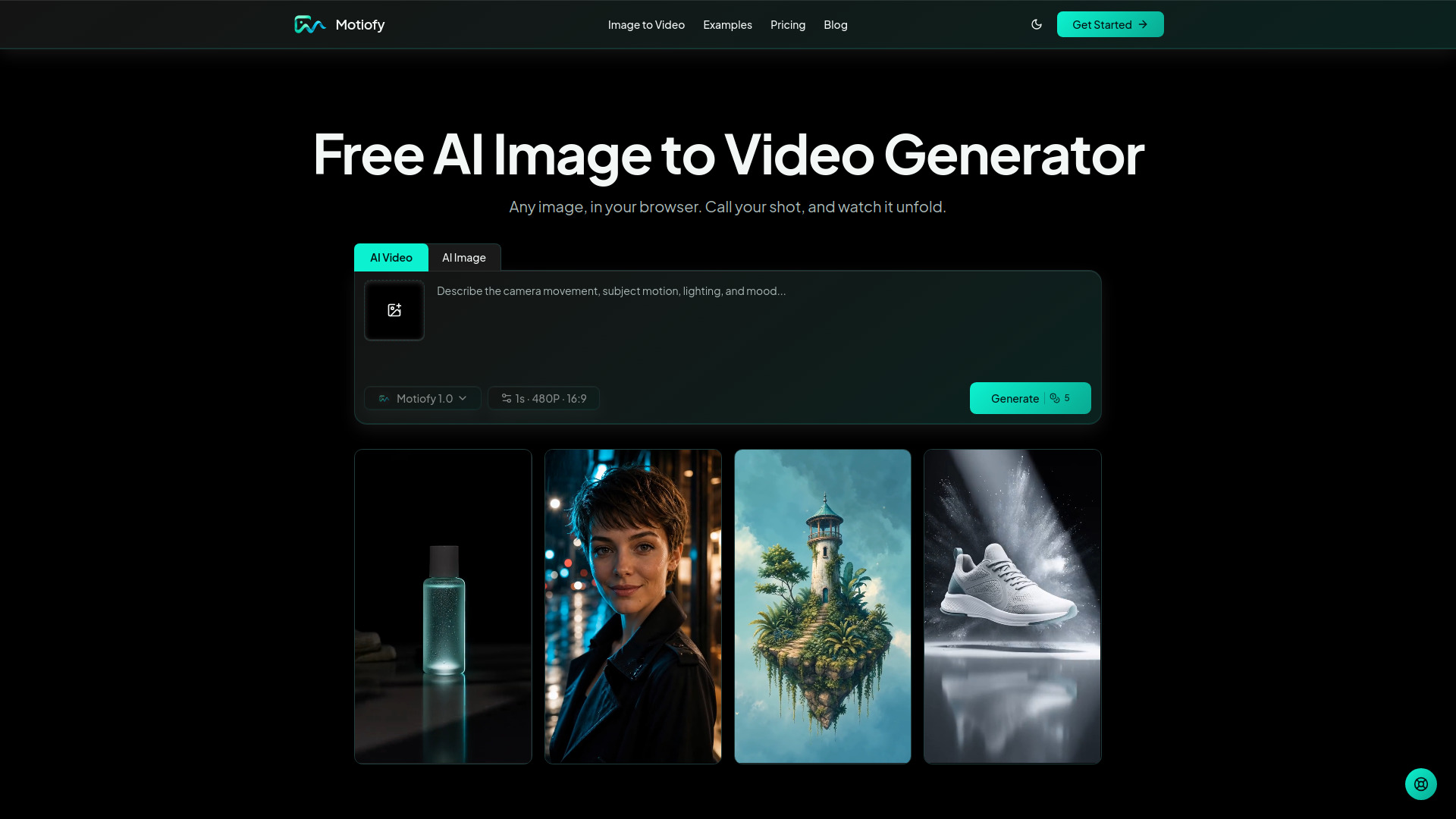
Motiofy is a free online AI image to video generator that turns any still image into a short moving clip. Users upload a photo, describe the desired motion in plain English, select an AI model, and generate a video in minutes. It supports JPG, PNG, and WebP images and offers both single-frame and start/end frame options. New accounts receive free credits with no credit card required.
What is an AI image to video generator? An AI image to video generator uses an image and prompt to create a short moving clip. You describe the intended subject, camera, lighting, or environmental motion, and the selected model generates the result.
Which image formats can I upload? Upload JPG, PNG, or WebP images. The upload area shows the current size limit as you go.
Can I generate a video from a single image? Yes. Choose Single Frame, upload an image, write a motion prompt, and select an image-to-video model that is available to your account.
What are start and end frames? Set an opening frame and a closing frame, and Motiofy fills in the motion between them. This option appears whenever your chosen model supports it.
Which AI video models are available? Motiofy brings together leading AI video models in one place, so you can match the model to the job. The generator always shows the models currently available to you, with supported inputs and controls for each.
How are credits calculated? Credit estimates are calculated from the selected model and supported settings, such as duration. Review the estimate shown in the generator before submitting a task.
How long does it take to turn an image to video? Generation time depends on the selected model, duration, resolution, and provider queue. You can leave the page and review the task status later in My Creations.
Is there a free image to video generator plan? Yes. Every new account gets free credits to try Motiofy's image to video generation. No credit card required. Free creations are stored for 14 days.
Is Motiofy free to use online? Yes. Motiofy runs online in your browser, and every new account gets free credits to try image to video generation. No download and no card required.
Do I need video editing skills? No. If you can upload a photo and write a sentence, you can turn an image to video. There is no timeline, no keyframes, and nothing to install.
Can I use the image to video generator on mobile? Yes. The online generator works in a mobile browser, so you can turn an image to video from your phone or tablet.
Where can I find my generated videos? Signed-in users can review generation status and retained results in My Creations. Retention depends on the active plan and is shown with each creation.
Can I use generated videos commercially? Outputs created on a paid subscription may be used commercially under Motiofy's Terms of Service, subject to your rights in the input and any applicable third-party rights. Free-plan outputs are for personal, non-commercial use.
What happens to my uploaded images and generated files? Motiofy processes your uploads and prompts to provide the requested generation, including through third-party AI providers. We do not use your content to train AI models. Free-plan content is normally retained for up to 14 days; review the Privacy Policy for full details.