What is Music Video Generator - SoundBoost
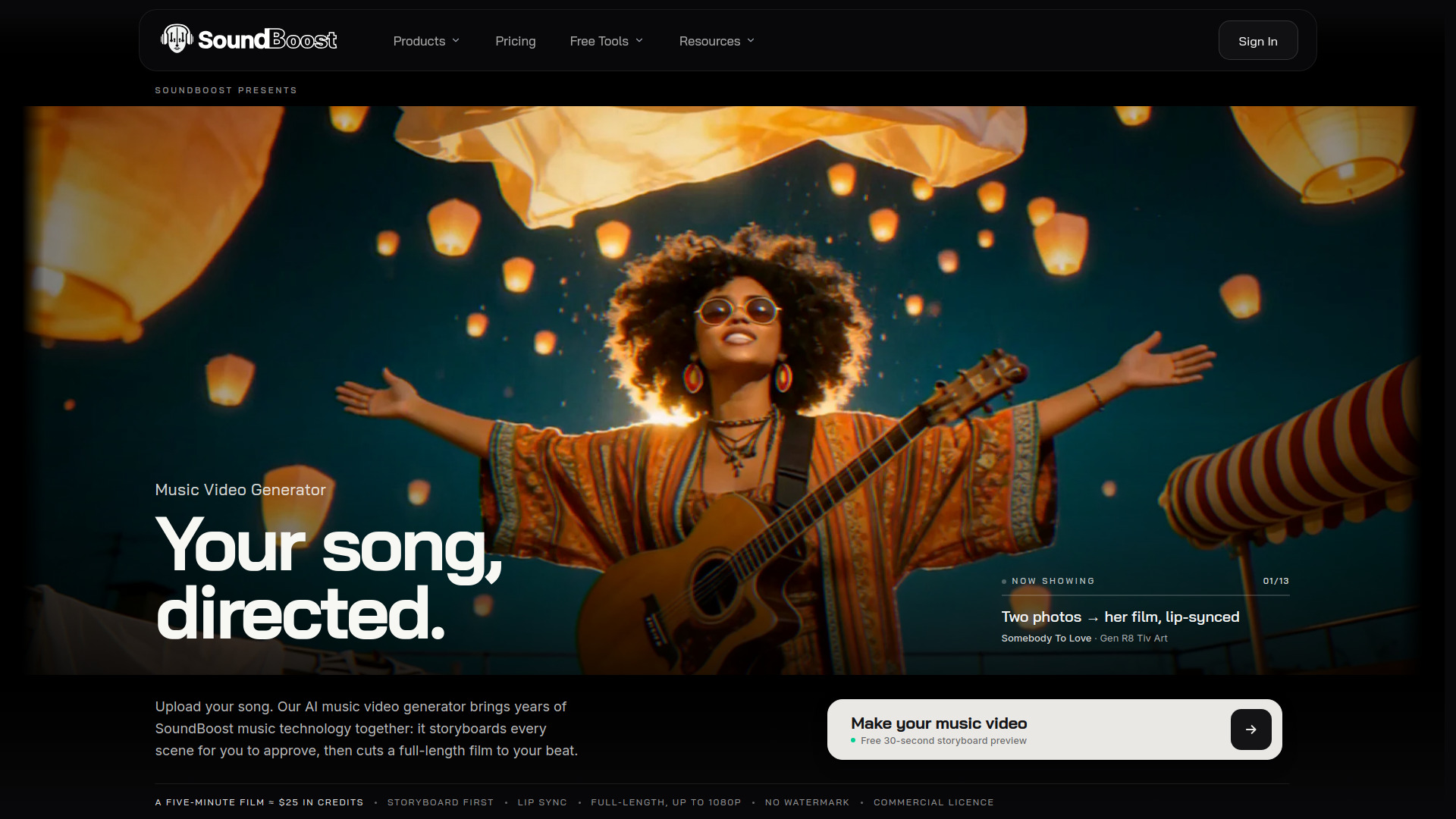
SoundBoost's AI Music Video Generator turns a finished song into a full-length music video. It analyzes the track's tempo, bars, sections, drops, kick, and vocal, writes a single storyline for the whole song, presents each scene as a still for approval, then films and cuts the video to the beat. The result is a 16:9 widescreen film up to 1080p, delivered as an MP4 download with no watermark and a commercial licence.
How to use Music Video Generator - SoundBoost
- Upload your song as an audio file (WAV, MP3, FLAC, AIFF, M4A, AAC, or OGG, up to 1 GB). Songs made with Suno, Udio, or any DAW work the same way.
- Optionally add a line of direction, a reference picture, photos of the singer, or nothing at all. You can also tick the lyrics option to have vocals transcribed and used as story material.
- Tick lip sync if you want the singer's mouth to follow your actual vocal in performance scenes.
- Review the storyboard scene by scene. Retake or edit images, rewrite a scene's story, upload your own frame, or retake its video.
- Approve the storyboard and the film is rendered. Scenes are shot in parallel, and a full-length film is usually ready in about twenty minutes. You can close the page; an email arrives when the film is ready.
- Download the MP4, watch it in the browser, and optionally use the creator pack with stems, clean cut, and editor timeline with beat markers.
Features of Music Video Generator - SoundBoost
- Turns a song (MP3, WAV, FLAC, M4A, AAC, OGG, AIFF) into a full-length music video
- Storyboard of stills to approve before motion is rendered
- Lip sync on the singer's vocal in performance scenes
- Consistent main characters from your own photos (one to three characters per film, each built from up to five photos)
- Reference images and named looks that hold for the whole song
- Edit cut to the beats, bars, and sections of the track
- 16:9 film up to 1080p, MP4 download, no watermark, commercial licence
- Creator pack with stems, a clean cut, and an editor timeline with beat markers
- Fast or Cinematic motion quality options
- Animated styles including watercolour, ink drawing, gouache, screen print, clay animation, anime-style, or photoreal
- Scenes remain editable after the film is made; untouched scenes reuse clips at no charge
Use Cases of Music Video Generator - SoundBoost
- Releasing an official music video for a song on YouTube, streaming services, and social media
- Creating a lip-synced performance video using the artist's own vocal
- Building a narrative film around a song's lyrics or a written direction
- Making animated music videos in styles such as watercolour, clay animation, or anime
- Producing a music video from just a logo and a portrait, with no prompt required
- Generating a storyboard preview to visualize a song before committing to a full render
Pricing
- Free storyboard preview: A 30-second storyboard preview of your own song, as stills, two a day and four a month on a free account.
- Starter plan: $39.00 per month for 2,000 credits per month. Credits never expire.
- Creator plan: $69.00 per month for 4,000 credits per month. Credits never expire.
- Director plan: $119.00 per month for 8,500 credits per month. Credits never expire.
- Professional plan: $249.00 per month for 18,000 credits per month. Credits never expire.
For scale: a 5:03 film with 74 scenes comes to roughly 1,700 credits at 768p Cinematic quality, storyboard included. Fast or 480p motion costs fewer credits, and every step shows its price before you approve it. A five-minute film is approximately $34 in credits.
FAQ
What is an AI music video generator? An AI music video generator, or music video maker, makes a full music video from a finished song, no crew needed. SoundBoost hears the track first (tempo, bars, sections, drops, kick and vocal), writes one storyline for the whole song, shows you each scene as a still to approve, then films it and cuts it to the beat.
How do I make a music video from my song? Start with the song as an audio file, such as an MP3 or a WAV. Add a line of direction, a reference picture or some photos of the singer, or nothing at all. Go through the storyboard scene by scene, retake what you don't like, then approve, and the film returns cut to your song as an MP4.
Is the music video generator free? Partly. You can sign up free and make a 30-second storyboard preview of your own song: two a day, four a month (eight with a SoundBoost mastering or stem-splitter membership). Full storyboards and finished films use credits from a Music Video plan, and every price is shown before anything is spent.
How much does a music video cost? Plans start at $39 a month during the launch discount (regularly $59) for 2,000 credits, and credits never expire. For scale: Off, a 5:03 film with 74 scenes, comes to roughly 1,700 credits at 768p Cinematic quality, storyboard included. Fast or 480p motion costs fewer credits, and every step shows its price before you approve it.
Can the music video lip sync to my vocals? Yes. Tick Lip sync when you upload the song, and in every scene where the singer performs on camera, their mouth follows the vocal of your actual track, from synth-pop to thrash metal. It runs at Cinematic quality and needs a sung vocal, so instrumentals never lip-sync. During the launch promo it adds nothing to a scene's motion price.
Can I put my own face in the music video? Yes. Give the main character a few photos and the same face stays recognisable from the first scene to the last, strongest in close and medium shots. Depending on the plan, a film can carry one to three main characters, each built from up to five photos. Album covers, artwork and location photos set the world around them.
Do I need to write a prompt? No. Off began as nothing more than a logo and a portrait, without a single word of direction. A sentence, a named look such as "Wes Anderson pastel symmetry", a full treatment in your own language, reference images or the song's lyrics can all steer the film. None is required.
Which audio files work? Can I use a Suno or Udio song? Upload WAV, MP3, FLAC, AIFF, M4A, AAC or OGG, up to 1 GB. Songs made with Suno, Udio or any DAW work the same way: export the finished track as an audio file and upload it. You need the rights to the song.
How long does it take to generate a music video? The storyboard preview takes a few minutes, and scenes appear as they are ready. After you approve the storyboard, a full-length film is usually ready in about twenty minutes, because every scene's motion is shot in parallel. You can close the page while it renders; an email arrives when the film is ready.
How long can the video be, and in what quality? The film always covers the whole song, first bar to last, so it runs as long as your track. Loud passages get quick cuts and quiet ones long takes. Films are 16:9 widescreen, up to 1080p: watch them in the browser or download the MP4, with no watermark. You choose Fast or Cinematic motion before rendering.
Can it make an animated music video? Yes. The look follows your references and direction, so a film can be watercolour, ink drawing, gouache, screen print, clay animation, anime-style or photoreal. The showcase includes a clay-puppet film, a teapot-headed trumpeter in 1970s gouache and a darkwave film drawn in the artist's girlfriend's ink.
Can I use the music video commercially and on YouTube? Yes. Every film carries a commercial licence: release it as your song's official video on YouTube, on streaming services and across social media. You need the rights to the music you upload. If a film looks realistic, YouTube asks you to tick its AI-content disclosure in YouTube Studio.
Can I change scenes after the film is made? Yes. Every scene stays editable: retake or edit an image, rewrite a scene's story, upload your own frame, or retake its video, then regenerate the film. Every take is kept. Scenes you did not touch reuse their clips at no charge, so you only pay for the new motion and the render.
What do I get besides the video? With an active Music Video plan, every finished film comes with a creator pack at no credit cost: the full-quality video, a clean cut without VFX or grade, the VFX layer, every still and clip, cast portraits, the storyboard document, the song as lossless WAV, its stems, transcribed lyrics, and a Premiere, Resolve or Final Cut timeline with beat markers.
Can it make a music video from my lyrics? Yes, as raw material rather than captions. Tick the lyrics option and the vocals are transcribed and handed to the director as material for the story and its scenes; you can also quote lines in your direction. You get a directed film rather than a lyric video, so no words are printed on screen.
How is SoundBoost different from other music video generators? Many tools stretch audio-reactive visuals, stock footage or one animated photo over a track. SoundBoost writes a story for the whole song, shows every scene as a still before you pay for motion, keeps your character consistent, and cuts on the beats and sections of your actual audio file.