What is myaudiotools
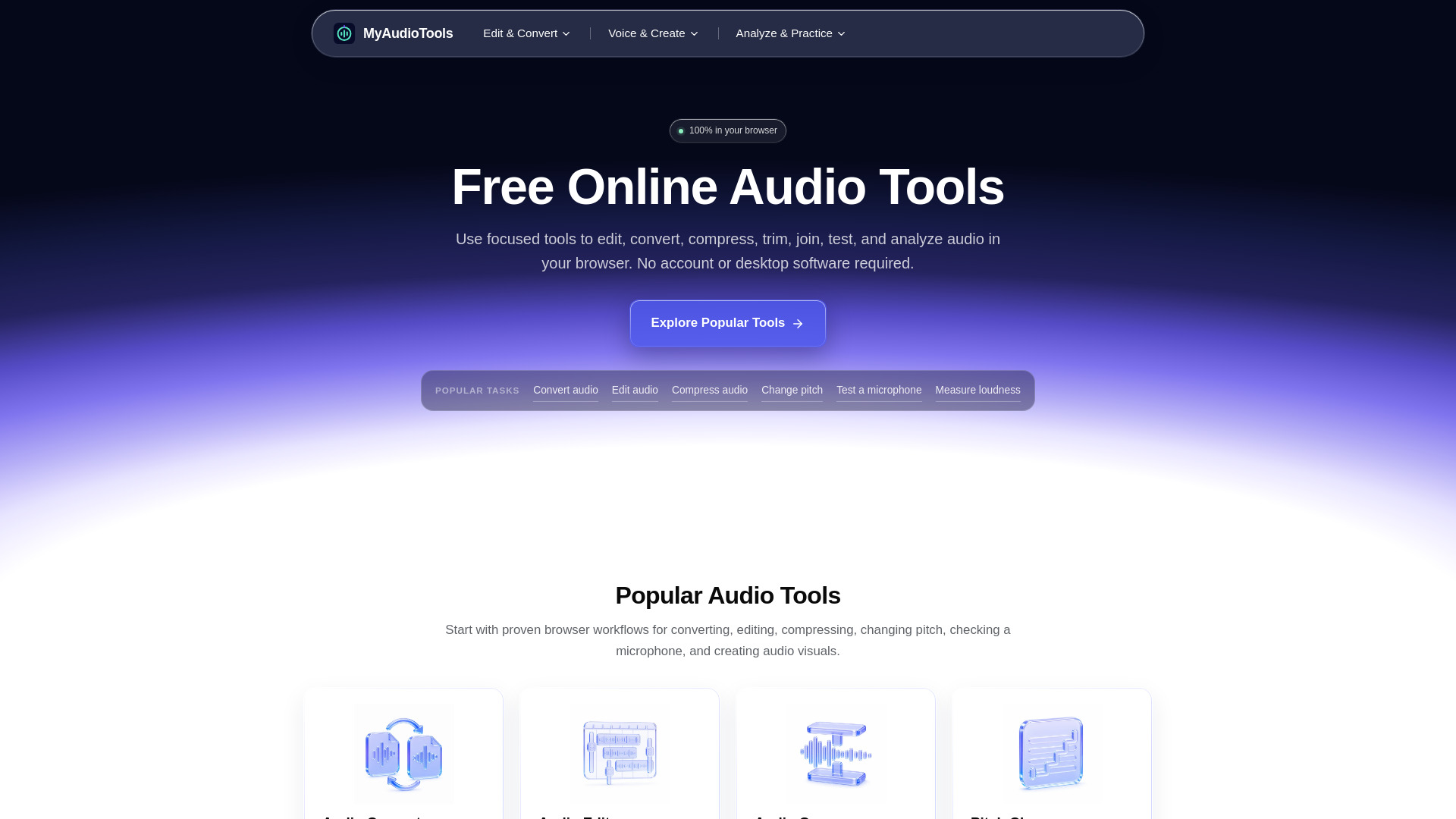
MyAudioTools is a curated collection of free online audio tools for creators, musicians, podcasters, students, and anyone working with sound. Each page focuses on one task, so you can solve a problem quickly without learning a full editing suite. The tools run in your browser, and files selected from your device are processed locally whenever the tool supports browser processing. No account or desktop software is required.
How to use myaudiotools
- Choose one focused tool that matches the exact task you need instead of opening a full desktop editor.
- Add audio or start live: choose a file, record with your microphone, or use a live input when the tool supports it.
- Review and download: preview the result, refine the settings, and download or export in an available format.
Features of myaudiotools
- Edit and convert audio online: Cut, join, compress, normalize, reshape, and export audio with focused tools for everyday file workflows.
- Create and work with voice: Generate speech, tune or transform vocals, make beats, and build reusable sounds without installing software.
- Analyze music and practice: Find chords, key, tempo, and loudness; tune instruments; and check microphones, headphones, or speakers.
- Private by default: Files selected from your device are processed in your browser whenever the tool allows it.
- No account required: Open a tool and begin without creating a profile, starting a trial, or installing an app.
- Practical controls: Use clear settings, live previews, comparisons, and export options designed around a single task.
- Built for common formats: Workflows cover MP3, WAV, M4A, FLAC, OGG, AAC, Opus, and supported audio from video files.
- Responsive design: The site is responsive and many tools work on modern mobile browsers.
Use Cases of myaudiotools
- Edit a recording, convert a file, compress an MP3, generate speech, identify a song's BPM or key, tune an instrument, and export the result from the same browser-based toolkit.
- Convert between popular formats such as MP3, WAV, M4A, FLAC, OGG, AAC, AIFF, WMA, Opus, and AMR.
- Use the main converter for format changes, then edit, compress, trim, join, or analyze the result with a focused browser workflow.
- Extract audio from video files (MP4, MOV, AVI, MKV, WEBM, FLV, or WMV) entirely in your browser.
- Detect monophonic pitch, clean up timing, transpose notes, preview the result, and export a standard MIDI file.
- Generate speech with 28 American and British voices, adjust speed, preview, and export MP3 or WAV.
- Upload or record speech, generate timestamped text, edit the transcript, and download TXT or SRT.
- Build 16- or 32-step patterns with classic kits, BPM, swing, effects, and audio export.
- Find BPM from a song, loop, or recording, review confidence, and compare half-time or double-time readings.
- Analyze a song, loop, acapella, instrumental, or recording locally, then review confidence and compatible keys.
- Detect chord changes, review a synchronized timeline, correct labels, and export a TXT or CSV chord chart.
- Analyze complete audio files with EBU R128 loudness measurement in your browser.
- Use your microphone to tune guitar, bass, ukulele, cavaquinho, violin-family instruments, mandolin, balalaika, banjo, or any chromatic instrument.
- Measure beats per minute from your taps with timing consistency feedback.
- Use a live microphone or recording to measure your lowest note, highest note, octave span, and a range-based voice type estimate.
- Select an input device, watch the live level, record a short sample, and hear your microphone without uploading audio.
- Verify left and right output, stereo, bass, phase, microphone level, recording, and playback in your browser.
- Check six frequencies in each ear and compare both sides with an instant visual result.
- Run a guided high-frequency check or mark your cutoff during a continuous 20 Hz to 20 kHz sweep.
Pricing
The tools on MyAudioTools can be used without paying or creating an account.
FAQ
Are the online audio tools free?
Yes. The tools on MyAudioTools can be used without paying or creating an account.
Are my audio files uploaded to a server?
Files chosen from your device are processed locally whenever the tool supports browser processing. Optional cloud and public-link imports use the provider or import service you choose.
Which audio formats are supported?
Support depends on the tool and commonly includes MP3, WAV, M4A, FLAC, OGG, AAC, AIFF, Opus, WebM, and compatible audio tracks from video files.
Can I use these tools on a phone?
Yes. The site is responsive and many tools work on modern mobile browsers. Large files and heavier processing are usually more reliable on devices with more memory.
Do I need to install software or a browser extension?
No. The main tools run from the website in a modern browser. Some advanced browser features may depend on the device and browser you use.