LogoTop AI Hubs
icon of NanoClaw

NanoClaw

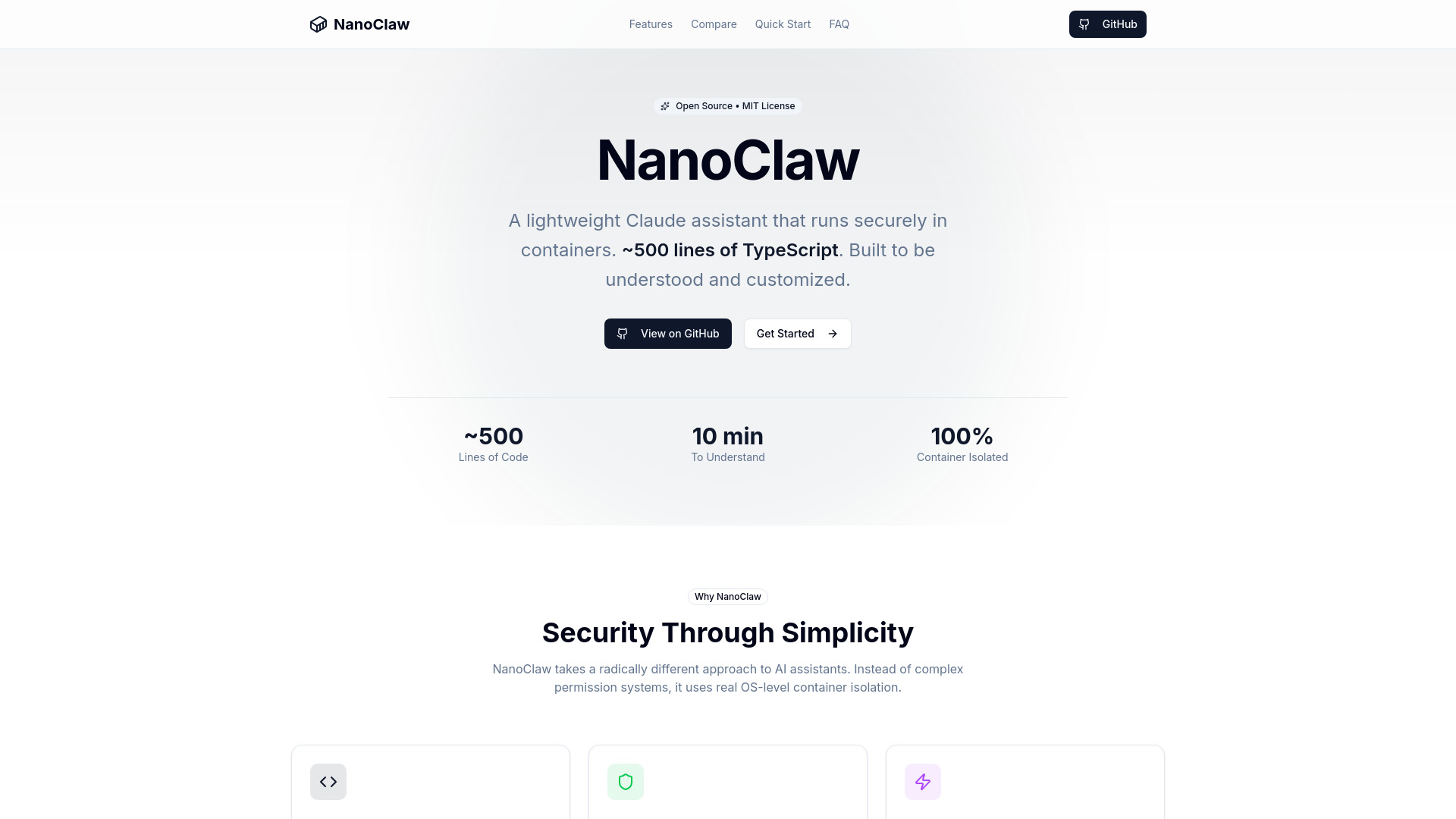
Lightweight, secure Claude assistant leveraging OS-level container isolation.

Introduction

What is NanoClaw

NanoClaw is a minimalist, secure Claude assistant that runs in OS-level containers. It is built with approximately 500 lines of TypeScript, emphasizing simplicity and customizability.

How to use NanoClaw
  1. Clone the Repository:
    git clone https://github.com/gavrielc/nanoclaw.git
  2. Enter the directory (This step is implied but not explicitly detailed).
  3. Use Claude Code for setup (no manual configuration needed).
  4. Setup (This step is implied but not explicitly detailed).
Features of NanoClaw
  • Small Codebase: Approximately 500 lines of core TypeScript code, designed to be easily understood.
  • Secure by Isolation: Utilizes OS-level container isolation (Apple Container on macOS, Docker on Linux) for sandboxing each chat.
  • Minimal Dependencies: Designed with very few external dependencies.
  • Customization: Built to be forked and modified directly, with the small codebase making changes safer.
  • WhatsApp Integration: Allows direct messaging with the Claude assistant from WhatsApp.
  • Container Isolation: Each chat runs in its own sandboxed environment.
  • Scheduled Tasks: Enables setting up recurring jobs for automated Claude execution.
  • Web Access: Includes built-in web search and content fetching capabilities.
  • Isolated Groups: Each group maintains its own memory and filesystem.
  • Skills System: Supports adding optional integrations like Gmail.
Use Cases of NanoClaw
  • Sales Pipeline Assistant: Schedule daily overviews of the sales pipeline.
  • Documentation Maintainer: Review git history and update README files.
  • AI News Briefing: Compile news on AI developments from various sources.
  • Email Management: Integrate with Gmail to manage inbox, draft responses, and summarize emails.
  • Smart Home Control: Connect to home automation systems and control devices via WhatsApp.
  • Research Assistant: Search the web, fetch content, summarize articles, and compile reports.
FAQ
  • Why WhatsApp and not Telegram/Signal? (Answer not provided in content)
  • Why Apple Container instead of Docker? (Answer not provided in content)
  • Can I run this on Linux? (Answer not provided in content)
  • Is this secure? (Answer not provided in content)
  • Why no configuration files? (Answer not provided in content)
  • How do I debug issues? (Answer not provided in content)
Requirements
  • Operating System:
    • macOS (Apple Silicon recommended)
    • Linux (x86_64 or ARM64)
  • Software:
    • Node.js 20+
    • Claude Code
    • Apple Container (macOS) or Docker

Newsletter

Join the Community

Subscribe to our newsletter for the latest news and updates