What is NovaVoice
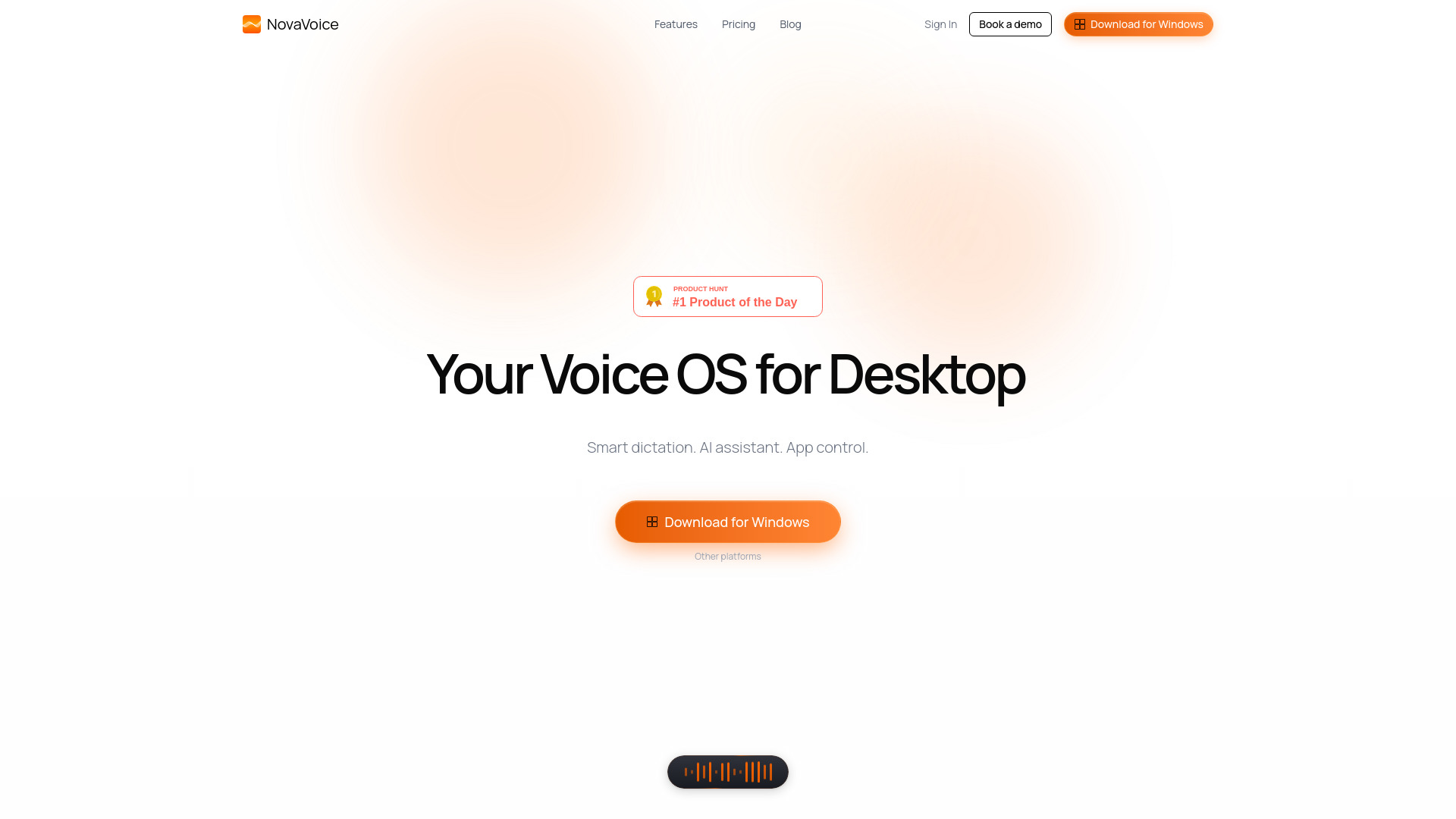
NovaVoice is a voice-powered productivity copilot for desktop that functions as an AI voice assistant and dictation tool. It enables high-speed cross-app productivity by allowing users to dictate text, format it with context-aware adjustments, and execute actions across various applications using voice commands.
How to use NovaVoice
NovaVoice can be used by speaking commands. The tool offers different modes:
- Dictation Mode: Speak to dictate text into any input field, with context-aware formatting.
- Formatting Mode: Reformat text instantly by stating the desired style (e.g., "make this text wittier").
- Agent Mode: Execute actions across third-party apps using voice commands. Users can ask questions to an AI assistant and fill forms using saved terms from a dictionary.
Features of NovaVoice
- AI-powered voice dictation (up to 200+ WPM)
- Context-aware text formatting
- Voice control for third-party apps
- AI voice assistant
- Terms dictionary for saving and inserting information like addresses or loyalty numbers
- App connectors for applications like Gmail, Slack, Notion, and Jira
- Action approval system, ensuring no actions are executed without user permission
- Works on macOS, Windows, and Linux
Use Cases of NovaVoice
- Dictating emails, documents, and messages at high speed.
- Instantly reformatting text to different styles (e.g., professional, casual, witty).
- Executing routine actions in applications like sending messages, reviewing code, or filling forms via voice commands.
- Asking an AI assistant questions about on-screen content or general knowledge.
- Quickly inserting saved terms like contact information or loyalty numbers.
Pricing
- Free Plan: Offers limited AI-powered voice dictation, limited formatting and personalization, limited connectors & actions execution, a terms dictionary, and a limited AI voice assistant.
- Standard Plan: Priced at $10/month (locked for life for the first 5,000 paying users). Includes unlimited AI-powered voice dictation, unlimited formatting, unlimited connectors & actions execution, a terms dictionary, and an unlimited AI voice assistant.
- Team Plan: Priced at $20/seat/month. Includes shared formatting styles and preferences, shared team dictionary, priority support, and centralized billing. It offers a discount per seat compared to the Standard plan.
FAQ
- Can I try it for free? Yes, there is a free plan with core features available without a credit card.
- How is my data handled? Privacy is taken seriously. OAuth 2.0 and secure authentication methods are used. Voice data is not stored without consent.
- What can I use Nova for? Dictating in any input field, executing app actions by voice, interacting with an AI assistant, and filling forms using saved terms.
- How can I contact you? Via email at hello@novavoice.app or through social links. Teams of 2+ seats can book a demo.
- Which devices does Nova work on? macOS, Windows, and Linux devices.