Newsletter
Join the Community
Subscribe to our newsletter for the latest news and updates

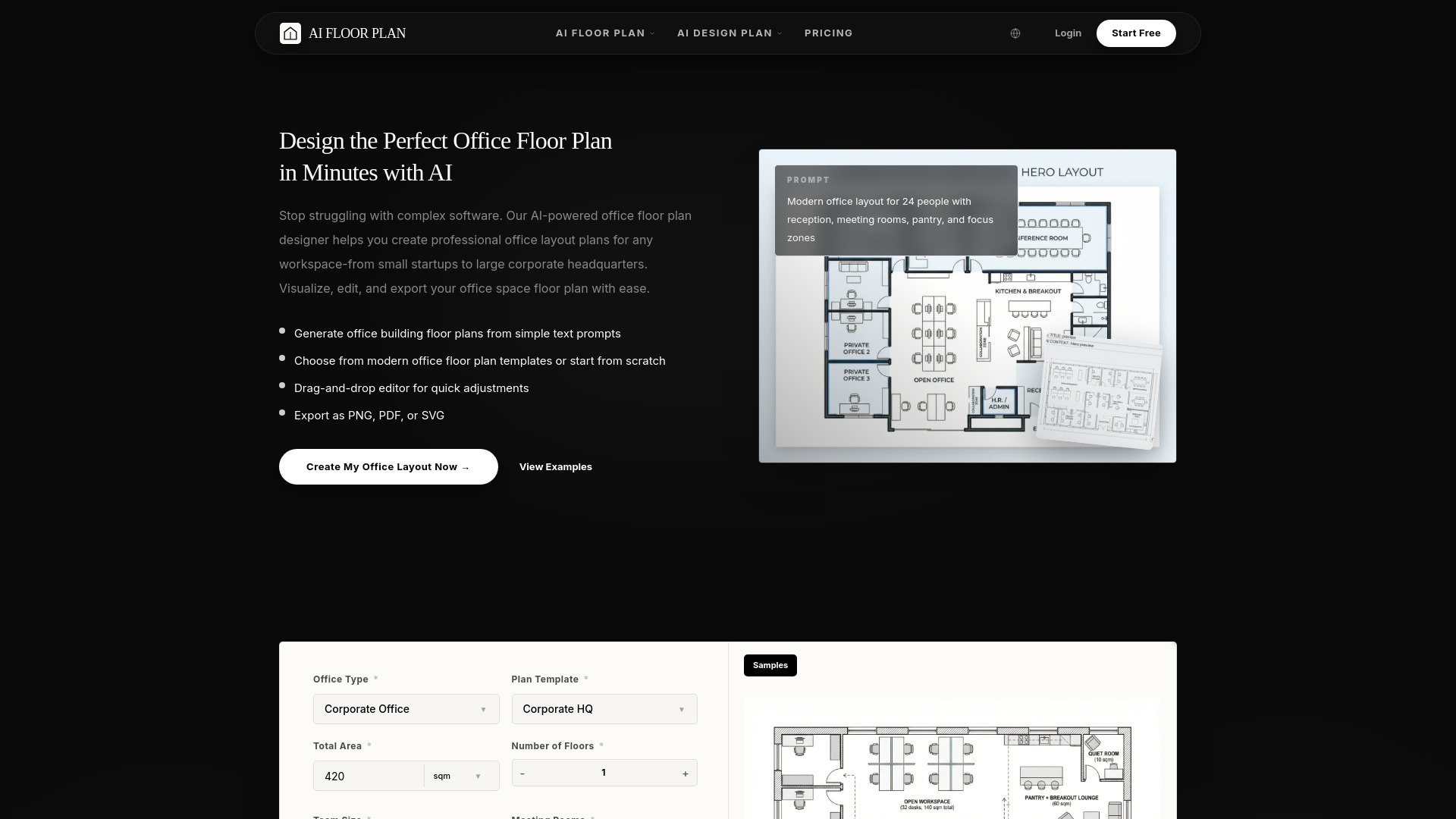
Floorplan AI is an intelligent online tool that allows users to instantly generate, customize, and visualize professional office floor plans using advanced AI technology. It simplifies space planning for interior designers, office managers, and business owners.
Floorplan AI is an intelligent online tool that allows users to instantly generate, customize, and visualize professional office floor plans using advanced AI technology. It simplifies space planning for interior designers, office managers, and business owners.
Do I need design experience to use the office floor plan designer? No. You can describe your needs in text, choose a template, or start from scratch. The AI handles the layout logic, and the editor is designed to stay approachable.
Can I create commercial office floor plans for multi-floor buildings? Yes. The workflow supports complex office building floor plans, including separate floor layouts that can be developed into larger multi-floor projects.
Is there a free version of the office floor plan designer? Yes. The workflow supports a free tier with basic features.
Can I export my office floor plan drawing for use in other software? Yes. The output can be exported as an image or PDF.
What types of office plan templates are available? Templates include modern office floor plan, executive office floor plan, administration office floor plan, corporate office floor plan, and other templates.
How accurate are the measurements in the office space floor plan? The workflow is designed around precise dimensions and scalable planning. Teams can input exact sizes, refine layouts, and use the output as a strong starting point.
Can I collaborate with my team on the office layout plan? Yes. The workflow supports collaborative review and iterative planning.
Is my office floor plan drawing data private and secure? Yes. The product assumes secure project handling and controlled access to designs.