


Scenetra
AI UGC Video Generator
AI image and video generation at the best price: 50+ models in one visual workspace, billed at provider cost with 0% markup.
Check pricingVisit site

AI Music Generator
OnlineVocalRemover.com is a free online AI vocal remover that helps users separate vocals from songs directly in the browser. No login, registration, or payment is required — simply upload an audio file and remove vocals online for free.
Explore other tools in related categories.
AI UGC Video Generator
AI image and video generation at the best price: 50+ models in one visual workspace, billed at provider cost with 0% markup.

AI Audio Enhancer
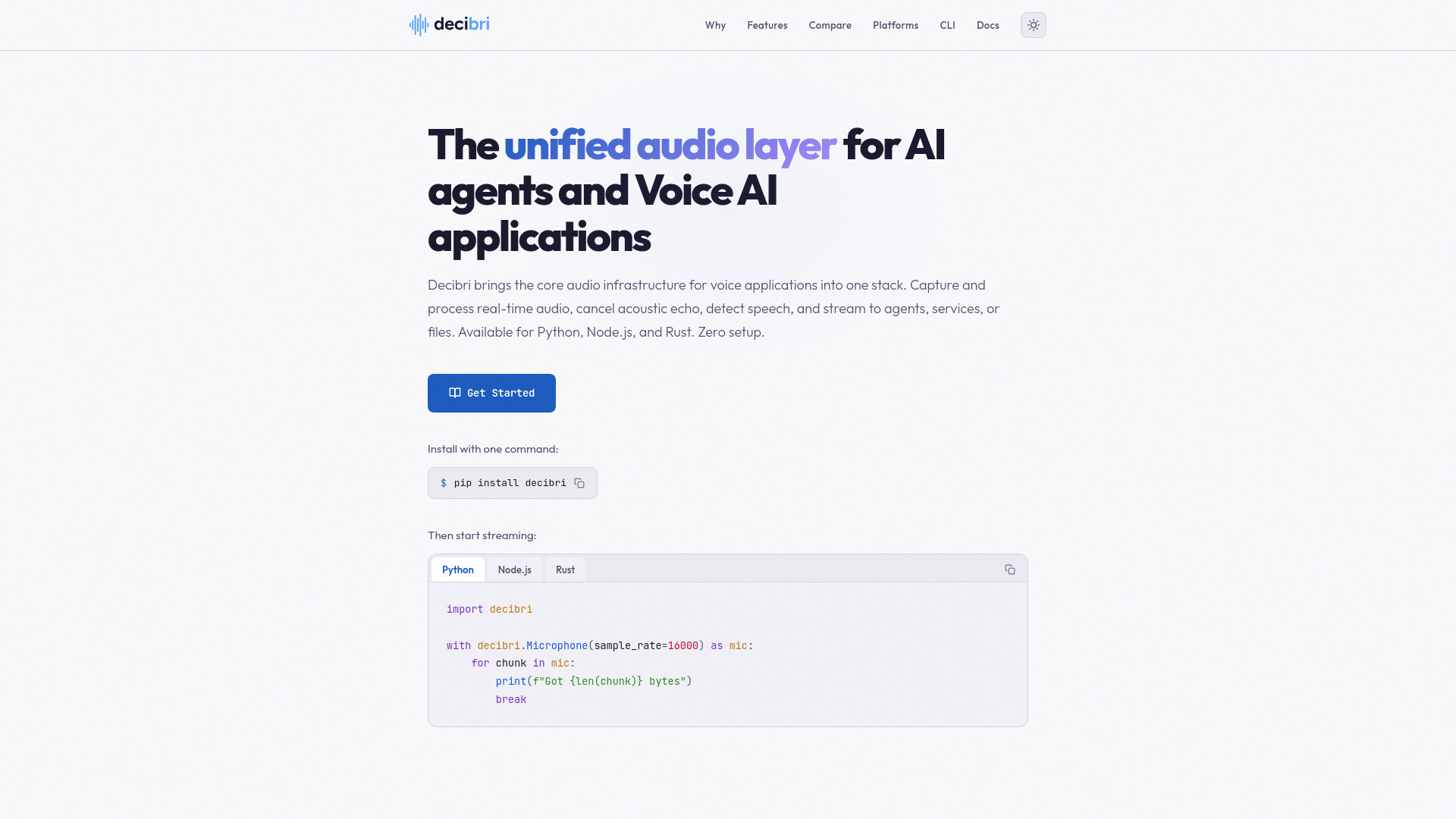
Decibri is a unified technology stack for developers building real-time Voice AI applications, intelligent agents, and interactive physical AI.
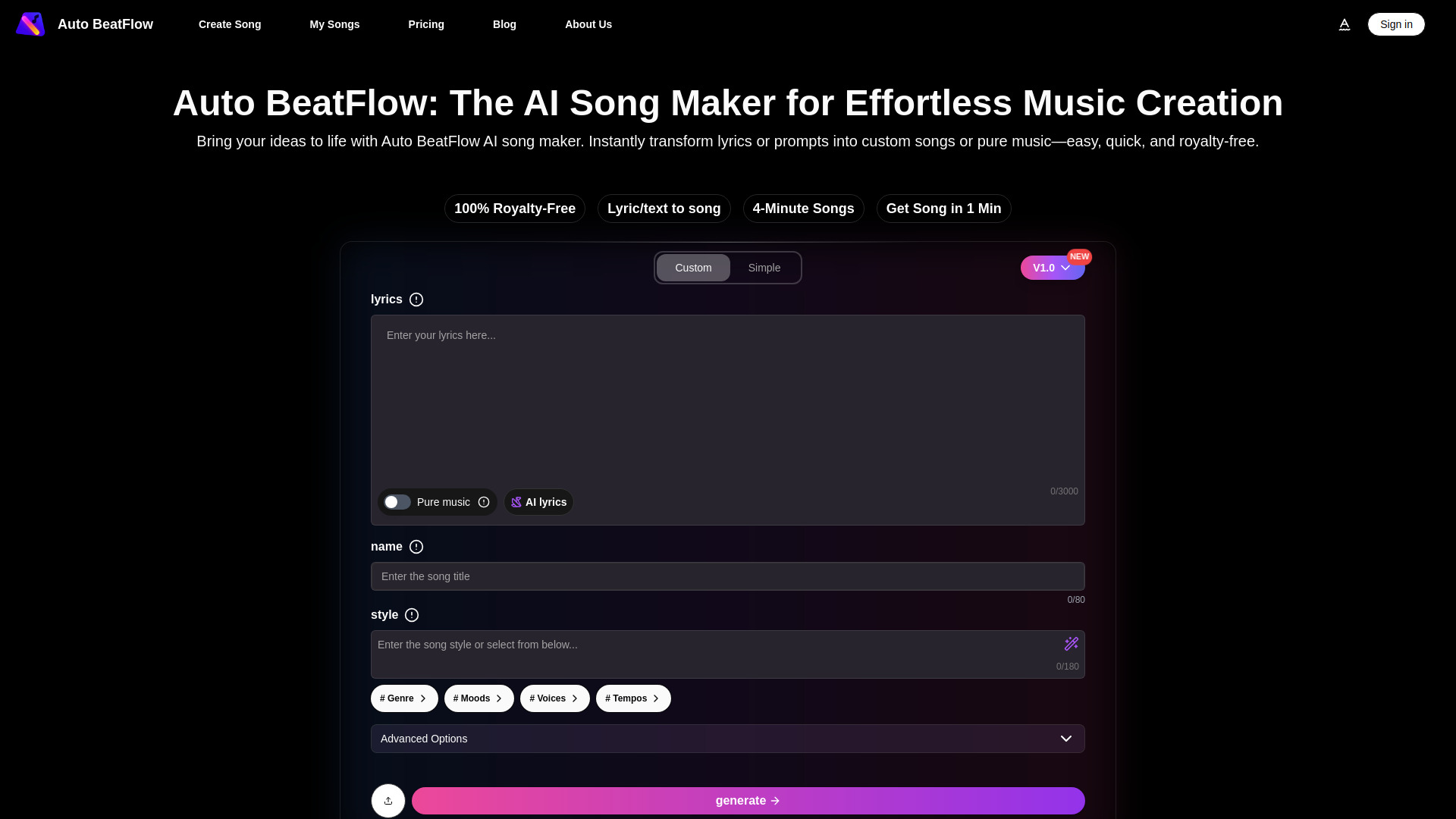

AI Music Generator
AI tool for creating songs and instrumentals from text or lyrics
Online Vocal Remover is a free web-based AI tool that separates vocals from songs directly in the browser. No login, registration, or payment is required to upload and process audio. It supports MP3, WAV, M4A, and OGG files up to 50 MB and outputs WAV stems.
Online Vocal Remover offers a free tier for processing and preview. Paid plans provide credits for downloading results. Annual plans are 50% off monthly rates.
| Plan | Monthly Credits | Price (Annual) |
|---|---|---|
| Basic | 1,200 credits | $7.49/month ($89.88/year) |
| Pro | 3,000 credits | $14.99/month ($179.88/year) |
| Premium | 6,000 credits | $24.99/month ($299.88/year) |
| Ultimate | 15,000 credits | $49.99/month ($599.88/year) |
What is an online vocal remover? A vocal remover is an audio tool that reduces or separates the sung voice in a song so you can create an instrumental or cleaner voice track.
How does AI separation work? Upload an audio file, start the separation process, and the service analyzes the mix to split the vocal layer from the instrumental layer. The vocal remover then returns stems for preview.
Which files can I upload? The uploader accepts MP3, WAV, M4A, and OGG, with a 50 MB limit.
Can I use it for karaoke? Yes. Many users create instrumental tracks for karaoke, cover practice, rehearsal, music lessons, and quick performance preparation.
Will it remove every voice perfectly? Results depend on the original mix. Dense mixes may keep faint vocal echoes, reverb tails, or backing harmonies.
How can I get a cleaner result? Use the highest quality source file you have, avoid heavily distorted recordings, and listen through the full instrumental before using it publicly.
Can it make acapella or remix material? The workflow is useful for remix drafts, acapella preparation, instrumental analysis, and hearing arrangement details hidden under the lead vocal.
Do I need to install software? No. The vocal remover runs in the browser, so you can upload audio and start processing without installing a desktop editor.
Is this only for removing vocals? Yes. This vocal remover site is focused on one core workflow: removing vocals from songs and audio files.