What is OpenShip
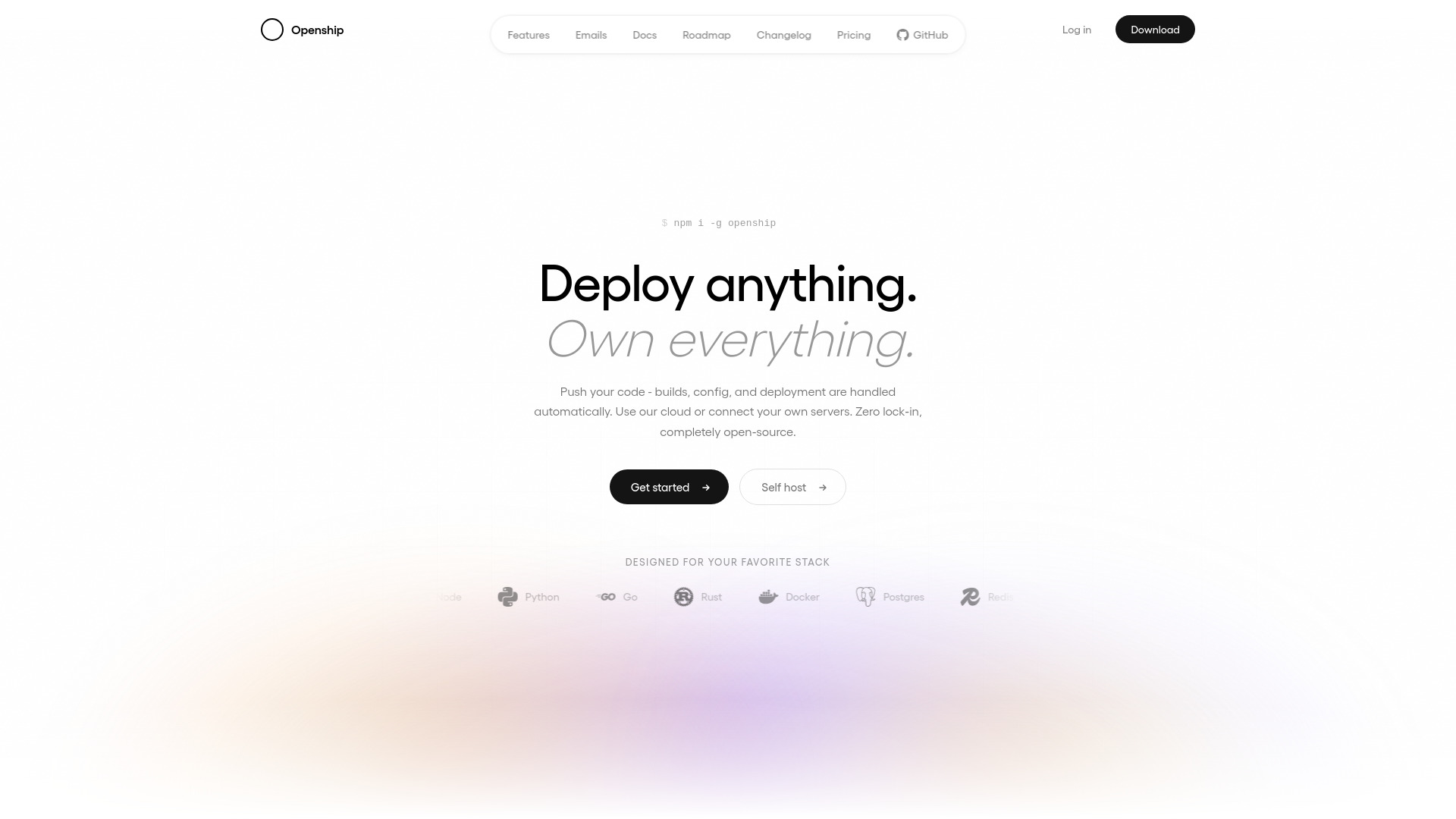
OpenShip is an open-source, self-hostable deployment platform that allows you to deploy applications on managed or self-hosted infrastructure. It automates builds, configuration, and deployment from a simple git push, with zero lock-in. The platform is designed to give you full control over your deployment environment, whether you use OpenShip Cloud or connect your own servers.
How to use OpenShip
- Connect: Link a Git repository and choose a target—either OpenShip Cloud or your own server via SSH. No agent or daemon is installed on your server.
- Build: On every push, the application image builds on your machine (or in the cloud), runs tests, and is tagged as an immutable, versioned artifact. Production servers remain focused on serving.
- Ship: The built image streams to the target over SSH and starts as a fresh container on an isolated private network—no exposed ports, no hand-written Docker or Compose files.
- Route: Domains are wired through OpenResty with automatic Let's Encrypt SSL, and traffic swaps to the new container with zero downtime. The previous version stays ready for rollback.
- Operate: Stream logs, watch metrics, and roll back to any previous version in one click—from the CLI, web dashboard, desktop app, or an AI agent over MCP.
Features of OpenShip
- Push-to-deploy: Every commit builds and ships, with branch environments included.
- Preview deployments: Every pull request gets its own URL, auto-torn down on merge.
- Local builds: Builds run on your machine, keeping production servers focused.
- Auto-detected stacks: Framework, language, package manager, and commands are automatically detected.
- Smart fixes: Common failures (missing imports, version drift) are diagnosed and patched.
- Instant rollbacks: Every deploy is immutable; revert to any version in one click.
- Auto-scaling: Horizontal scaling per service, scaling up on traffic and down when idle.
- Load balancing: Health checks, weighted routing, and sticky sessions built in.
- Live monitoring: Real-time charts and alerts for CPU, memory, network, and disk.
- Streaming logs: Live tail across services and replicas, with search, filter, and persistence.
- Scheduled jobs: Cron-like jobs with retries, visibility, and per-run logs.
- Zero-downtime deploys: Rolling restarts, blue-green, and connection draining are automatic.
- Custom domains: Unlimited apex and subdomains, with wildcard support.
- Free SSL: Let's Encrypt by default, with auto-renewing wildcard certificates.
- DNS management: Visual records and propagation, with domain verification in seconds.
- Edge routing: Global edge, anycast IPs, and low-latency routing.
- Private networking: Services communicate over an isolated network with no exposed ports.
- WebSockets: First-class support with persistent connections and sticky routing.
- PostgreSQL: Versions 14–17, daily backups, PITR, and scheduled upgrades.
- Redis: Cache or persistent, cluster mode, pub/sub, and streams.
- MongoDB & MySQL: Replica sets, sharding, automated upgrades, and migration tools.
- Object storage: S3-compatible buckets with signed URLs, lifecycle rules, and replication.
- Mail server: Transactional email from your domain with auto-configured authentication chain.
- CDN: Static asset acceleration with cache invalidation on deploy.
- CLI: A single binary covering deploy, logs, secrets, domains, and rollbacks.
- Web dashboard: Visual deploys, metrics, billing, and team access.
- Desktop app: Native Mac and Windows apps for pushing from local and streaming logs.
- MCP server: Drive deploys from AI agents like Claude or Cursor.
- Secrets vault: Encrypted at rest, environment-scoped, and rotatable without redeploying.
- Audit log: Every action is exportable and retained for compliance.
- Firewall: Default-deny inbound with per-service policies.
- Rate limiting: Per-route limits based on IP or token, with burst and sustained options.
- Security headers: HSTS, CSP, COOP, and COEP production defaults.
- DDoS protection: Edge-level mitigation with automatic challenge.
- Encryption: TLS everywhere, encrypted backups, and encrypted secrets.
- Compliance-ready: Logs and config suitable for SOC 2 and ISO 27001.
- Workspaces: Multiple organizations per account with isolated projects, servers, and members.
- Team roles: Owner, admin, member, and restricted roles assigned per teammate.
- Per-resource access: Grant access down to individual projects and resources.
- Restricted by default: The restricted role starts with zero access; every permission is explicit.
- Invitations: Invite teammates by email with expiring links and per-inviter rate limits.
- Member audit: Every join, role change, and removal is recorded and exportable.
Use Cases of OpenShip
- Deploying web applications: From a git push, OpenShip handles builds, configuration, and deployment for frameworks like Next.js, Node, Python, Go, Rust, Docker, and more.
- Self-hosting on your own infrastructure: Run the entire platform on any Linux box, VPS, or bare metal server, with multi-server fan-out across regions.
- Hybrid deployments: Use OpenShip Cloud for burst capacity and your own servers for sensitive data, all managed from one control plane.
- Preview environments: Every pull request gets its own URL for testing before merging.
- Transactional email: Set up a built-in mail server with unlimited domains, SPF/DKIM/DMARC, and outbound relaying through trusted providers.
- AI-driven deployments: Use the MCP server to drive deployments from AI agents like Claude or Cursor.
Pricing
- OpenShip Cloud: Managed builds and application runtimes, HTTPS domains, static site hosting, and credit usage tracking. Starting from $5/mo with monthly or annual billing.
- Self-hosted: Free and open-source under Apache-2.0. Run the entire platform on your own servers with no billing.
- Hybrid: Combine a Cloud plan with your own servers. One Cloud subscription covers unlimited self-hosted boxes.
FAQ
Can I migrate between cloud and self-hosted?
Yes, you can move workloads between OpenShip Cloud and your own servers without rebuilding, rewriting, or paying an exit tax. It's a one-click process.
Do I need to install anything on my servers?
No. OpenShip does not install an agent, daemon, or dashboard on your servers. It connects over SSH and runs containers.
What stacks are supported?
OpenShip auto-detects frameworks and languages including Next.js, Node, Python, Go, Rust, Docker, Rails, Laravel, Django, Bun, and more.
How does rollback work?
Every deployment is an immutable version. You can roll back to any previous version in one click, with no rebuild or waiting.
Is SSL included?
Yes, free auto-renewing SSL certificates from Let's Encrypt are provided by default, including wildcard certificates.
What databases and services are available?
OpenShip provides managed PostgreSQL, Redis, MongoDB, MySQL, object storage, and a mail server, all on an isolated private network.