Newsletter
Join the Community
Subscribe to our newsletter for the latest news and updates

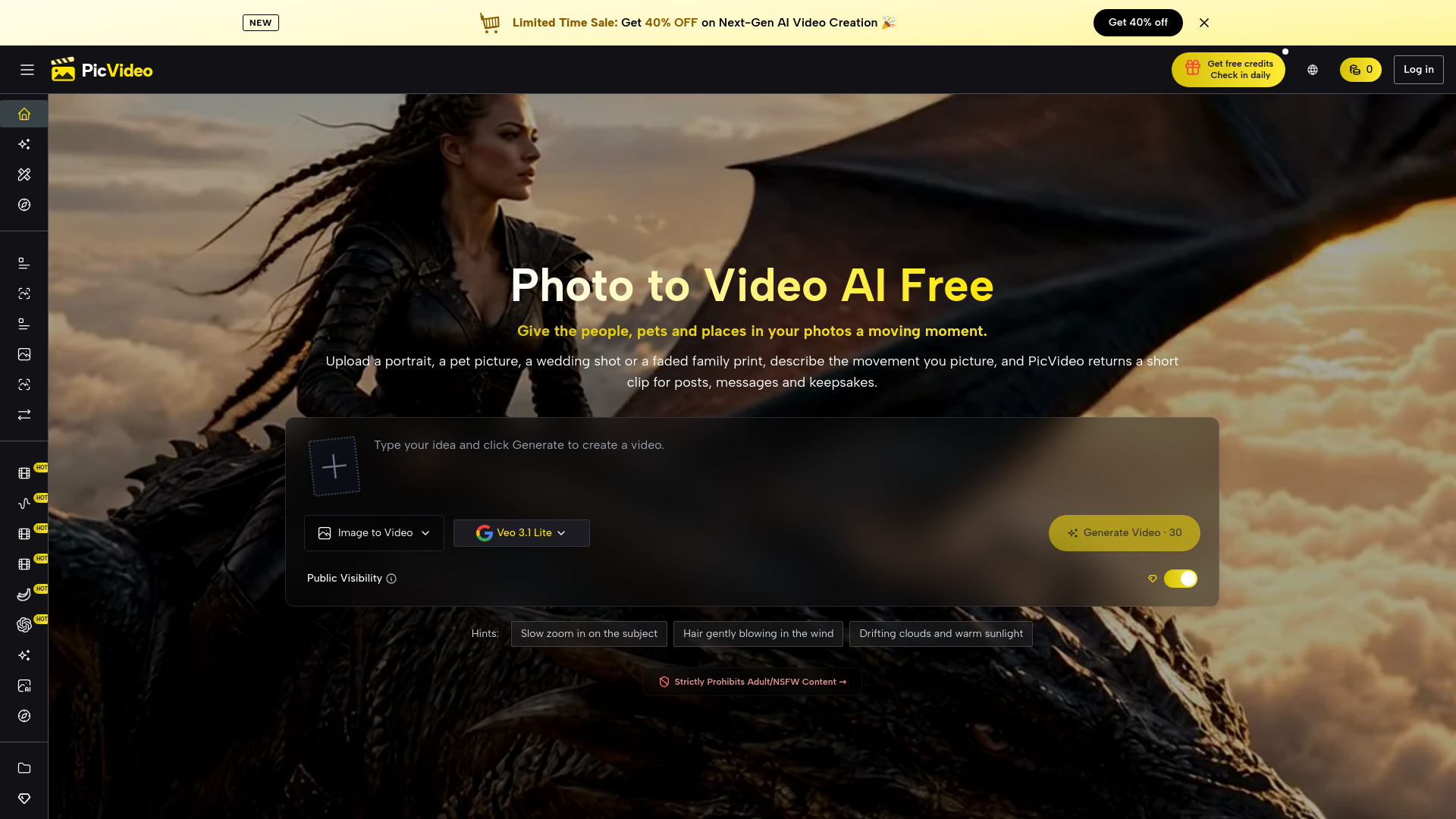
Photo to video AI, free to start: animate portraits, pets and family photos with motion prompts, multiple models and ready-made effects.
PicVideo is a web-based AI tool that turns photos into short video clips. It allows users to upload a portrait, pet, family photo, or other image, describe the desired motion with a text prompt, and generate a video. The platform also supports creating AI images and videos from text, and offers multiple AI models and ready-made effects.
Is there any free AI photo to video?
Yes, PicVideo provides free credits when you sign up, and you can earn extra credits daily.
How do I turn a photo into a video with AI?
Upload a photo, write a one-line motion prompt, and click Generate. The AI animates the image accordingly.
What kind of photos work best?
Photos with one clear subject and good lighting work best, such as close-up portraits or pets looking at the camera.
Which image formats can I upload?
JPG, PNG, and WebP files are supported, including scans and screenshots.
Can I describe the motion with a prompt?
Yes, your prompt directs the animation, specifying movements and camera actions.
Can I combine several photos in one video?
Yes, using Start and End Frames or Reference to Video modes.
Does photo to video AI work on a phone?
Yes, it runs in the browser on iPhone and Android, no app needed.