What is Plae
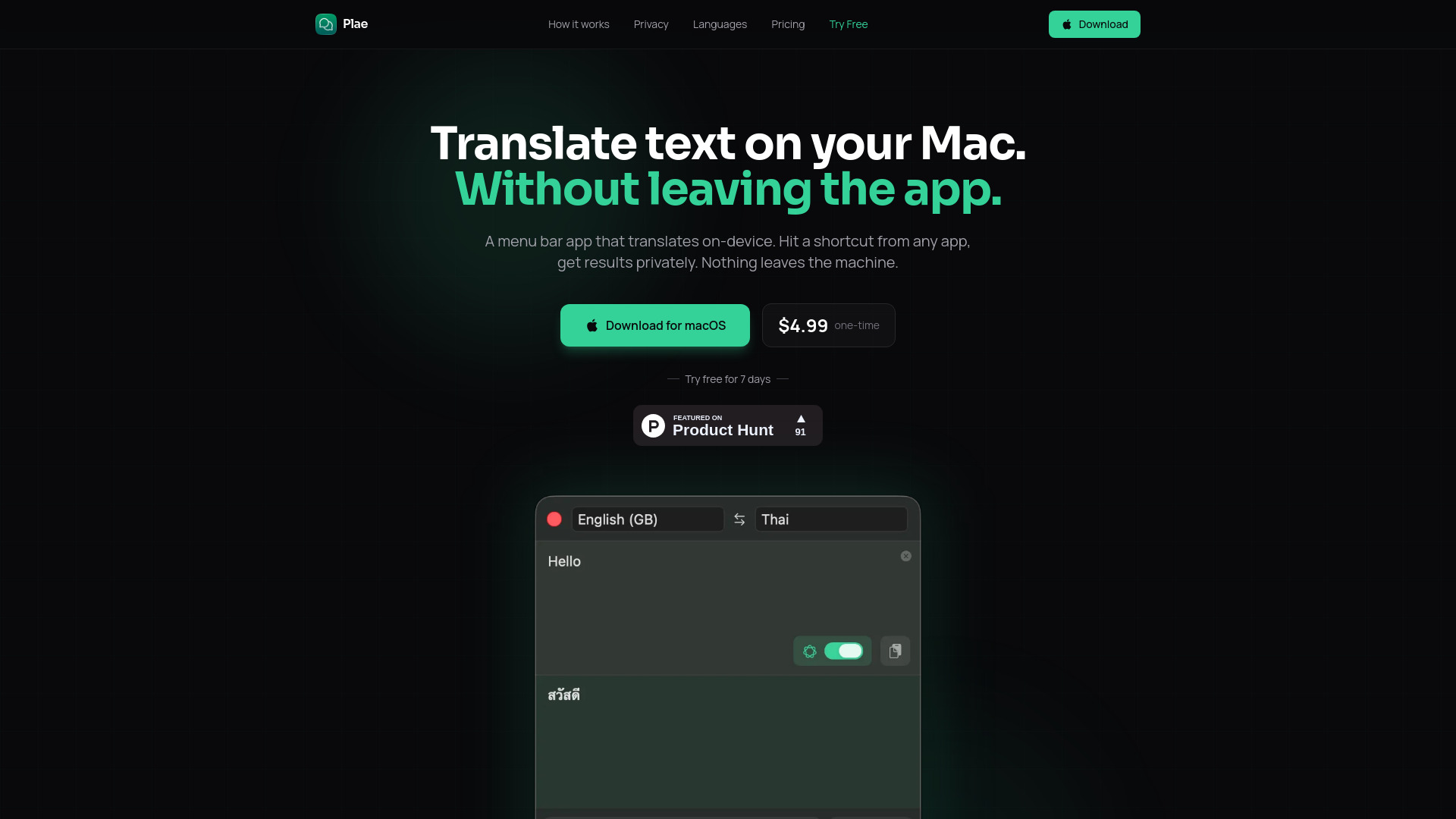
Plae is a macOS menu bar application designed for on-device translation. It offers fast, private translation without requiring an internet connection, accessible via a keyboard shortcut from any application.
How to use Plae
- Open Plae: Use the shortcut Cmd+Shift+T from any application. Plae will appear from the menu bar.
- Translate the message: Type your message into Plae and press Enter. The translation is processed directly on your Mac.
- Show it to someone: Use the present button to display the translation in full-screen mode, making it easily readable.
Features of Plae
- On-device translation: All translation processes occur locally on your Mac.
- Privacy-focused: No data leaves the machine; no servers, databases, or tracking.
- Offline functionality: Works without an internet connection after initial language pack download.
- Keyboard shortcut: Accessible via Cmd+Shift+T from any application.
- Full-screen presentation: Displays translations in a large, readable format.
- Translation history: Saves the last 20 translations, with an option to star favorites.
- Language swap: Easily switch between source and target languages.
- Multiple translation engines: Supports Apple Translation, Apple Intelligence, and a downloadable built-in AI model.
Use Cases of Plae
- Multilingual couples and families: Facilitates ongoing conversations by allowing quick translations and screen sharing.
- International teams: Enables checking messages before sending or displaying translations for colleagues.
- Shared spaces: Useful in public or shared environments like hotels or coworking spaces for easy communication.
- Expats and language learners: Provides a readily available translation tool for navigating a new environment.
Pricing
Plae is available for a one-time purchase of $4.99 on the Mac App Store. A 7-day free trial is offered.
FAQ
What translation engines does Plae use? Plae supports Apple Translation (19 languages), Apple Intelligence, and a downloadable built-in AI model powered by Google's TranslateGemma via llama.cpp.
Does Plae require an internet connection? No, after an initial language pack download, Plae works entirely offline.
What are the system requirements? Plae requires macOS Sequoia or later. Apple Intelligence features require macOS Tahoe and Apple Intelligence to be enabled.