What is PlotStudio AI
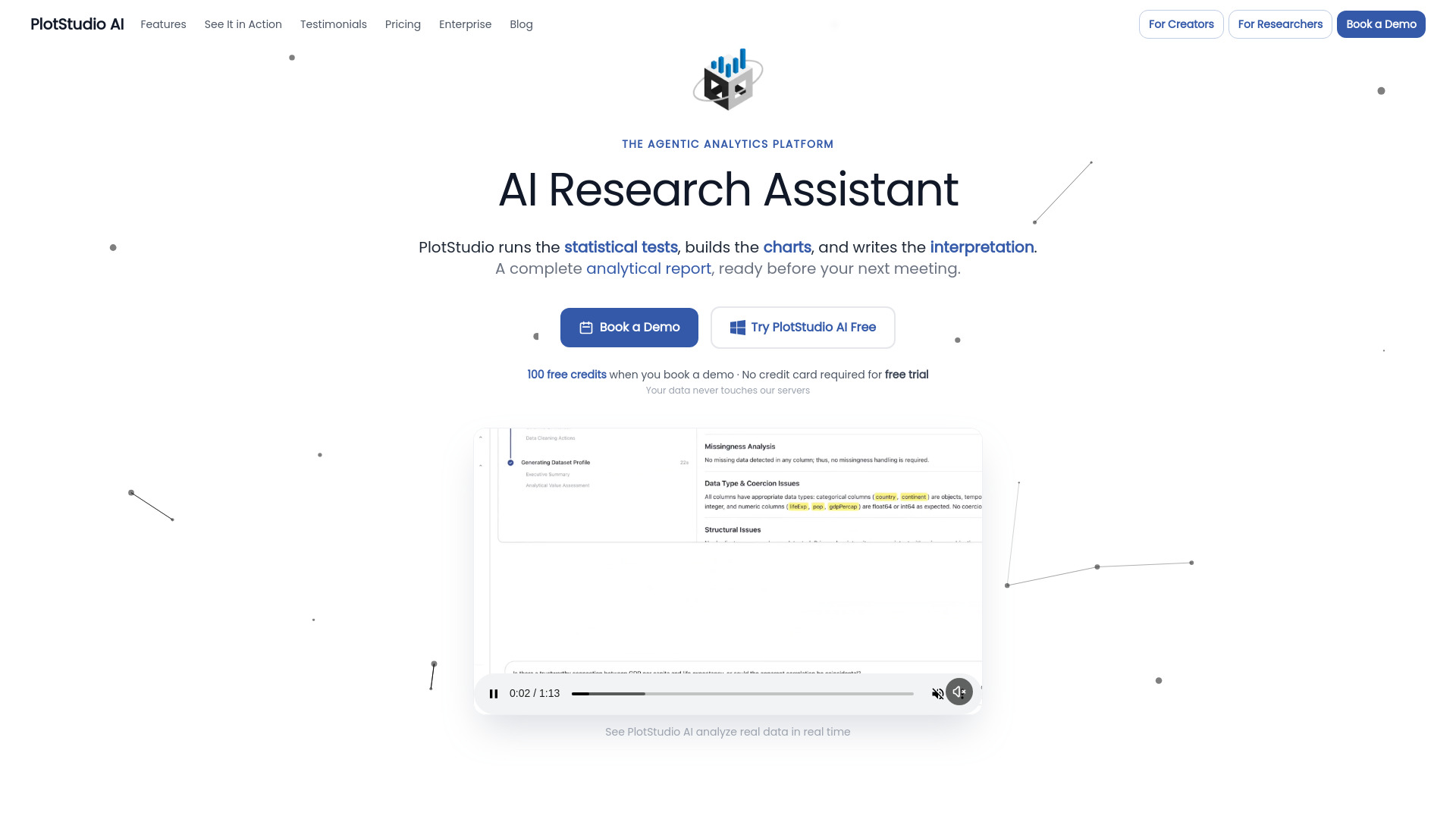
PlotStudio AI is an agentic analytics platform that transforms data into publication-ready analytics pages. It allows users to upload data and have AI agents plan, execute, and synthesize analyses, turning questions into comprehensive reports.
How to use PlotStudio AI
- Upload your dataset (CSV or Parquet files).
- Ask questions in plain English.
- AI agents will plan, code, execute, and interpret the analysis.
- Review the generated Analysis Page, which includes narrative insights, interactive charts, and data tables.
- Export the analysis to a publication-ready PDF or a Jupyter notebook.
Features of PlotStudio AI
- Agentic Analysis: A team of specialized AI agents collaborates to plan, code, execute, and narrate multi-step analyses.
- Data Profiling: Automatically profiles data upon upload, scoring data quality and providing an executive summary with story angles.
- Automated Cleaning Plan: AI generates a plan for data cleaning, handling it during analysis.
- Analysis Pages: Generates permanent, structured documents for each analysis, including tables, charts, statistical tests, and interpretation.
- Reproducible Workflows: Provides full transparency into the reasoning, code, and decisions made during analysis, with options to export as Jupyter notebooks.
- Domain Intelligence: Auto-detects or allows selection of relevant domains (e.g., Healthcare, Finance, Econometrics) to apply appropriate methods.
- Data Privacy: Operates as a desktop-first application, ensuring data never leaves the user's machine. AI calls are routed directly to model providers.
- Export Options: One-click PDF export with embedded charts and tables, or export as a Jupyter notebook.
- Interactive Data Explorer: Allows exploration of column distributions, relationships, and outliers.
- Verification Mode: Users can review and edit the AI's analysis plan before execution.
Use Cases of PlotStudio AI
- Business Analysts: Quickly get answers to data questions without waiting for a data team, generating charts and interpretations for reports.
- Data Scientists: Focus on judgment and methodology rather than boilerplate coding, with transparency into AI-generated code and the ability to override or modify steps.
- Product Managers: Build a searchable knowledge base of analyses over time, with each question generating a permanent analysis page.
- Researchers & Academics: Conduct analyses on sensitive data locally, ensuring privacy and auditable methodology.
- Consultants & Freelancers: Generate publication-ready reports for clients quickly, without manual reformatting.
- Teams Without a Data Team: Enable non-technical users to perform data analysis and generate reports by asking questions in plain English.
Pricing
PlotStudio AI offers different plans, including a Free Plan, Pro Plan, and Team Plan. Specific pricing details are available, with options for free trials.
FAQ
- What exactly does PlotStudio AI do? PlotStudio AI is a desktop application for agentic data analytics. It uses a team of AI agents to plan, code, execute, and narrate multi-step analyses, producing publication-ready reports with visualizations and statistics.
- How is this different from ChatGPT or other AI chat tools? Unlike ChatGPT, PlotStudio runs a local Python environment for real code execution and interactive charts. It employs multiple AI agents that plan, iterate, and self-correct, offering a persistent analytical workspace rather than disposable chat sessions.
- How does PlotStudio compare to Julius AI? PlotStudio goes deeper than Julius AI by planning a full analytical approach, running multiple code executions, and producing detailed reports with interpretation. PlotStudio also runs locally, whereas Julius AI is cloud-based.
- How is PlotStudio different from Hex or Deepnote? Hex and Deepnote are collaborative notebooks where users write code. PlotStudio is an AI-powered analyst that performs the analysis for you based on plain English questions, with full transparency into the generated code.
- Is PlotStudio a dashboarding tool like Tableau, Power BI, or Plotly Dash? No, PlotStudio is an analysis tool that produces reports. Tableau, Power BI, and Plotly Dash are visualization and dashboarding tools used to display data that has already been analyzed.
- Do I need to know Python or SQL? No, PlotStudio is designed for plain English questions. However, all generated code is visible and editable for users who wish to inspect or modify it.
- Is my data secure? Yes, PlotStudio is a desktop-first application, and data files never leave the user's machine. It includes PII anonymization, and AI calls are routed securely.
- Does OpenAI use my data for training? No, OpenAI's API policy states that data sent via the API is not used for training their models.
- What file formats are supported? PlotStudio currently supports CSV and Parquet files.
- What AI models does PlotStudio use? PlotStudio uses OpenAI models (GPT-4.1 and GPT-4.1-mini).
- What platforms does PlotStudio run on? PlotStudio is available for macOS and Windows.
- Can I export my analyses? Yes, analyses can be exported to publication-ready PDFs or Jupyter notebooks.
- What makes the analysis "agentic"? Agentic analysis involves a multi-agent pipeline where agents plan, write code, execute, self-correct, and interpret results, often involving multiple code executions per question.
- Is there a free trial? Yes, both plans include a free trial.
- What inspired PlotStudio AI's design? The design is modeled after the RStudio philosophy, focusing on an integrated analytical workspace.
- Who built PlotStudio AI? PlotStudio AI is built by Ar5Labs.
- What is the difference between Managed Credits and BYOK? Managed Credits is a simpler option with predictable billing handled by PlotStudio. BYOK (Bring Your Own Key) allows users to connect their own OpenAI API key for full cost control.