What is Podsuite
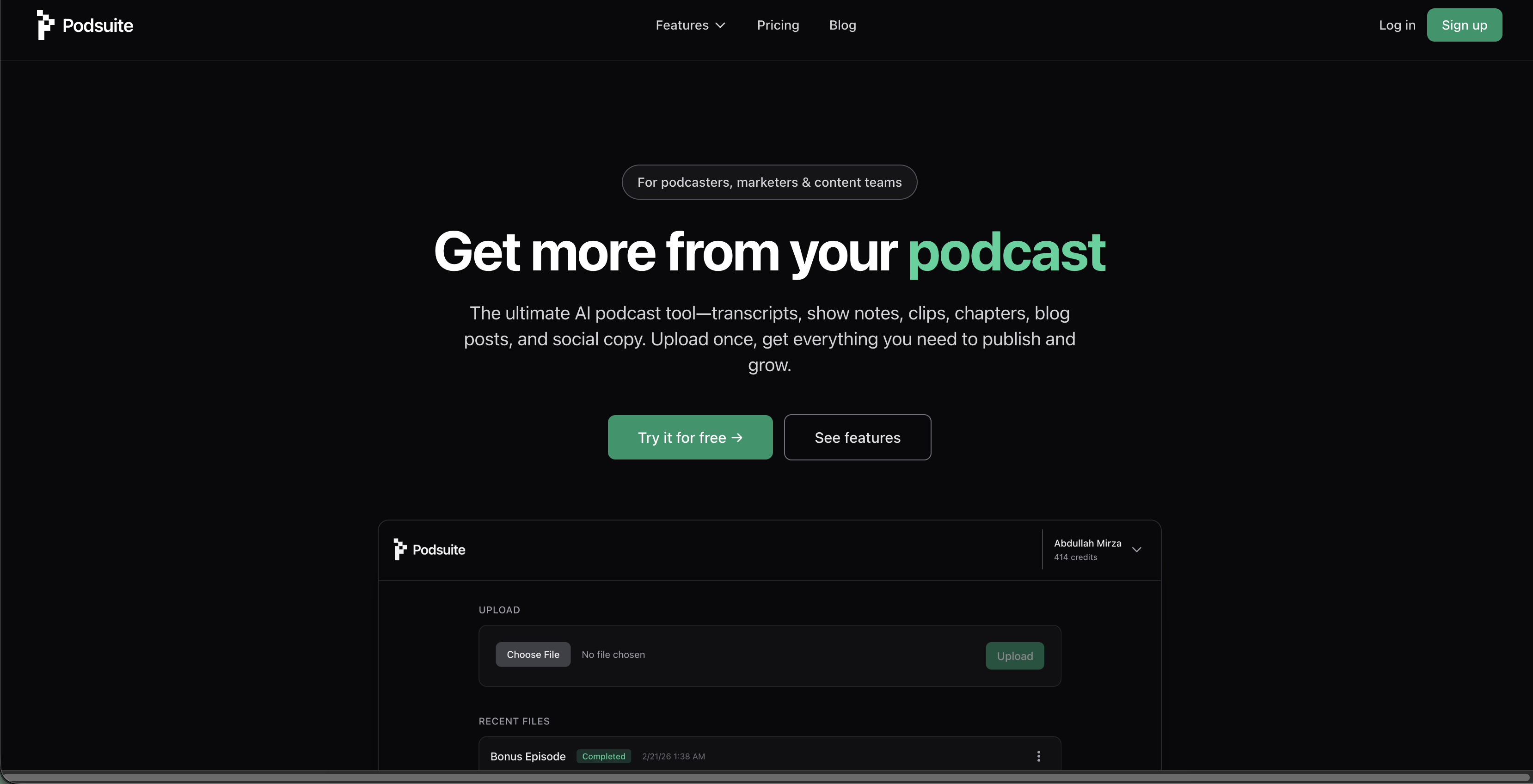
Podsuite is an AI-powered tool designed to help podcasters, marketers, and content teams maximize their podcast content. It automates the creation of various content assets from a single podcast upload.
How to use Podsuite
- Upload your podcast episode.
- Podsuite analyzes and structures the content.
- Download publish-ready content.
Features of Podsuite
- Podcast transcription: Accurate transcription with speaker diarization, exportable as text or SRT.
- Show notes: Automatically generated, publish-ready show notes and summaries.
- Chapters: AI-generated podcast chapters segmenting episodes by topic, ready for platforms like Spotify and YouTube.
- Titles & keywords: AI suggestions for podcast titles and SEO keywords to improve discoverability.
- Highlight clips: AI-identified podcast clips with timestamps for social media promotion (Reels, Shorts, TikTok).
- Blog article: Automatic conversion of podcast episodes into editable blog posts.
- Social posts: Platform-native posts for LinkedIn and X, written in the speaker's voice.
- SRT file: For video captions.
- Email newsletter: Content generation for newsletters.
- Clip timestamps & quote hooks: Identified moments with timestamps for easy clipping.
Use Cases of Podsuite
- Podcasters: Turn shows into content engines, automatically transcribe audio, generate show notes, create AI clips for promotion, and transform episodes into blog posts and newsletters.
- Marketers: Scale creative content production faster and better.
- Agencies: Efficiently repurpose podcast content for clients.
- Content creators: Build a comprehensive content library from each episode.
FAQ
- How accurate is the podcast transcription? It uses professional-grade speech-to-text tuned for podcast audio. Users can correct speaker names and any line, with corrections applied to all generated content.
- What audio formats do you support? Supports MP3, WAV, M4A, and other common podcast formats. Episodes can be uploaded from a computer or linked from a host.
- Is my content private? Yes, content and outputs are private. The platform does not train on or share user content.
- Can I edit the outputs? Yes, transcripts, show notes, blog posts, and clips are fully editable. Content can be exported or copied from the app for tweaking.
- Do you support video podcasts? Yes, audio is extracted and transcribed automatically, with SRT file export for video captions. Video support is expanding.