What is Revline
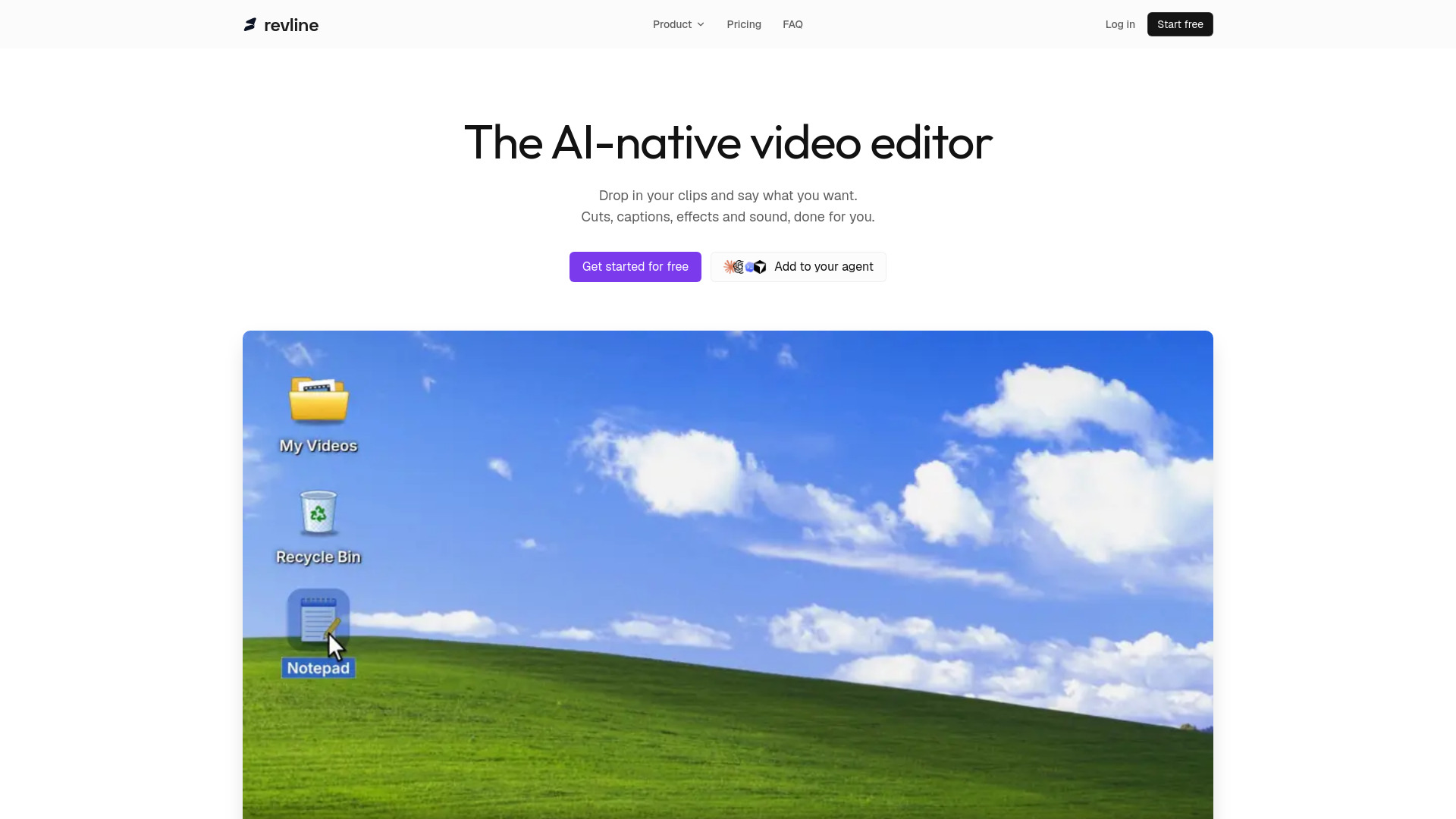
Revline is an AI-native video editor that lets you edit videos through conversation. You upload your clips and describe what you want, and the AI agent performs cuts, captions, effects, and sound adjustments for you. It is designed for creators, podcasters, marketers, and teams who publish video but prefer not to manually edit in a timeline.
How to use Revline
- Sign up for a free account (no credit card required).
- Upload your video, audio, or image files, or import a YouTube link.
- Describe the edits you want in natural language (e.g., "cut the boring parts," "add captions," "make it vertical").
- The AI agent applies the changes to a real timeline.
- Review the result and refine further by chatting with the agent.
- Export your video in your desired aspect ratio and resolution.
Features of Revline
- AI trims and cuts: Automatically remove unwanted segments based on your instructions.
- Animated subtitles: Word-by-word captions styled to your brand.
- Text effects: Including text behind subjects, tracked labels, and more.
- Background removal: Remove or replace backgrounds without manual masking.
- Masks and tracking: Apply masks that follow moving objects or people.
- Speed ramps: Create slow-motion or fast-motion effects synced to the beat.
- Split screen: Combine multiple videos in two-up, three-up, or stacked layouts.
- Export options: Output in 9:16, 1:1, and 16:9 aspect ratios at 1080p without watermarks.
- MCP integration: Connect Revline to AI agents like Claude, ChatGPT, Codex, and Cursor to edit videos directly from those agents.
- Timeline editing: Every AI change lands on a real timeline, allowing manual adjustments and undo.
Use Cases of Revline
- Podcast clipping: Turn long podcast episodes into short, captioned clips for social media.
- Gaming streams: Convert gameplay streams into highlight reels and shorts.
- Product demos: Create polished demos with captions and effects.
- Ads and tutorials: Produce marketing videos and how-to content quickly.
- Talking-head videos: Edit vlogs and presentations with automated cuts and captions.
- Social shorts: Format videos for TikTok, Instagram Reels, and YouTube Shorts.
Pricing
Revline offers a single plan: Revline Pro at $39 per month. A 3-day free trial is available, and you can cancel anytime. The plan includes:
- AI trims and cuts
- Animated subtitles
- Text effects
- Background removal
- Masks and tracking
- Export in 9:16, 1:1, and 16:9
- 1080p export, no watermark
- Unlimited projects, 50 GB storage
FAQ
What is Revline, and who is it for?
Revline is an AI video editor you talk to. Upload raw footage, describe what you want, and the agent cuts, captions, and formats it for you. It’s built for creators, podcasters, marketers, and teams who publish video but don’t want to live in a timeline.
What kinds of videos can I make?
Podcast clips, vlogs, product demos, tutorials, ads, talking-head videos, and social shorts. If you filmed it, Revline can help you edit it.
How is Revline different from a regular video editor?
You describe the edit instead of building it by hand. Revline makes the cuts, captions, and framing for you, then you review the result and refine it in conversation.
Can I still edit the timeline myself?
Yes. Every change the agent makes lands on a real timeline. Trim, move, duplicate, or delete clips yourself, and undo anything.
What file formats and lengths are supported?
Upload common video, audio, and image files, or import a YouTube link. Long recordings are fine.
Will my videos use my brand fonts and colors?
Ask for them in the conversation. Revline can style captions and titles with its built-in fonts and the colors you choose.
Is my footage private?
Your projects belong to your account and require sign-in. Your footage is used to prepare your edits and exports.
How much does Revline cost? Is there a free plan?
Revline is one plan at $39 USD per month, after a 3-day free trial. Cancel before the trial ends if you don’t want to continue.