What is Qrype
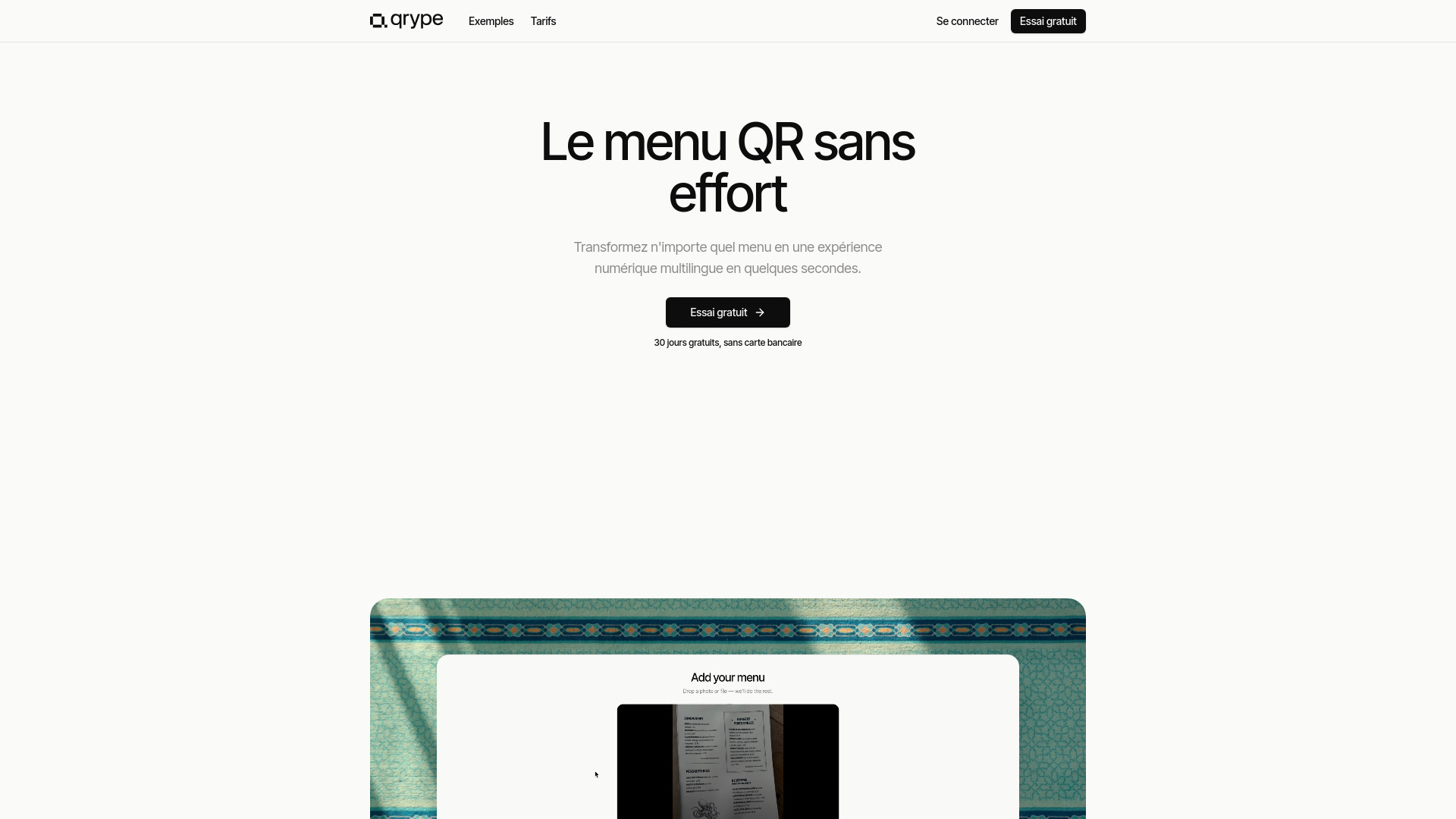
Qrype is an AI platform that transforms physical menus into multilingual, mobile-first QR code experiences. It allows restaurants and hotels to create digital menus that guests can easily access by scanning a QR code.
How to use Qrype
- Upload your menu: Submit a photo, PDF, Excel file, or CSV of your menu. Qrype's AI will extract the information.
- Review and edit: The AI extracts names, prices, and allergen information. You can edit any details directly.
- Customize your QR code: Choose from ten styles and customize the design to match your establishment.
- Download and display: Print the QR code and place it on tables for guests to scan.
- Guests scan and view: Diners scan the QR code with their phone's camera, and the menu opens in their browser, automatically translated into their preferred language.
Features of Qrype
- AI Menu Extraction: Converts photos, PDFs, Excel, and CSV files into digital menus.
- Multilingual Support: Auto-translates menus into over 30 languages.
- Customizable QR Codes: Offers ten styles and customization options for QR codes.
- Live Updates: Allows for real-time editing of prices and menu items.
- Dietary and Allergen Information: Supports allergen tags and dietary filters.
- Mobile-First Experience: Ensures menus are optimized for viewing on mobile devices.
- Free Trial: Offers a 30-day free trial without requiring a credit card.
Use Cases of Qrype
- Restaurants looking to modernize their menu presentation.
- Hotels providing a seamless and multilingual dining experience for guests.
- Establishments wanting to offer contactless menu access.
- Businesses needing to easily update menu items and prices without reprinting.
Pricing
Qrype offers a single plan with two billing options:
- Monthly: $7.99 per month.
- Yearly: $5 per month, billed annually ($60 per year), saving $36 annually.
A 30-day free trial is available for all new users.
FAQ
- What can I upload? You can upload photos (JPG, PNG, HEIC), PDFs, Excel (.xlsx), and CSV files. Qrype's AI extracts layout, language, names, prices, and allergen hints. Files should be up to 10 MB.
- How accurate is the AI extraction? Extraction is highly accurate for typed and printed menus. Handwritten menus may vary in accuracy depending on legibility. All extracted information is editable.
- Do diners need an app? No, diners do not need a separate app. They scan the QR code with their phone's camera, and the menu opens in their mobile browser.
- Can I update prices live? Yes, you can update prices, hide sold-out items, or add specials, and diners will see the changes upon refreshing their menu view.
- What happens after the free trial? After the 30-day trial, you can subscribe to the Pro plan. If you don't subscribe, your menu will pause, but all data is saved and can be reactivated later.
- Can I cancel any time? Yes, you can cancel your subscription at any time from your dashboard's billing page. Access continues until the end of the current billing period.
- Is my data safe? Yes, data is hosted securely with TLS encryption. Qrype does not sell or share menu data and does not track diners scanning the QR codes.