What is Read PDF Aloud
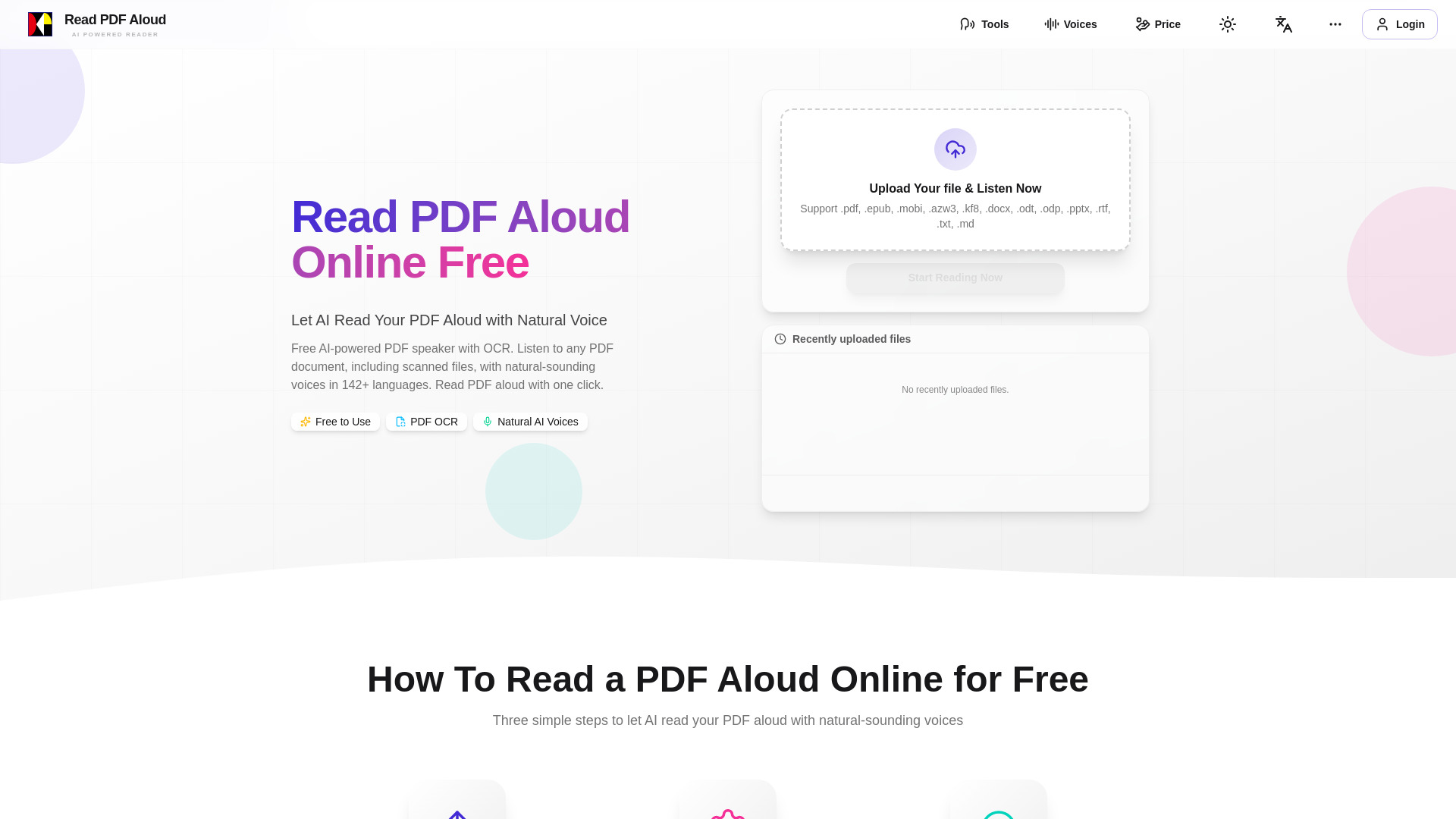
Read PDF Aloud is a free, web-based tool that uses AI to convert PDFs and other documents into natural-sounding speech. It supports over 142 languages and includes OCR technology to handle scanned PDFs. The tool works directly in your browser on any device, with a local-first approach for privacy and speed.
How to use Read PDF Aloud
- Upload your file: Click the upload area and select a PDF, EPUB, MOBI, DOCX, PPTX, or other supported file format.
- Select a voice: Choose your preferred language and a natural AI voice from the available options.
- Listen: The tool will parse the document and read it aloud. You can control playback with the built-in player.
Features of Read PDF Aloud
- Free to use: No cost for basic functionality.
- OCR support: Converts scanned PDFs into readable text.
- 142+ languages: Wide language support for global users.
- Natural AI voices: Multiple voice options per language.
- Local-first processing: Your files are processed in your browser, enhancing privacy and speed.
- MP3 export: Download audio versions of your documents.
- Cross-device compatibility: Works on PC, Mac, iPhone, iPad, Android, and Linux.
- Resume playback: Pick up where you left off, even after closing the browser.
Use Cases of Read PDF Aloud
- Proofreading: Listen to your documents to catch errors.
- Studying: Convert textbooks or notes into audio for easier review.
- Accessibility: Assist users with visual impairments or reading difficulties.
- Multitasking: Listen to eBooks or reports while commuting or doing other tasks.
- Language learning: Hear correct pronunciation in multiple languages.
FAQ
Q: What file formats are supported? A: The tool supports PDF, EPUB, MOBI, AZW3, KF8, DOCX, ODT, ODP, PPTX, RTF, TXT, and MD files.
Q: Can I use it on my mobile device? A: Yes, it works on any modern browser on iPhone, Android, iPad, and other devices.
Q: Is my data secure? A: The tool processes files locally in your browser, so your documents are not uploaded to a server.
Q: Can I download the audio? A: Yes, MP3 export is supported.
Q: Does it work with scanned PDFs? A: Yes, OCR technology is included to extract text from scanned documents.