What is Readio - 1
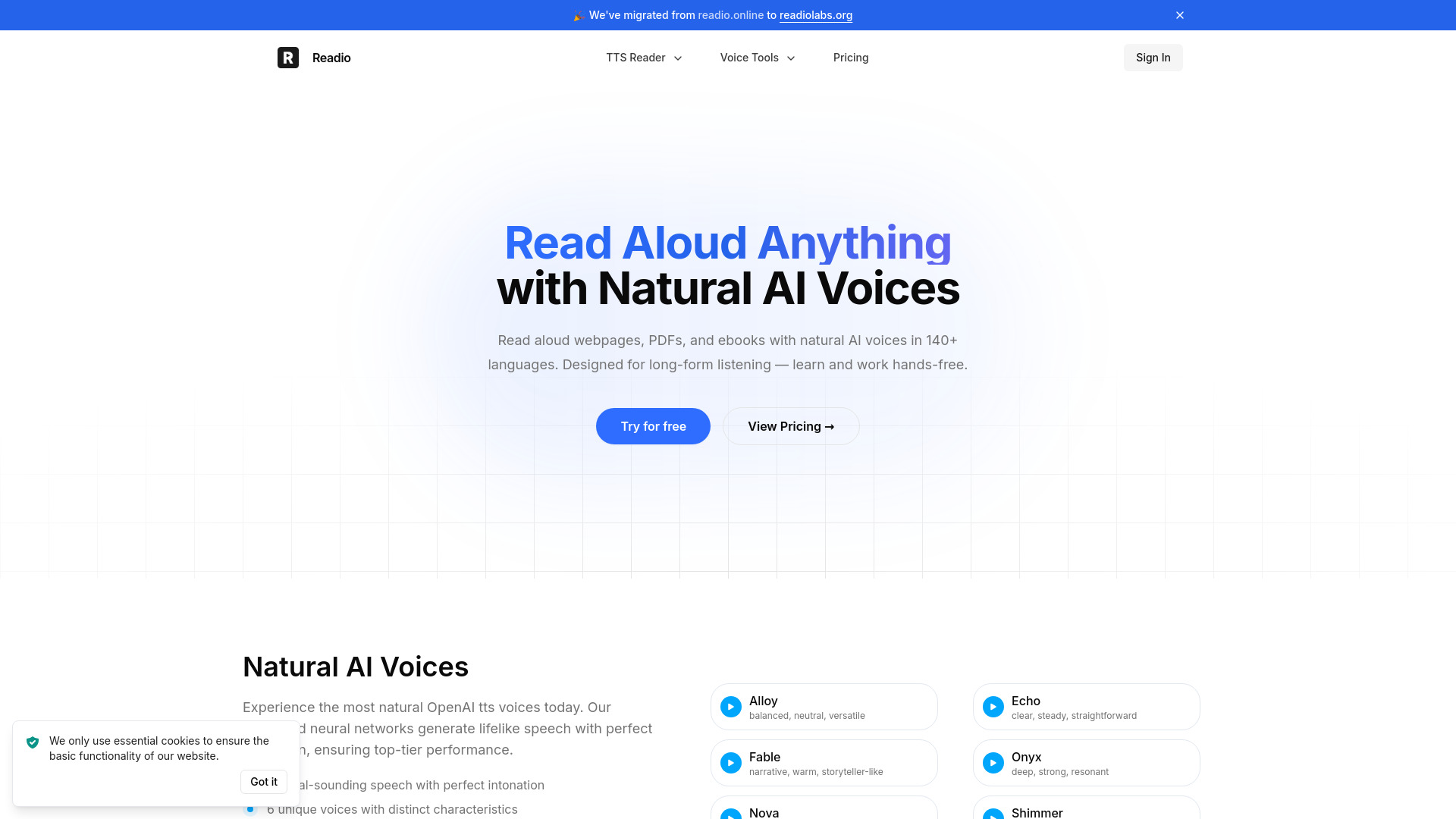
Readio is an AI-powered text-to-speech application that transforms your documents into natural-sounding speech.
How to use Readio - 1
- Upload your PDF, EPUB, or other supported document files.
- The AI reader will convert the text into natural-sounding speech.
- Follow along with highlighted sentences as the document is read aloud.
- Utilize smart content filtering to skip elements like footnotes or bracketed text.
- Control playback speed, move between sections, and jump to specific parts of the document.
Features of Readio - 1
- Natural AI Voices: Utilizes advanced neural networks for lifelike speech with perfect intonation.
- Multiple Voices: Offers 6 unique voices with distinct characteristics.
- Multilingual Support: Supports over 140 languages and dialects.
- Real-time Highlighting: Sentences are highlighted in sync with the audio, and the page scrolls automatically.
- Smart Content Filtering: Built-in filters can skip footnotes, superscripts, and bracketed text. Users can also manually exclude sections.
- Playback Control: Allows adjustment of playback speed and navigation within documents.
- Document Compatibility: Works with PDF, EPUB, DOCX, RTF, ODT, HTML, TXT, and Markdown files.
Use Cases of Readio - 1
- Hands-free learning and working by listening to documents.
- Following along with text in real-time while it's being read aloud.
- Efficiently processing long or complex documents by filtering out unnecessary content.
Pricing
Information regarding specific pricing plans, tiers, or structures is not detailed in the provided content.
FAQ
- What is Readio? Readio is an AI-powered text-to-speech application that transforms your text into natural-sounding speech.
- How can I use Readio to read web pages? The provided content does not specify how to read web pages directly, but focuses on document uploads.
- How can I use Readio to read EPUB and PDF files? Upload your EPUB or PDF files to the platform to have them read aloud.
- How large can my uploaded files be? Information on file size limits is not provided.
- What voices do you use? Readio uses natural AI voices, including specific mentions of OpenAI TTS voices, and offers 6 unique voices.
- How many languages are supported? Readio supports over 140 global languages and dialects.
- Is Readio free to use? Readio offers a "Try for free" option, suggesting a free tier or trial is available.
- What’s the difference between free and paid plans? Details on the differences between free and paid plans are not provided.
- Can I use Readio on mobile? The provided content does not explicitly mention mobile compatibility.