Newsletter
Join the Community
Subscribe to our newsletter for the latest news and updates

AI UGC video generator for TikTok and Instagram Reels.
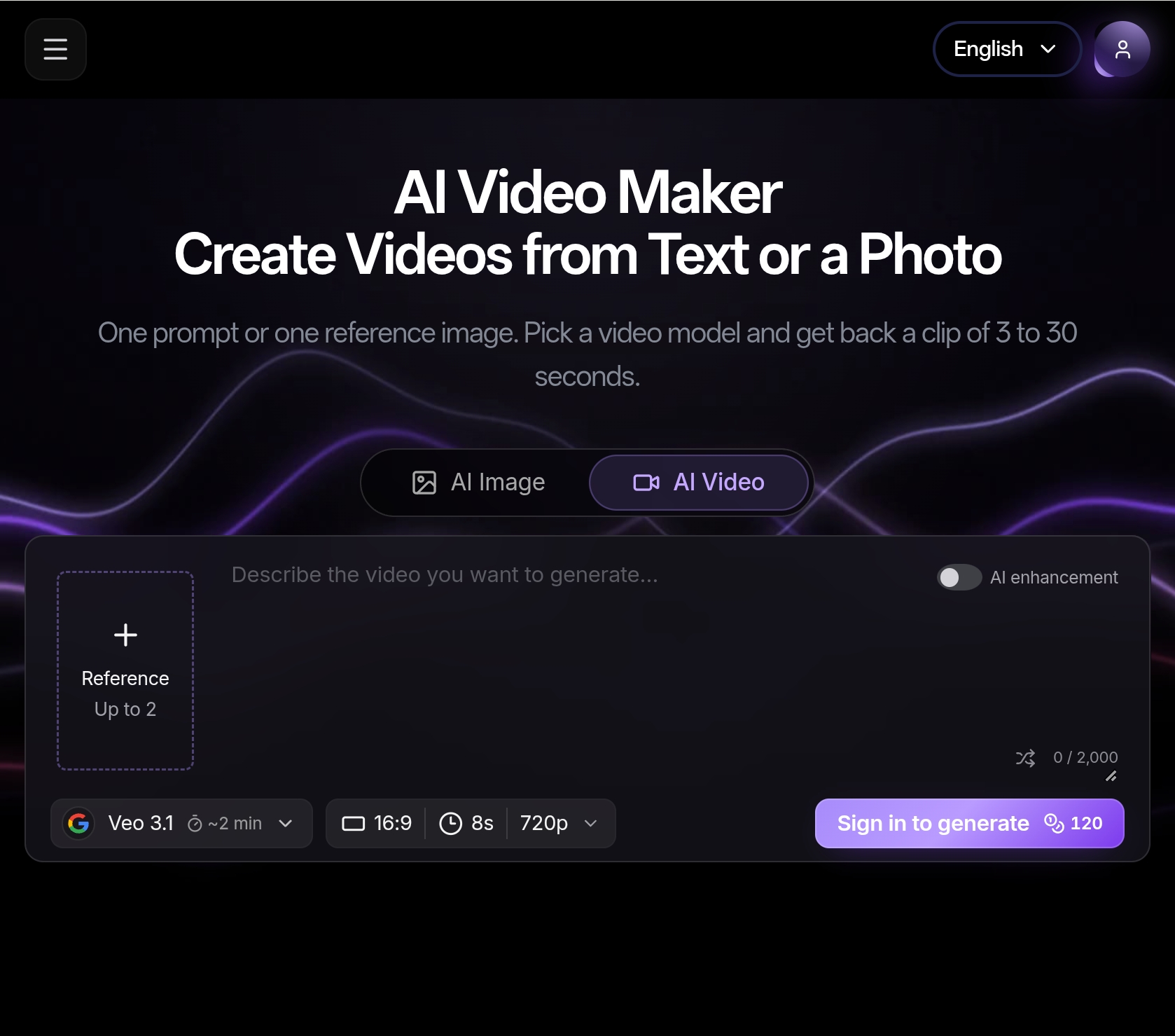
Reloop Studio is an AI-powered UGC video generator that turns scripts into talking-head videos for TikTok and Instagram Reels. It allows users to create short, vertical 9:16 videos with AI avatars, voiceovers, and optional captions without needing a camera crew or editing software.
How long does it take to get a finished video? After submitting a job, generation usually finishes in a few minutes, depending on length and server load. You can leave the tab open or return to your dashboard to download the MP4 when ready.
Can I pick the avatar region and the speaking accent separately? Yes. You choose a platform avatar by region (how the presenter looks) and select an English voice that matches the accent you want (e.g., US, UK, Australian).
Can I overlay the presenter on my own video? Yes. Upload an MP4 or MOV (screen capture, demo recording, or camera footage); the AI presenter is composited on top. You can use corner overlay or mixed B-roll style.
What caption options are there? You can turn captions on or off. When enabled, captions are timed to the generated speech.
Is Reloop only for English? Currently, the product is built around English scripts and regional English accents for best lip-sync and voice quality. More languages may come later.
Do I need Premiere, CapCut, or other editors? No. The app generates audio, presenter video, captions (if desired), and the final vertical composite. You download a single file ready to post.
Who can use the videos commercially? Commercial use depends on your plan and the terms. For licensing details, credit rules, and trials, refer to the pricing page and account terms.