What is Ricebowl AI
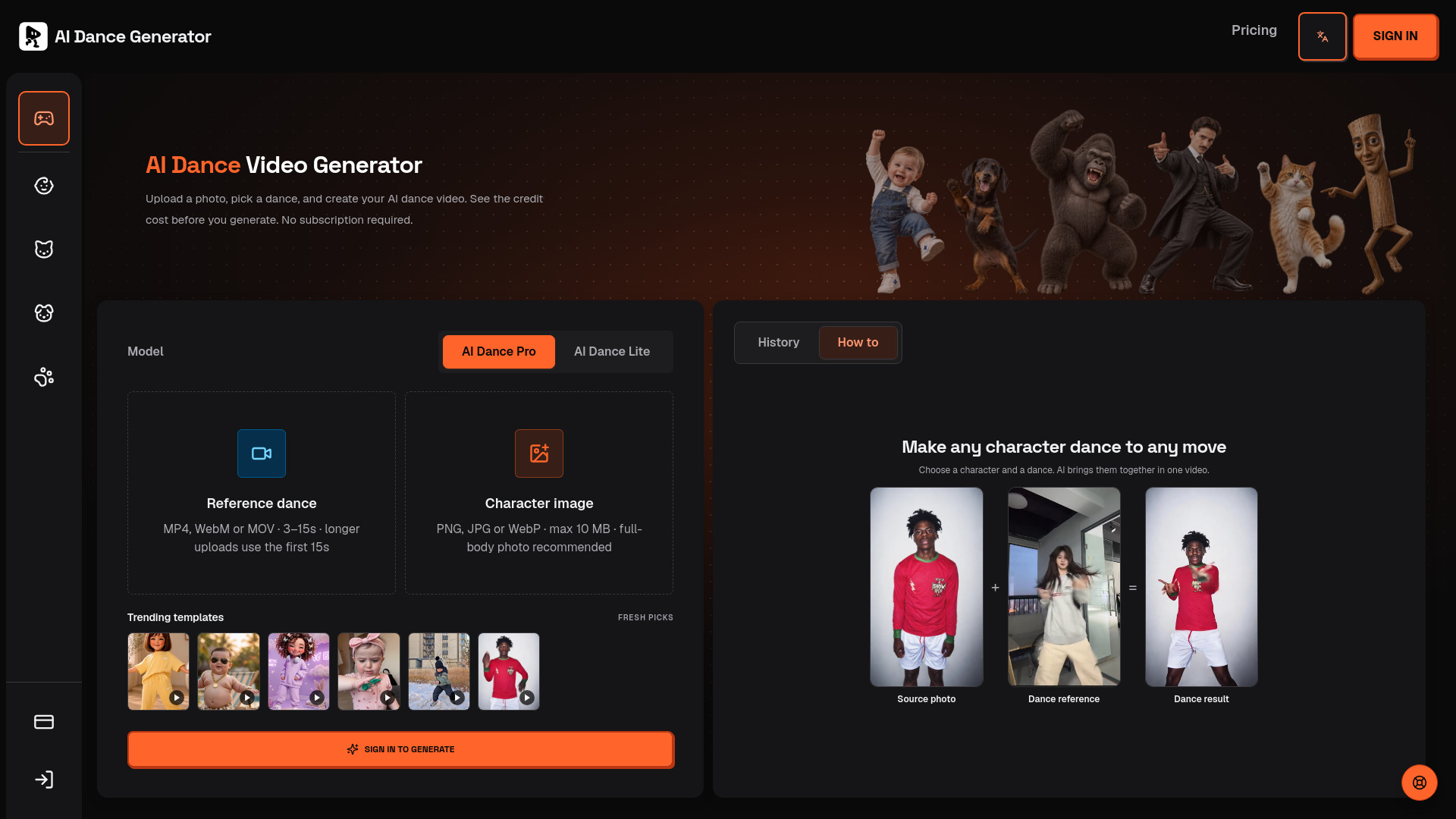
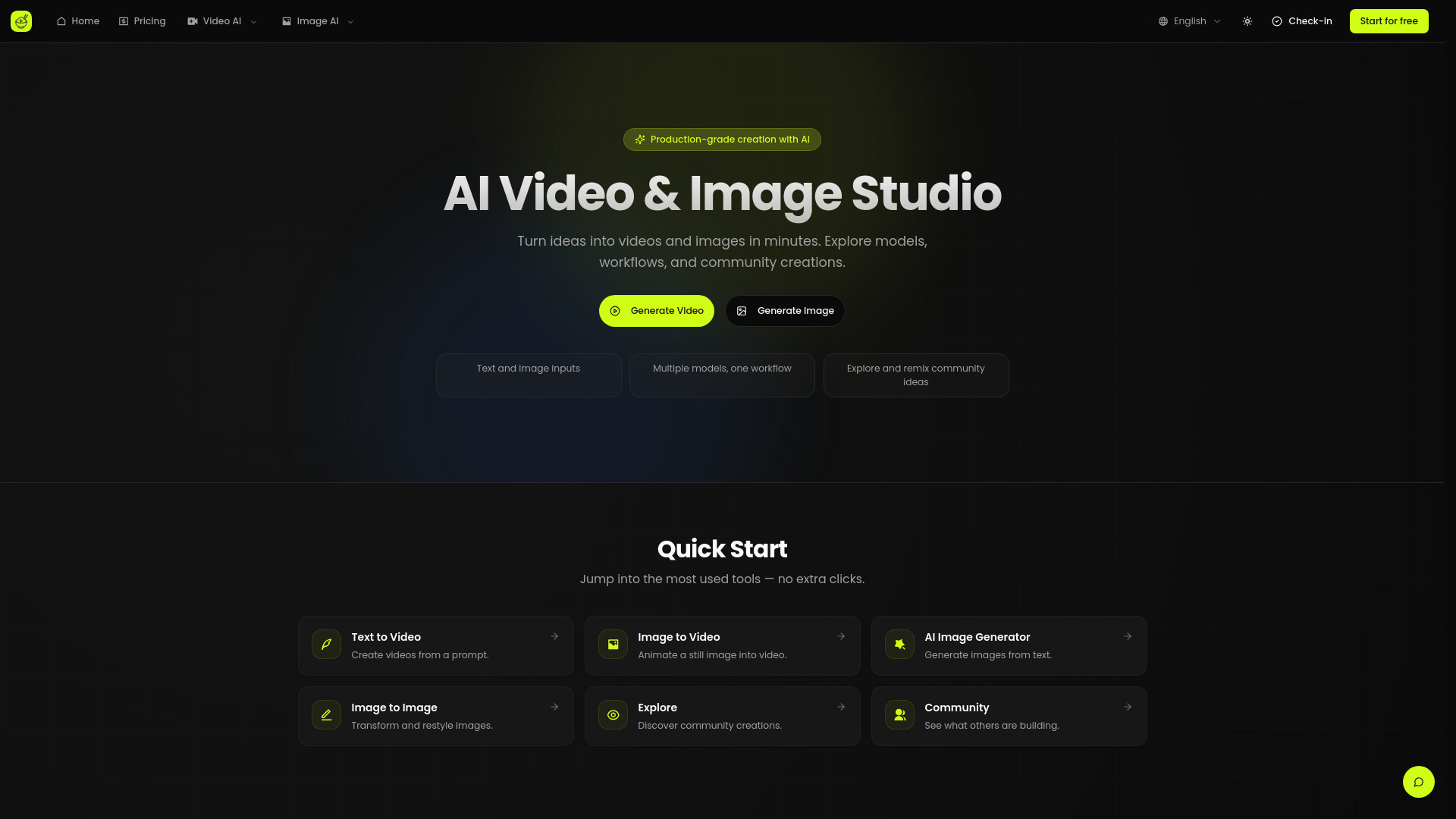
Ricebowl AI is a commercial-grade AI video and image platform that offers a suite of tools for creating marketing-ready assets quickly. It integrates flagship AI models like Sora 2 for video generation and Nano Banana for image generation, alongside professional tools for enhancement, face swapping, and ad creative production.
How to use Ricebowl AI
- Upload an Image: Click to upload a JPG, PNG, or WEBP image (min 300px, max 10MB) or drag and drop it into the designated area.
- Choose Generation Type: Select between 'Image to Video' or 'Text to Video'.
- Enter Prompt (for Text to Video): Describe the video you want to create in a single sentence.
- Configure Options: Select aspect ratio, generation count, and choose the desired AI model version.
- Generate: Click 'Generate Video' to start the process. Note that credits are required for generation.
Features of Ricebowl AI
- AI Video Generation: Utilizes models like Sora 2, Sora 2 Pro, and Grok Video for quality-first video creation.
- AI Image Generation: Employs models such as Nano Banana 2 and Flux 2 Pro for premium image generation.
- Watermark-Free Output: Offers watermark-free Sora 2 output, suitable for commercial use (availability depends on the plan).
- Professional Finishing Tools: Includes quality enhancement, face swap, and other tools to refine generated media.
- Poster & Banner Toolkit: Facilitates the creation of ad posters, banners, and on-brand visual assets.
- Commercial-Grade Output: Produces cleaner, more consistent results optimized for publishing and paid media.
- Multiple Input Options: Supports text prompts and image uploads for video generation.
- Customization Options: Allows selection of aspect ratio, generation count, and model versions.
Use Cases of Ricebowl AI
- Marketing Asset Creation: Quickly generate videos and images for marketing campaigns, social media, and advertisements.
- Content Production: Create professional-looking video and image content for brands and clients.
- Creative Exploration: Experiment with different AI models and tools to produce unique visual assets.
- Ad Creative Development: Generate ad posters, banners, and visual assets efficiently.
Pricing
Ricebowl AI offers various plans, including Free, Lite, and Pro tiers, with options for monthly and yearly billing. Pricing is based on credits, which can be adjusted via a slider for Pro plans. The Lite plan offers a fixed number of credits per month. The Free plan provides a limited number of credits for experimentation. Specific credit costs for video generation are mentioned (e.g., 10 credits per video, 7 credits for watermark removal).
FAQ
- What is Ricebowl AI? A commercial-grade, one-stop AI video and image editor for professional media production.
- Which models power the quality? Flagship video models like Sora 2 / Sora 2 Pro / Grok Video and image models like Nano Banana 2 / Flux 2 Pro.
- Do you support watermark-free Sora 2 videos? Yes, where available. Availability depends on the plan and policy.
- Are there pro video tools like enhancement or face swap? Yes, including quality enhancement and face swap tools.
- Can I generate posters and banner images? Yes, the image editor includes a toolkit for ad posters, banners, and visual assets.
- Can I use my output commercially? Commercial usage depends on the plan and policy. Check Pricing for details.
- How fast is generation? Generation time varies by model and load, typically completing in minutes.
- Do you support HD export? Yes, higher quality options may require a paid plan.