Newsletter
Join the Community
Subscribe to our newsletter for the latest news and updates

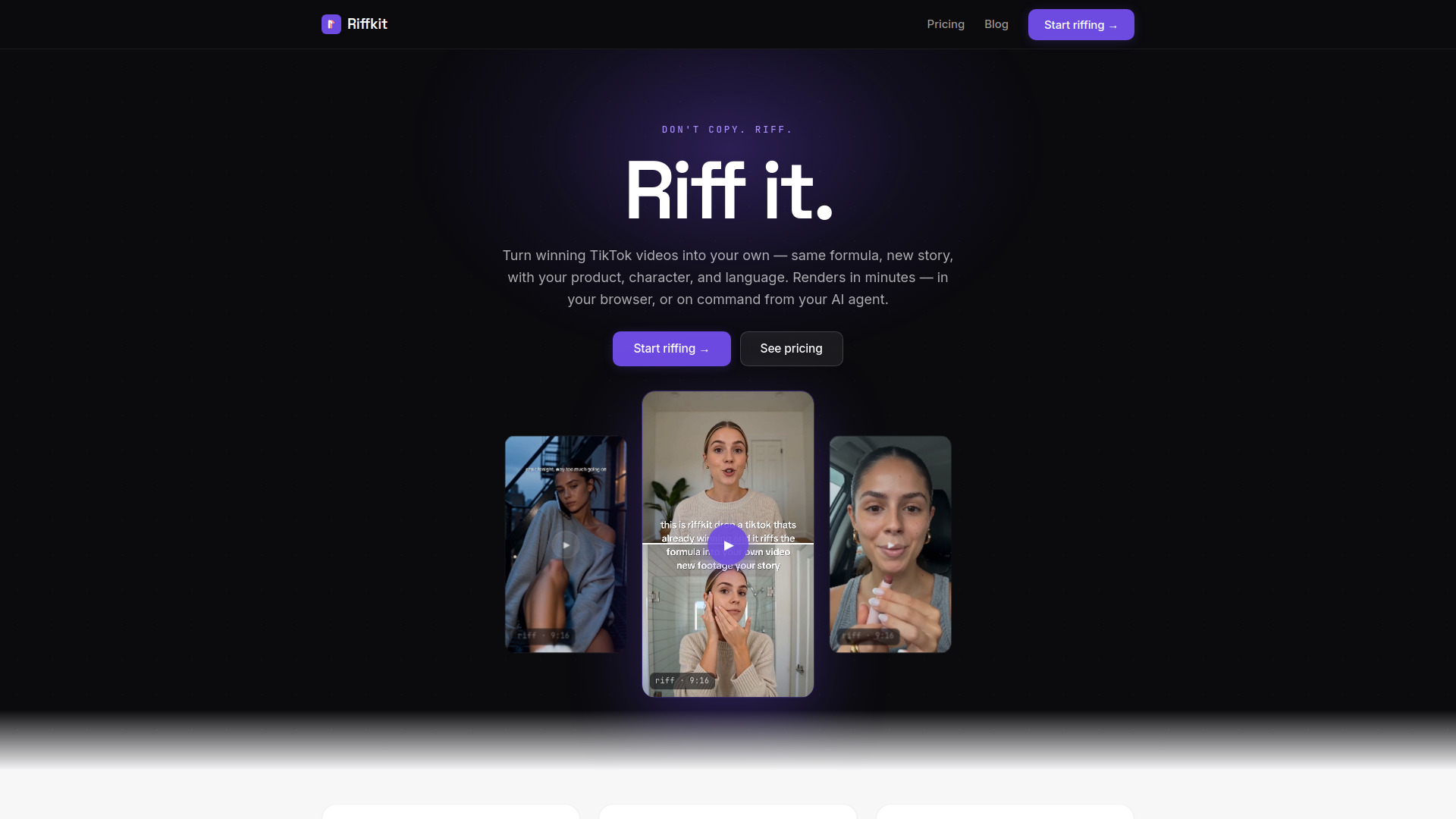
Riffkit turns winning TikTok videos into your own — same formula, new story. It studies why a video worked (hook, pacing, emotional beats) and generates a brand-new short video with your product, character, and language.
Riffkit is an AI tool that turns winning TikTok videos into your own original short videos. It studies why a video worked—its hook, pacing, and emotional beats—and generates a brand-new video with your product, character, and language. The output is original footage, not a copy of the source clip.
You can use Riffkit hands-on in your browser or install it as a skill for your AI assistant to run end to end.
Riffkit offers plans starting at $99/month. Effective per-video cost on a plan is $8–9.9 for a 15-second 720p video. Without a plan, a 15-second 720p video costs $15. Billed by the second, so a 9-second 720p riff costs 9 seconds. Cancel anytime. Full commercial rights to everything you make.
Isn’t this just copying — and is it safe? No. Riffkit never re-uploads the source clip—it studies the structure and generates completely new footage with your story, product, and character. Nothing of the original's visuals ends up in your video, and you bring the product and soundtrack, so the rights stay yours.
Can I put my own product in the video? Yes. Add your product image and Riffkit weaves it into the story the formula calls for.
Who appears in my videos? A consistent character you design—upload any avatar and write a persona. Or use Auto mode to generate the cast.
Can I make videos in other languages? Yes—Riffkit generates natively in English and Spanish with native phrasing, fonts, and captions aligned to audio.
Do the videos come with subtitles? Yes—captions are burned into the video and track the voiceover.
Can my AI agent make videos with Riffkit? Yes. Install the Riffkit skill, connect it once, then tell your agent to riff a video.
Can I change the result? Yes. Steer each riff with a creative direction, swap the product or character, or re-run with a new angle. Billed by the second, so re-rolling is fast and cheap.
Can I use the videos commercially? Yes—everything you make is yours to post, run as ads, and monetize with no extra license or revenue share.