What is Runner
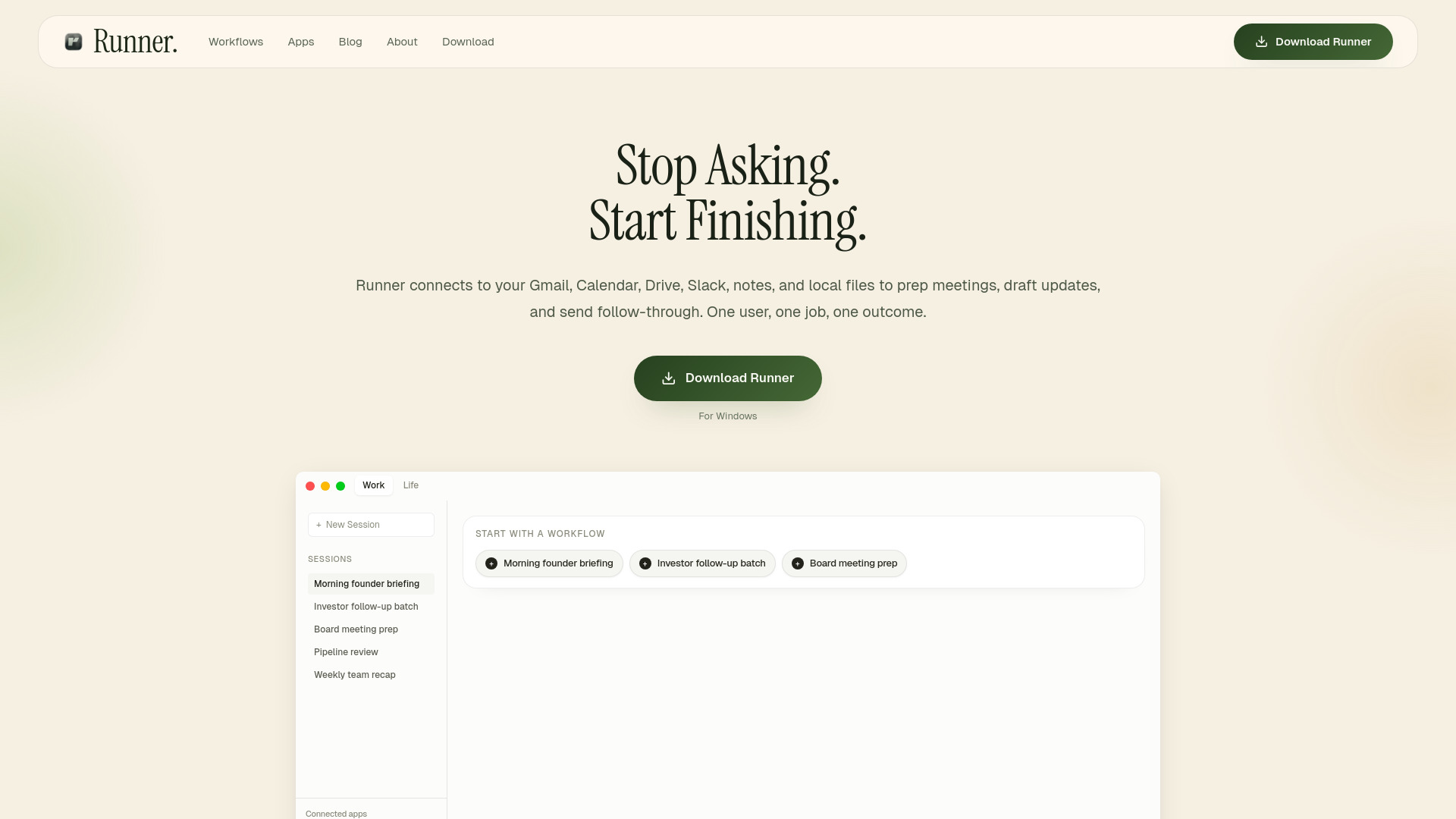
Runner is an AI Chief of Staff designed to automate founder workflows. It acts as a desktop AI assistant that connects to various applications and local files to help users finish tasks more efficiently.
How to use Runner
- Connect your apps: Runner integrates with services like Gmail, Google Calendar, Drive, Slack, Notion, HubSpot, and local files.
- Pick a workflow: Choose from pre-defined templates or describe the task you need assistance with.
- Review and send: Runner drafts the output for your review, ensuring nothing is sent without your approval.
Features of Runner
- Automates founder workflows.
- Connects to Gmail, Calendar, Drive, Slack, Notion, HubSpot, and local files.
- Reads local files and notes.
- Offers pre-defined workflow templates.
- Allows users to describe custom workflows.
- Drafts outputs for user review before sending.
- Integrates with a wide range of applications.
Use Cases of Runner
- Meeting preparation.
- Drafting memos and updates.
- Sending follow-through communications.
- Inbox triage.
- Stakeholder research.
FAQ
What is the best way to evaluate Runner first? Start with one high-friction workflow on your own machine, connect the apps and files it depends on, and prove the time savings before you expand the rollout.
Can my whole team use the same workspace? Yes. Share workflows, templates, and run history across the team when you are ready to move beyond a single operator.
Can Runner run local and cloud workflows together? Yes. Runner can use local files, network drives, and cloud apps in the same workflow.
Does Runner replace my existing tools? No—it makes them better. Runner connects and automates your existing apps so you get more done without learning new tools or changing how you work.