What is Sayline
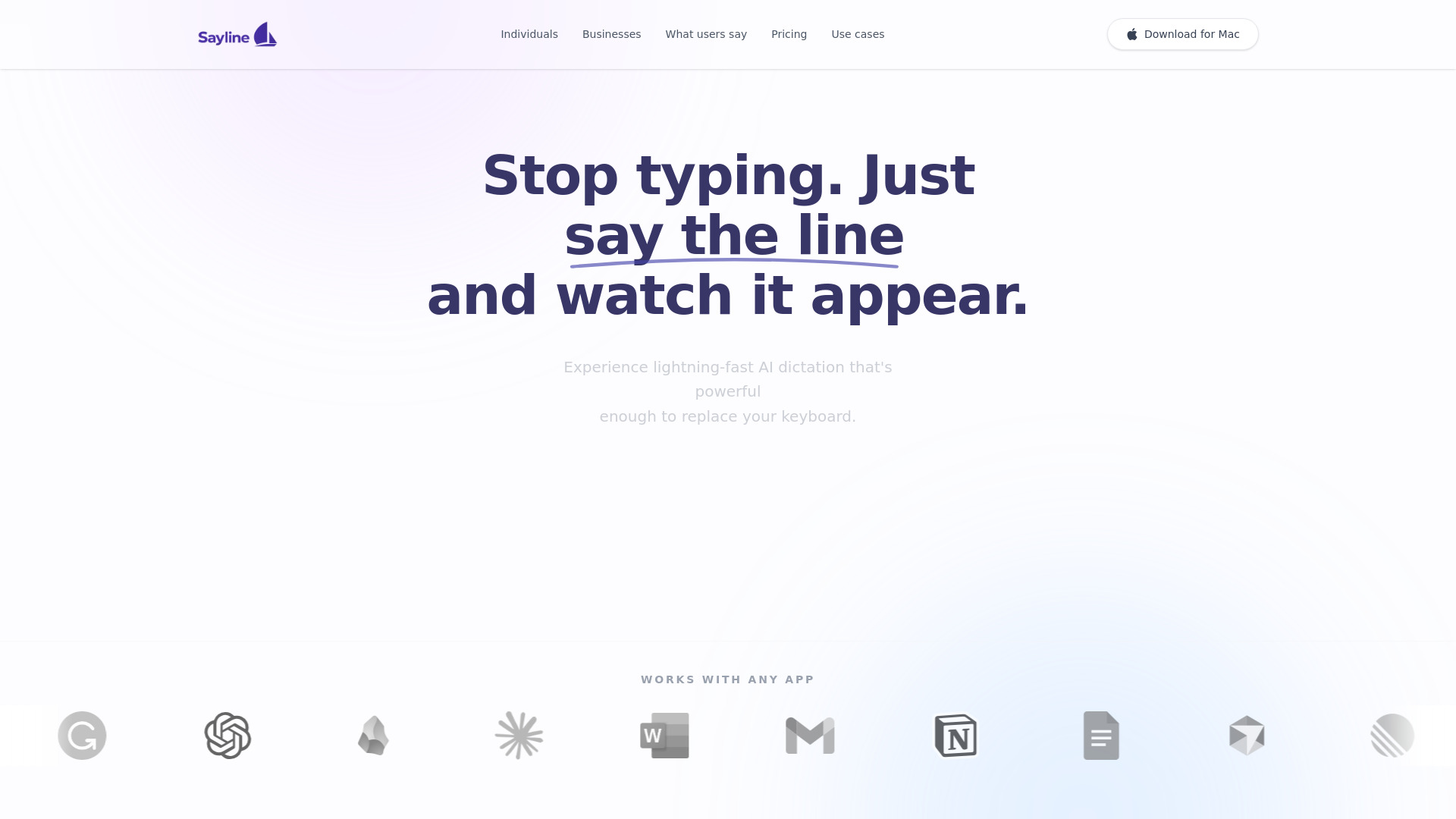
Sayline is a private, local macOS voice dictation app that replaces typing in any text field. It aims to be the most productive way to type, allowing users to say a line and watch it appear.
How to use Sayline
- Press a hotkey on your keyboard.
- Speak naturally.
- Perfect text appears.
Features of Sayline
- Replaces typing in any text field.
- Lightning-fast AI dictation.
- Works with any app.
- Fully offline operation.
- On-device processing.
- Bank-grade privacy (zero data collection, zero external storage).
- Available on Mac.
Use Cases of Sayline
- Drafting emails.
- Sending Slack messages.
- Creating AI prompts.
- Replacing keyboard input for increased productivity.
Pricing
- Trial: $0 for 14 days, with a limit of 15,000 words, standard accuracy, 1 Mac device, and local processing.
- Individual: $24.99 for a lifetime license, offering unlimited dictation, superhuman accuracy, 1 Mac device, priority support, and fully private & offline operation with lifetime updates.
- Business: $49.99 for a lifetime license, including everything in Individual, up to 3 Mac devices, with options to add more users for $9.99 each. It also includes centralized license keys and priority business support.
FAQ
- Is Sayline really a one-time payment? Yes, pricing is a one-time payment for lifetime access.
- Does it work offline? Yes, Sayline works offline, and voice data never leaves your device.
- Can I try it before buying? Yes, there is a free trial available.
- How accurate is the transcription? The Individual plan offers superhuman accuracy, while the trial has standard accuracy.
- Which apps does it work with? It works with any app.
- Do you support languages other than English? This information is not explicitly provided.
- Do you offer any discounts to students? This information is not explicitly provided.