LogoTopAIHubs
icon of Seedance-2.0

Seedance-2.0

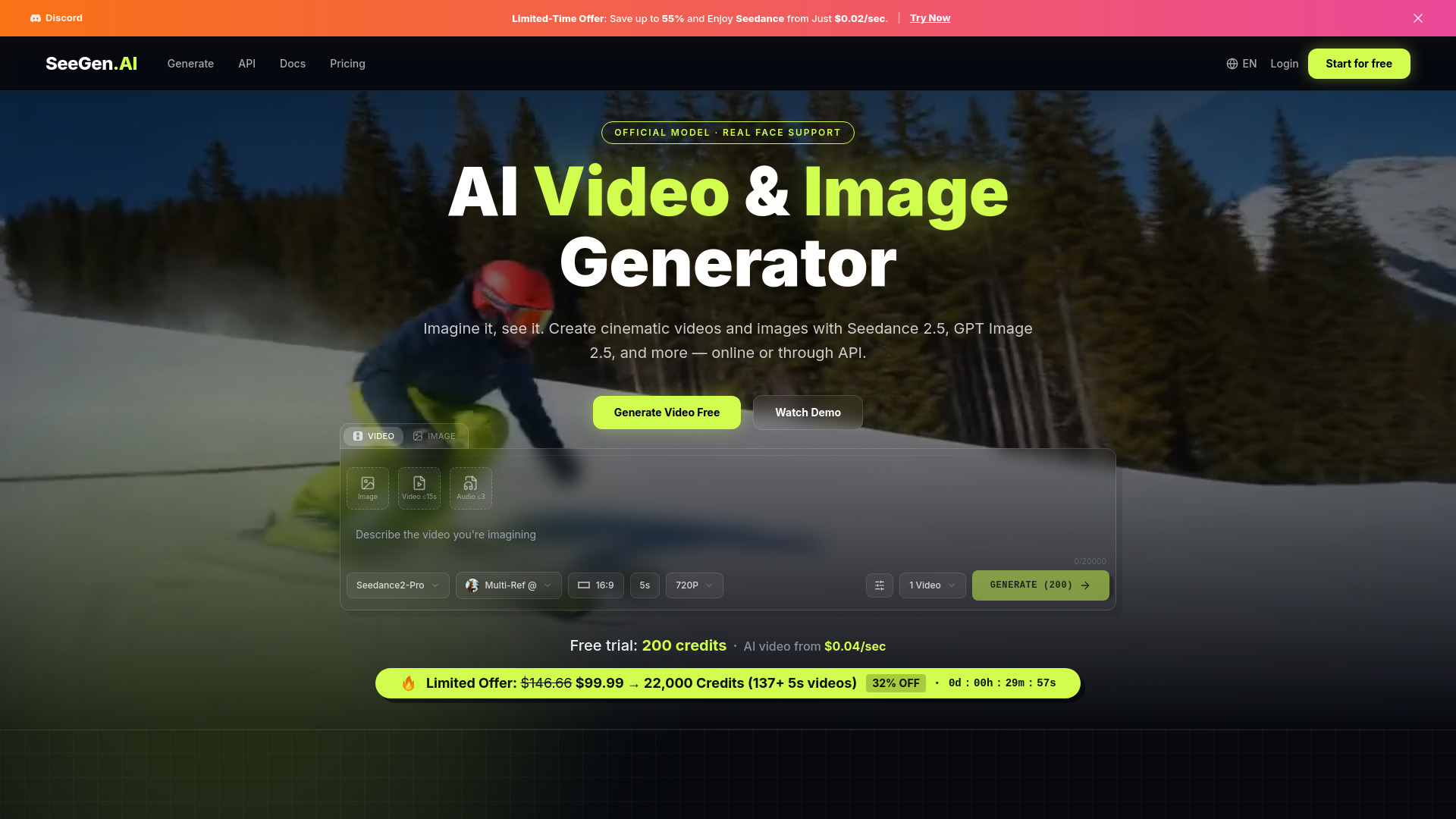
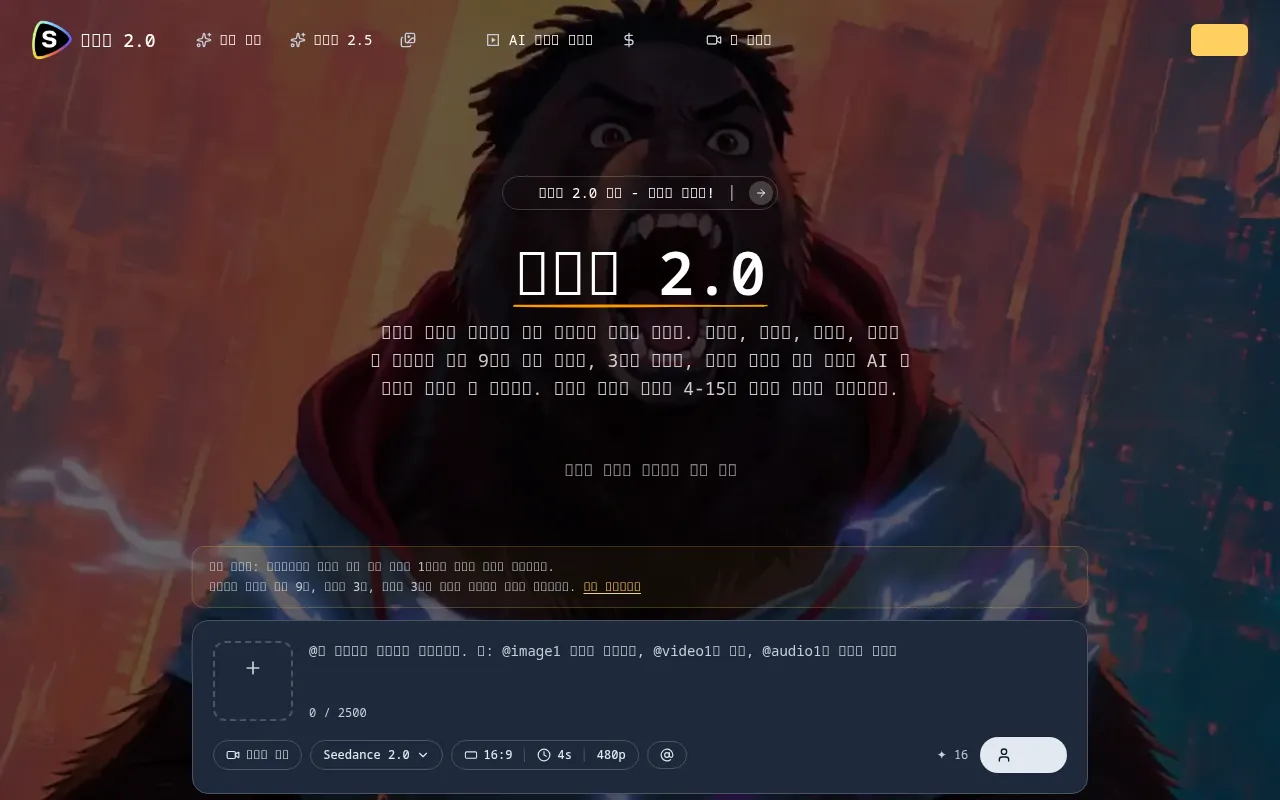
Create 4–15-second videos by combining up to nine images, three videos, audio, and text with precise asset references.

Introduction

What is Seedance-2.0

Seedance 2.0 is a novel multimodal AI video generation platform that allows users to create AI videos by combining images, videos, audio, and text with precise asset references. It enables the creation of 4-15 second videos using up to nine images, three videos, and audio inputs.

How to use Seedance-2.0
  1. Upload Assets: Upload up to 9 images, 3 videos (total length under 15 seconds), and 3 audio files (MP3, under 15 seconds each). You can mix and match various input types, with a maximum of 12 files per generation.
  2. Write Prompts with @ References: Use natural language prompts and the '@' mention system to specify how each asset should be used. For example, reference '@Image1' as the character and '@Video1' for camera movement.
  3. Generate Videos: Create videos ranging from 4 to 15 seconds in length. The generated videos include built-in sound effects and music.
Features of Seedance-2.0
  • Multimodal Input Support: Accepts up to 9 images, 3 videos (total 15s max), and 3 audio files (MP3, 15s max).
  • Powerful @ Reference System: Precisely control asset usage within prompts.
  • Enhanced Core Features: Realistic physics, smooth motion, precise instruction understanding, and stable style maintenance.
  • Creative Templates & Effects: Replicate complex camera movements like Hitchcock zooms and particle effects.
  • Motion & Camera Replication: Combine character movements from one video with camera movements from another.
  • Video Extension: Naturally extend videos while maintaining consistency.
  • Cinematic Audio & Visuals: Generate MV-quality content with precise cinematography keywords and film aesthetics.
  • Video Editing & Character Swapping: Replace characters in existing videos while preserving all motion and movements.
  • One-Take Long Takes: Support for complex one-take shots using multiple image/video references.
  • Creative Storytelling: AI can fill narrative gaps with minimal input, creating atmospheric stories from images and audio.
  • Audio Fidelity: Delivers realistic sound effects, accurate lip-sync, and precise tone replication.
  • Music Sync: Models understand rhythm and automatically align visual elements to music beats.
Use Cases of Seedance-2.0
  • Model Referencing & Outfit Changes: Reference character facial features and outfits from different images, with dynamic camera cuts and effects.
  • Motion and Camera Replication: Create scenes with character actions from one video and camera movements from another, such as a battle scene with specific lighting and tension.
  • Video Extension: Extend videos with consistent motion and backgrounds, like an advertisement featuring a donkey on a motorcycle with various cinematic shots.
  • Cinematic Audio & Visuals: Generate music videos with specific lighting (golden hour), film grain aesthetics, and cinematic framing.
  • Video Editing & Character Swapping: Swap characters in a band performance video while maintaining the original motion and music.
  • One-Take Long Takes: Follow a runner through various environments (street, stairs, hallway, rooftop) in a single continuous shot using multiple image references.
  • Creative Storytelling: Generate atmospheric videos based on inspiring images and audio, letting the AI complete the narrative.
Pricing

Seedance 2.0 offers pricing tiers ranging from $30 to $1080, with 9 different offer options.
FAQ
  • What is Seedance 2.0? Seedance 2.0 is a new multimodal AI video generation platform. It allows you to combine up to 9 images, 3 videos, and 3 audio files to create impressive 4-15 second videos with built-in sound effects.
  • What input types are supported? Seedance 2.0 supports images (up to 9), videos (up to 3, total length under 15 seconds), audio (MP3, up to 3 files, total 15 seconds), and text (natural language prompts). You can use up to 12 files per generation.
  • How does the @ reference system work? You can reference uploaded assets by typing '@' in your prompt. For example, '@Image1 as character, @Video1 as camera movement'. This allows precise control over how each asset is used.
  • Does Seedance 2.0 include sound? Yes, Seedance 2.0 generates videos with built-in sound effects and music. You can also reference audio files for specific soundtracks or lip-sync dubbing.
  • What is the video length? You can generate videos from 4 to 15 seconds in length.

Newsletter

Join the Community

Subscribe to our newsletter for the latest news and updates