
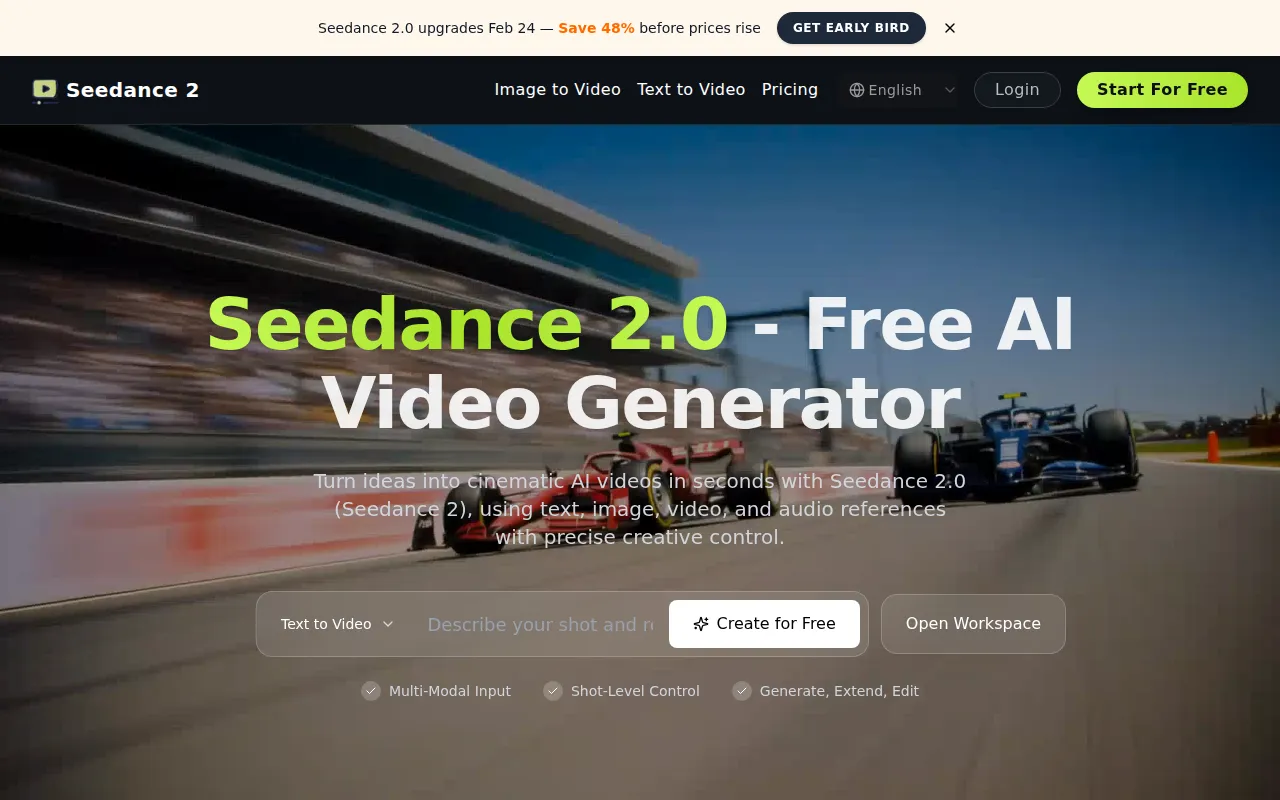
What is Seedance 2.0 - Free AI Video Generator
Seedance 2.0 is a multimodal AI tool that generates cinematic short videos from text, images, video, and audio references. It allows users to create, extend, and edit videos with precise control.
How to use Seedance 2.0 - Free AI Video Generator
- Describe your shot: Enter a text prompt detailing your desired video.
- Reference inputs: Use
@references in your prompt to specify roles for text, images, videos, or audio. - Generate: Initiate the video creation process.
- Extend/Edit: Modify existing videos by generating new segments or applying targeted edits.
Features of Seedance 2.0 - Free AI Video Generator
- Multi-Modal Input: Accepts text, image, video, and audio references.
- Reference-First Prompting: Structured input for clear creative intent and reduced drift.
- High-Fidelity Image Guidance: Locks composition and character details from reference images.
- Video Motion Transfer: Replicates camera language and pacing from source clips.
- Audio-Driven Generation: Uses audio references to guide timing and mood.
- Character and Scene Consistency: Maintains subject identity across shots.
- Video Extension: Generates new segments to extend existing clips.
- Targeted Editing: Allows edits without full regeneration, such as character swaps or scene adjustments.
- Shot-Level Control: Provides precise control over video generation.
Use Cases of Seedance 2.0 - Free AI Video Generator
- Creating cinematic short videos from text descriptions.
- Generating videos based on image references for consistent style and composition.
- Transferring motion and pacing from existing video clips.
- Aligning video timing and mood with audio references.
- Maintaining character and scene consistency across multiple shots for storytelling.
- Extending existing video clips to increase runtime.
- Editing specific parts of a video without regenerating the entire clip.
- Producing campaign variants and short narrative sequences.
Pricing
Seedance 2.0 offers several pricing plans:
Starter Plan:
- $10/month (billed monthly) or $120/year (billed yearly)
- 3600 credits per year
- Up to 30 videos/month
- Up to 300 images/month
- Basic customer support
- Commercial license
- Access to all models
Pro Plan:
- $16/month (billed monthly) or $192/year (billed yearly)
- 9600 credits per year
- Up to 80 videos/month
- Up to 800 images/month
- Priority customer support
- Commercial license
- Access to all models
Max Plan:
- $29/month (billed monthly) or $348/year (billed yearly)
- 24000 credits per year
- Up to 200 videos/month
- Up to 2000 images/month
- Dedicated Support Channel
- Commercial license
- Access to all models
Credits Packs: Available for purchase.
Note: Annual plans offer a discount compared to monthly billing. Prices are subject to change.
FAQ
- What is Seedance 2.0 AI video generator? Seedance 2.0 is a multi-modal AI video generator for creating, extending, and editing cinematic videos from text, images, video, and audio references.
- What inputs does Seedance 2 support? Seedance 2 supports natural-language text, reference images, reference videos, and MP3 audio inputs.
- How do @ references work in Seedance 2? Use @ references in your prompt to assign each asset role, such as first frame, camera reference, motion reference, or background music guidance.
- What are the current video input limits? You can upload up to 9 images, up to 3 videos with a combined duration of 15 seconds, and up to 3 MP3 files with a combined duration of 15 seconds. Mixed inputs are limited to 12 total files.
- Can I extend an existing video clip? Yes. You can extend a source clip by specifying how much new duration to add, then generate only the extended segment.
- Can I edit an existing video instead of regenerating everything? Yes. Seedance 2 supports targeted edits on existing videos, including character swaps, scene adjustments, and selective content changes.
- Does Seedance 2 generate audio? Yes. Generated videos can include sound effects and music, and you can guide audio style using reference audio inputs.
- What output video duration is supported? Current generation duration supports 4 to 15 seconds per run.
- What improved in Seedance 2.0? Seedance 2.0 improves motion stability, reference fidelity, instruction following, and creative control for more consistent and realistic output.