What is Seedance V2
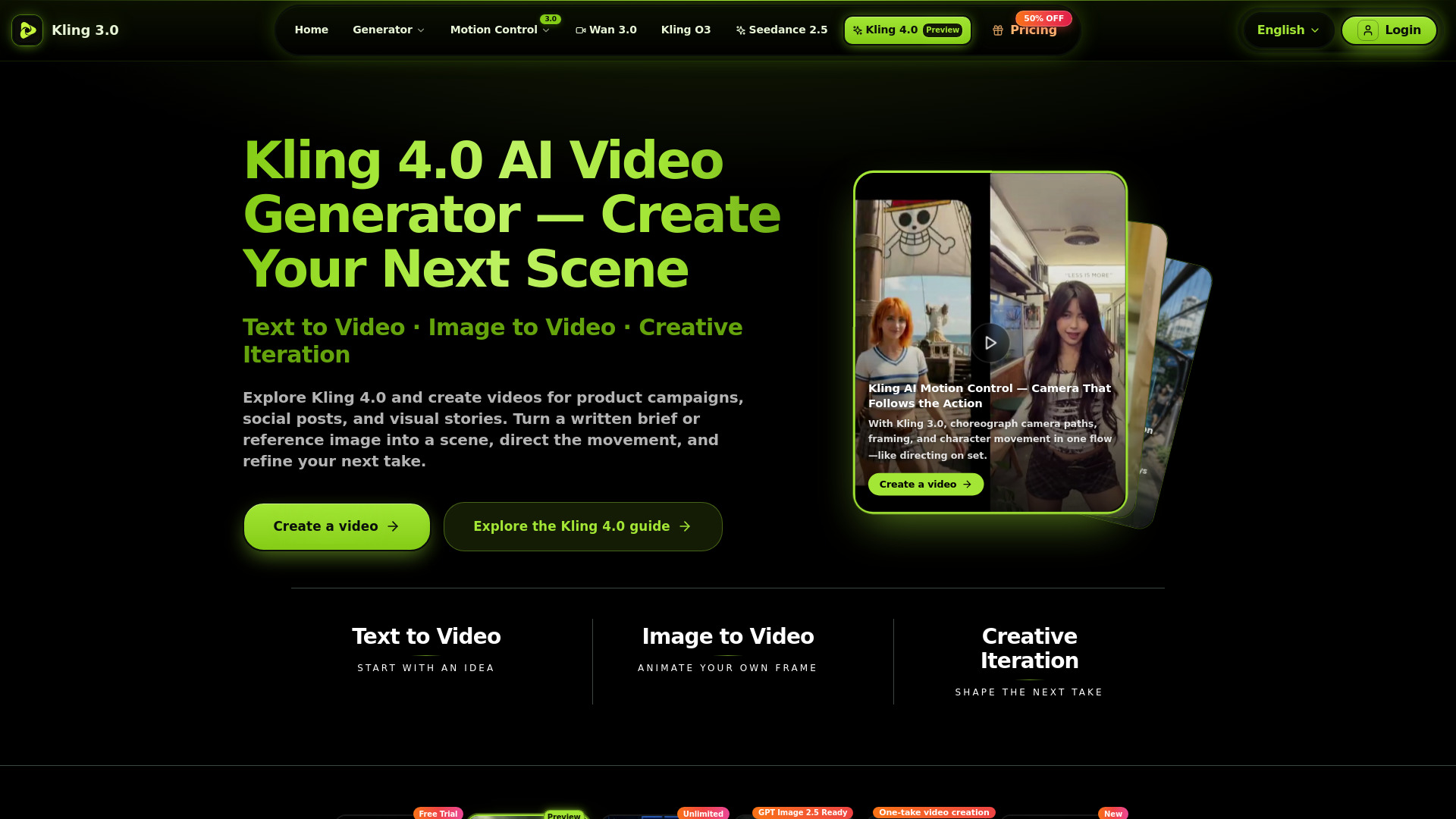
Seedance 2 is an AI video generator that transforms text prompts, reference images, or existing video footage into cinematic short videos. It offers a fast, all-in-one workflow with reference-driven control for consistent results.
How to use Seedance V2
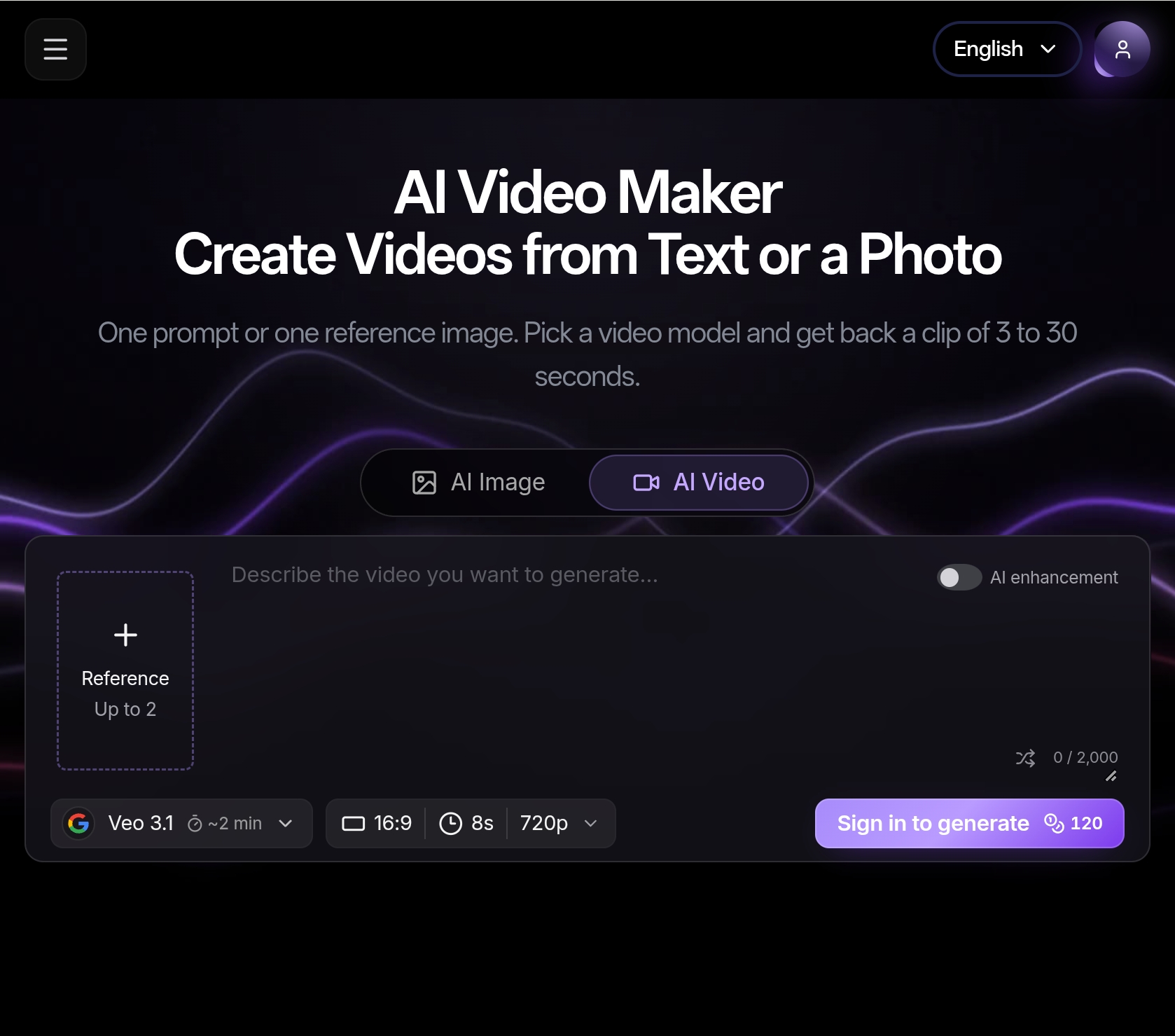
- Select Mode: Choose between Text-to-Video, Image-to-Video, or Video-to-Video based on your input.
- Write Prompt + Add References: Describe your desired scene, camera work, mood, pacing, and style. Utilize reference images or video clips to guide the AI.
- Generate Video: Initiate the generation process, selecting your preferred model and provider. Monitor the progress in real-time.
- Review and Export: Compare the generated outputs, select the best version, and download it for publishing or further editing.
Features of Seedance V2
- Multi-Modal Inputs: Supports text, images, video clips, and audio to steer generation.
- Reference-First Control: Anchors identity, composition, and visual tone using references for improved consistency.
- Character Consistency: Generates sequences with consistent characters or objects across shots.
- Temporal Stability: Provides smoother motion and more coherent frame-to-frame details, reducing flicker.
- High-Definition Output: Delivers sharp details and clean visuals suitable for publishing.
- Fast Iteration Workflow: Enables quick generation, comparison, and refinement of video concepts.
- Multiple AI Models: Offers Seedance 2 and Pro models, with the Pro version including audio generation.
- Audio Synthesis: Generates synchronized audio and video in a single pass.
- Lip-sync Languages: Supports over 10 languages for lip-syncing.
- Aspect Ratios: Supports 16:9, 9:16, and 1:1 aspect ratios.
- Resolution: Up to 1080p high-definition output.
- Video Duration: Generates clips of 5-10 seconds per generation, with extension capabilities.
- Frame Rate: Up to 24fps, a cinema-standard frame rate.
- Output Format: MP4 (H.264) for universal compatibility.
Use Cases of Seedance V2
- Film & Pre-visualization: Storyboarding, pre-visualization, and scene prototyping.
- Marketing & Advertising: Social media ads, product videos, and brand content creation.
- Social Media Content: TikTok, Reels, YouTube Shorts, with multilingual lip-sync.
- E-commerce & Product: Dynamic product showcases and lifestyle videos from static images.
- Art & Creative Expression: Animating digital art, concept art, and paintings.
- Education & Training: Generating educational animations and training materials.
Pricing
Pricing details are available on the Pricing page. Credit usage varies by mode and model, with costs displayed before generation.
FAQ
- What is Seedance 2 (Seedance 2.0 / Seedance v2)? Seedance 2 is an AI video generator that creates cinematic short clips from text prompts, reference images, or source footage — optimized for consistency, controllability, and smoother motion.
- Seedance 2 Text-to-Video vs Image-to-Video vs Video-to-Video: which should I choose? Use text-to-video for storyboards and concepts, image-to-video when you want stronger style/character consistency, and video-to-video to restyle or remix existing clips quickly.
- How do references improve Seedance 2 video quality? References act like constraints: they anchor subject identity, composition, and visual tone, reducing randomness and improving continuity across iterations.
- How many credits does a Seedance 2 video cost? Credit usage varies by mode and model. You’ll see the expected credit cost before submitting each generation.
- Can I use Seedance 2 outputs commercially? In most business cases, yes. Please review the Terms of Service for exact usage policies and constraints.
- Do I need professional editing skills to use Seedance 2? No. The workflow is beginner-friendly, while still offering controls advanced teams need for repeatable quality.