What is SEELE TV
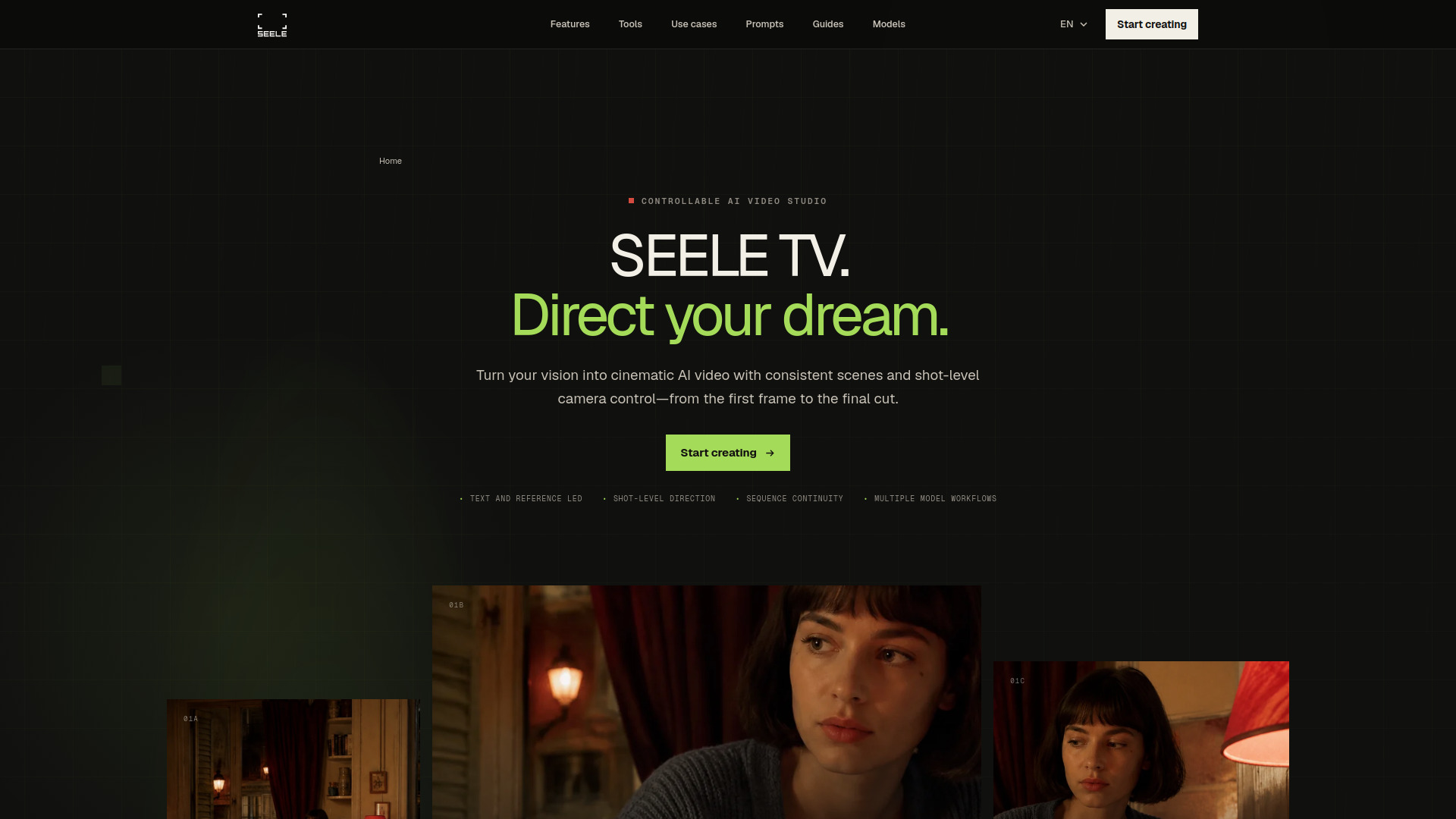
SEELE TV is a controllable AI video studio designed for creating cinematic AI videos with consistent scenes, visual references, camera control, and sequence workflows. It goes beyond generating a single clip by helping creators develop an idea through visual references, shot direction, scene continuity, and sequence review.
How to use SEELE TV
- Start with references: Use images, characters, visual language, or existing scenes to define the direction more specifically.
- Direct each shot: Define what the viewer should notice, how the camera should move, and what must remain consistent when the scene changes.
- Review the sequence: See the work as a film, not a folder of outputs. Review pacing, visual continuity, and message across the sequence.
- Revise with purpose: Keep what works and revise the smallest decision that does not.
Features of SEELE TV
- Reference-led creation: Start with more than a text prompt using character and subject references, style and composition direction, and format-aware creative briefs.
- Shot direction: Give every shot a purpose with subject, action, and framing; camera and motion language; and continuity across adjacent shots.
- Sequence review: See the work as a film with sequence pacing and shot order, visual and narrative continuity, and focused revisions with a clear reason.
- Multiple model workflows: Use various AI video models with different inputs, motion, sound, continuity, and output constraints.
Use Cases of SEELE TV
- Cinematic stories: Create coherent sequences with consistent characters and atmosphere.
- Product films: Develop product videos with specific visual language and camera control.
- Social campaigns: Plan deliverables before opening the workspace, using step-by-step workflow planners.
- Previsualization: Use miniature sets or references to plan camera compositions.
FAQ
What is an AI video studio? An AI video studio goes beyond generating a single clip. SEELE TV helps creators develop an idea through visual references, shot direction, scene continuity, and sequence review.
How does SEELE TV help keep scenes consistent? SEELE TV supports reference-led direction and continuity briefs that help carry subjects, characters, atmosphere, and camera language across connected shots. Results still depend on the selected model and inputs.
Can I control the camera in AI-generated video? Camera controls vary by model and current workspace capabilities. When supported, you can direct framing, viewpoint, movement, pacing, and what the viewer should notice in each shot.
Which AI video models can I use in SEELE TV? Model availability and supported controls can change. Check the SEELE workspace for current options, then use the model notes to compare inputs, motion, sound, continuity, and output constraints.
Can I create cinematic sequences from images and text? Text-led and image-reference workflows are available when supported by the selected model. Use them to establish a visual world, direct individual shots, and review how the sequence holds together.