Newsletter
Join the Community
Subscribe to our newsletter for the latest news and updates

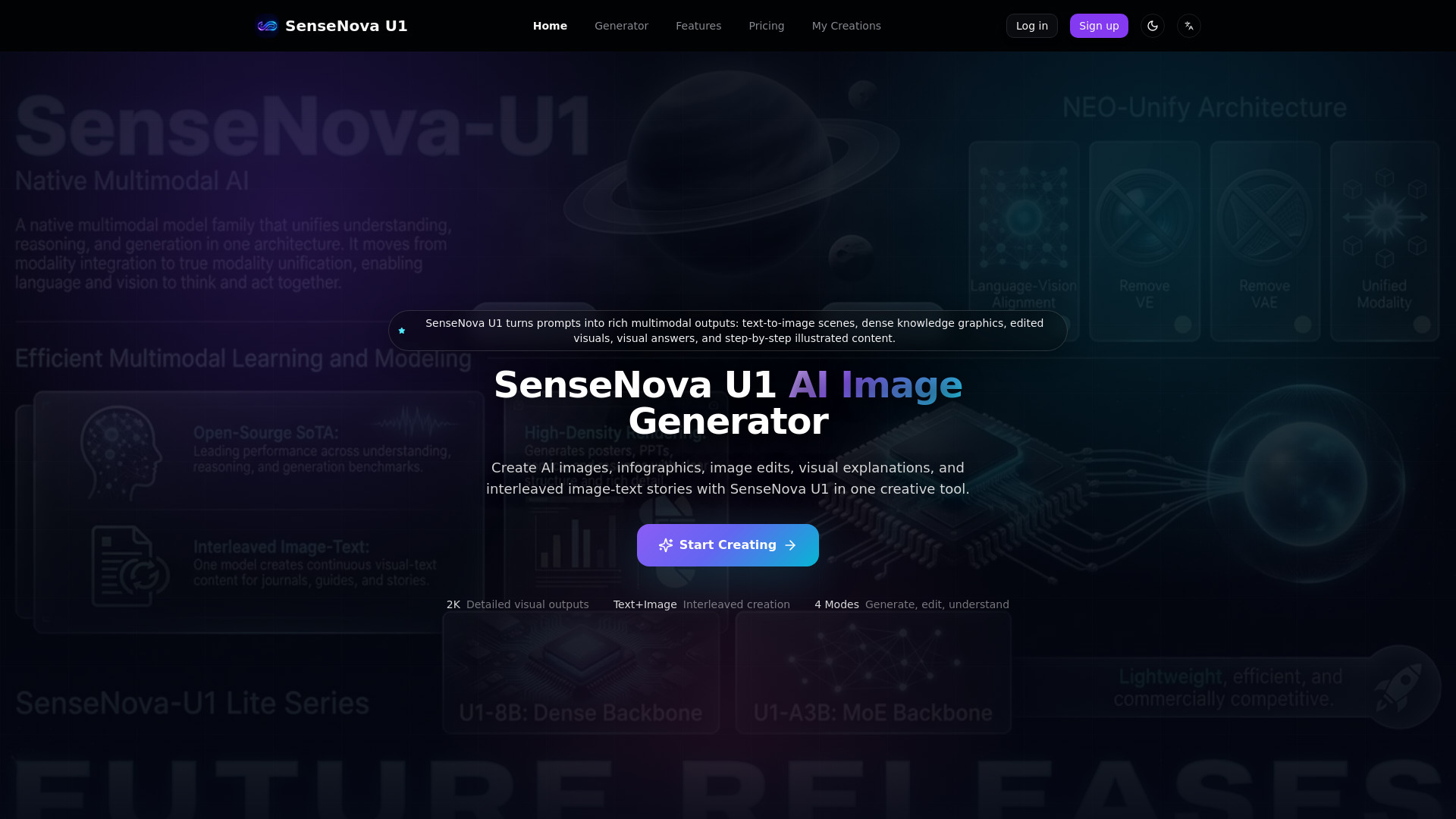
Multimodal AI for image generation, editing, infographics, and visual reasoning.
SenseNova U1 is a multimodal AI tool designed for visual content creation. It enables users to generate AI images, create infographics, edit existing visuals, understand images through visual reasoning, and produce interleaved image-text stories.
What is SenseNova U1 used for? SenseNova U1 is used for AI image generation, infographic creation, image editing, visual understanding, and interleaved image-text storytelling.
Can SenseNova U1 generate images from text? Yes. Describe the scene, style, layout, and details you want, and SenseNova U1 can generate a visual output from your prompt.
Can SenseNova U1 create infographics? Yes. SenseNova U1 is especially useful for dense information graphics, knowledge posters, step diagrams, presentation visuals, and educational layouts.
Can I edit an existing image with SenseNova U1? Yes. Upload a reference image and describe the change you want, such as changing objects, style, composition, colors, or details.
Can SenseNova U1 answer questions about an image? Yes. SenseNova U1 can inspect visual content and answer questions about menus, scenes, diagrams, objects, and layout details.
What is interleaved image-text generation? It means SenseNova U1 can create a sequence where text and images alternate, such as an illustrated tutorial, travel diary, comic, or visual guide.
What prompts work best? Clear prompts work best. Include the subject, purpose, visual style, aspect ratio, text requirements, and any layout or audience details.
Can SenseNova U1 make presentation visuals? Yes. SenseNova U1 can draft slide-style graphics, diagrams, visual summaries, and structured educational visuals.
Can SenseNova U1 generate comics or storyboards? Yes. SenseNova U1 can create visual sequences with consistent scenes, characters, mood, and narrative progression.
Can SenseNova U1 handle text inside images? SenseNova U1 can generate text-rich visuals, but you should review spelling, formatting, and label accuracy before publishing.
Is SenseNova U1 good for social media content? Yes. SenseNova U1 can create posters, explainers, carousel ideas, visual stories, and shareable infographic-style content.
Does SenseNova U1 support visual reasoning? Yes. SenseNova U1 can combine visual understanding with reasoning to explain scenes, compare details, and support visual problem solving.
What should I check in human-centered images? Review faces, hands, proportions, small figures, and complex interactions, because fine human details may need extra refinement.
Can SenseNova U1 create product visuals? Yes. SenseNova U1 can help create product concepts, feature diagrams, ad visuals, visual briefs, and scenario illustrations.
How do I improve a weak result? Refine the prompt with stronger structure, specify composition and text placement, add style references, and regenerate or edit the output.
Who is SenseNova U1 for? SenseNova U1 is for creators, designers, educators, marketers, researchers, and teams who need fast multimodal visual content.
What can I create with SenseNova U1? SenseNova U1 helps you create AI images, infographics, image edits, visual explanations, and interleaved image-text stories from prompts.
Is SenseNova U1 an AI image tool? Yes. SenseNova U1 is presented here as an AI tool for image generation, visual understanding, image editing, and multimodal content creation.
Can SenseNova U1 make illustrated tutorials? Yes. SenseNova U1 can generate interleaved text and images for tutorials, travel notes, recipes, study guides, and visual storytelling.
What should I review before publishing? Check text accuracy, spelling, visual details, factual claims, and any brand or compliance requirements before publishing SenseNova U1 outputs.
Can SenseNova U1 replace a designer? SenseNova U1 accelerates visual creation, but design review is still recommended for brand-critical, legal, medical, financial, or safety-sensitive work.
What are the limits of SenseNova U1 outputs? SenseNova U1 may still need refinement for tiny human details, long visual context, exact typography, and experimental interleaved generation.