What is Siket
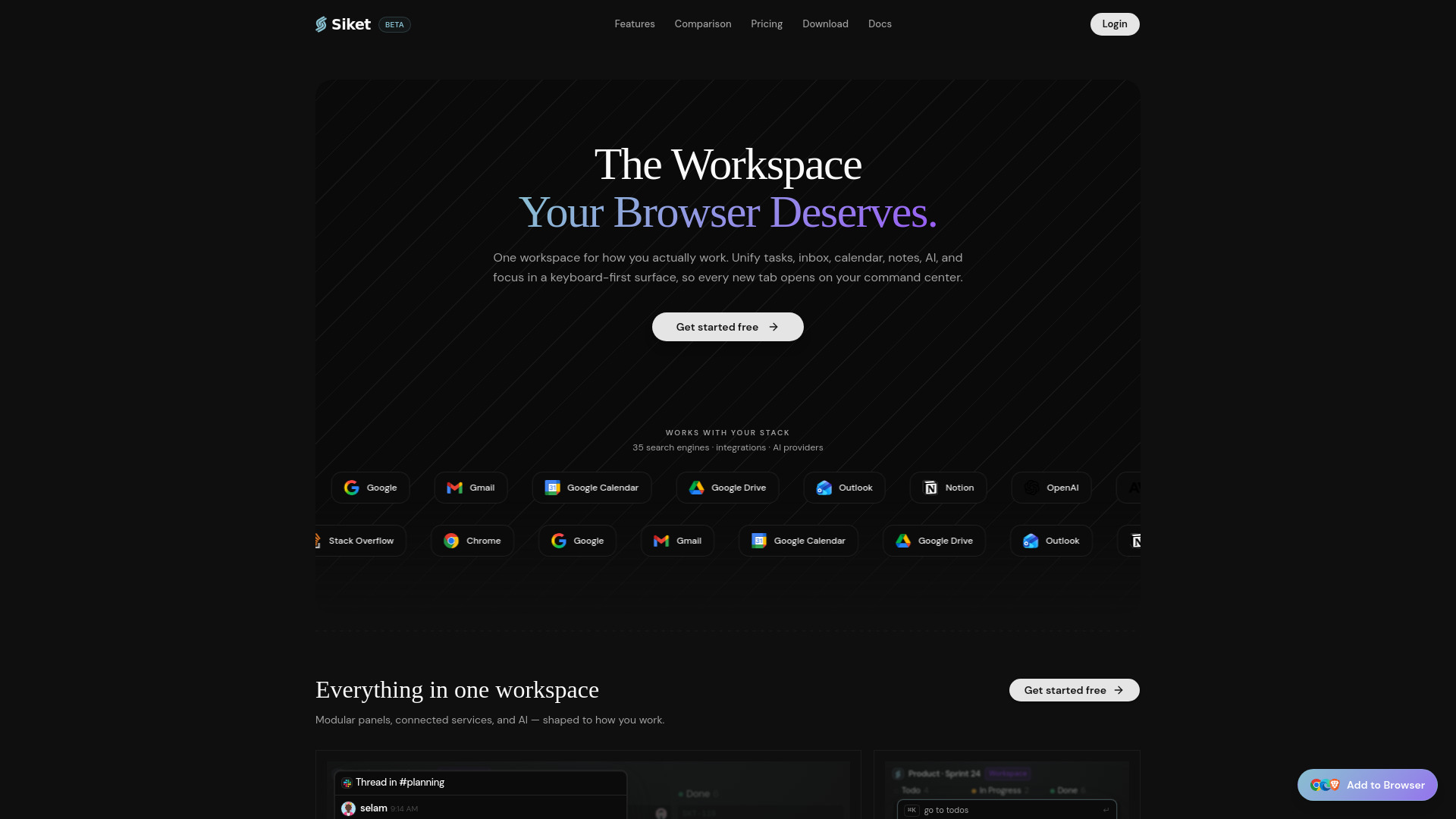
Siket is a browser extension that replaces your new tab page with a productivity command center. It integrates todos, focus mode, email, calendar, tab sessions, habits, and an AI assistant into a single keyboard-first interface. It is designed for Chrome, Edge, and Brave browsers, with cloud sync available when you sign in.
How to use Siket
- Install the Siket extension from your browser's web store.
- Open a new tab to access the workspace.
- Use keyboard shortcuts to navigate and manage tasks, focus sessions, email, calendar, and more.
- Sign in to enable cloud sync across devices.
Features of Siket
- Todos: Manage your task list directly from the new tab.
- Focus Mode: Includes a Pomodoro timer for focused work sessions.
- Email & Calendar: Integrate your email and calendar for quick access.
- Tab Sessions: Save and restore groups of tabs.
- Habits: Track and build daily habits.
- AI Assistant: Get AI-powered help within the workspace.
- Keyboard-first: Navigate and control everything without a mouse.
- Cloud Sync: Sync your data across devices when signed in.
- Customizable Appearance: Supports dark and light themes with accent color customization.
Use Cases of Siket
- Daily Planning: Use the new tab to review your todos, calendar, and habits each morning.
- Deep Work: Activate focus mode with Pomodoro to block distractions.
- Email Management: Quickly check and respond to emails without leaving the new tab.
- Session Management: Save research or project tab groups and restore them later.
- Habit Tracking: Keep habits visible and log progress daily.
FAQ
Q: Which browsers does Siket support? A: Chrome, Edge, and Brave.
Q: Is Siket free? A: Yes, there is a free tier. A Pro subscription is available for additional features.
Q: Does Siket sync across devices? A: Yes, cloud sync is available when you sign in.