What is soink
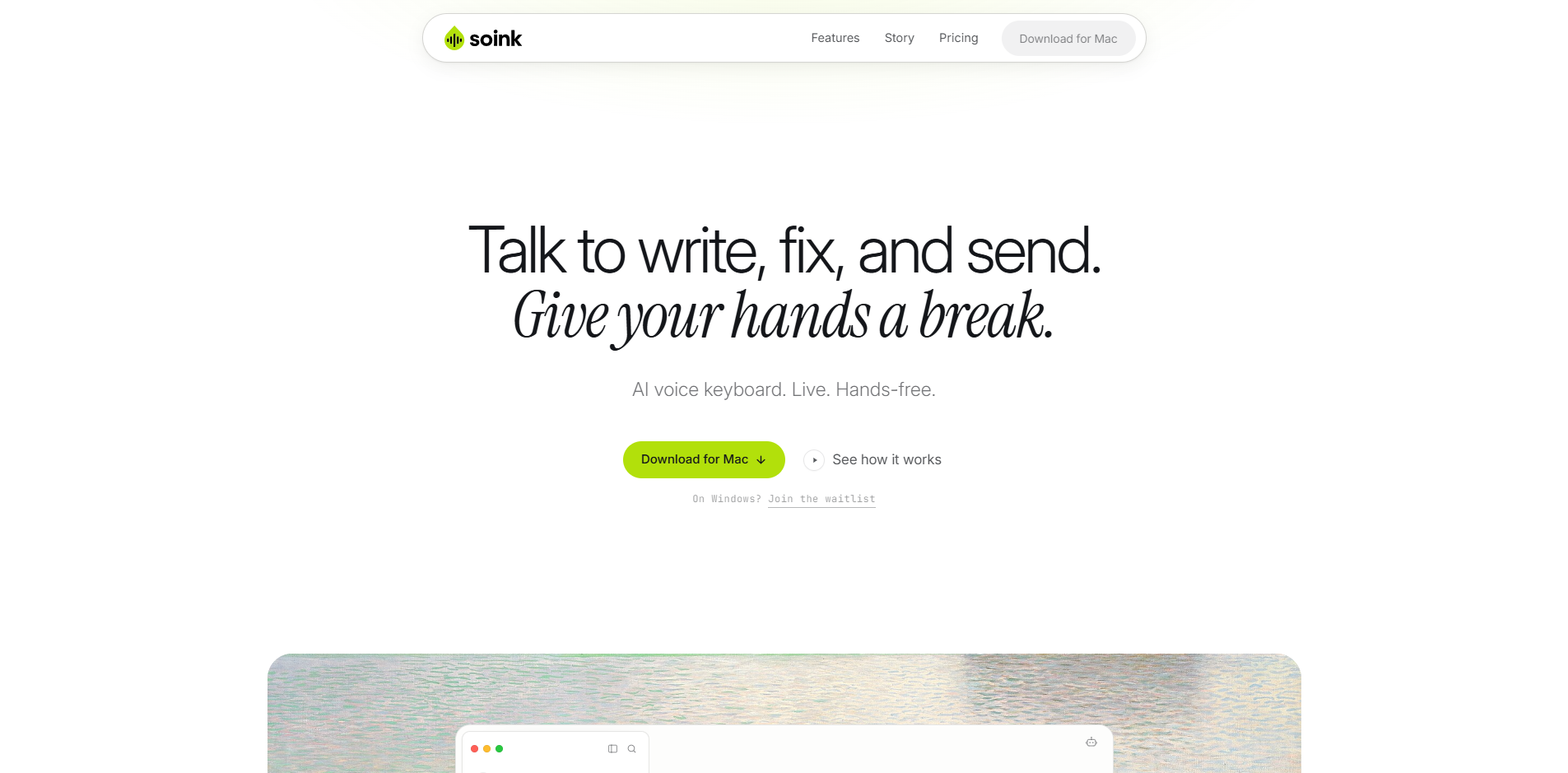
soink is an AI voice keyboard for Mac that enables live, hands-free dictation. It allows users to speak and have clean text appear in any text field in real time, with AI-powered auto-polish that removes filler words and corrects grammar. Designed for people with wrist pain (e.g., TFCC injury, RSI) or anyone who wants to give their hands a break, soink supports voice editing, voice send, and seamless switching between voice and keyboard.
How to use soink
- Start dictation: Tap once to begin speaking. No need to hold a key or tap again to stop — soink automatically stops when you go quiet.
- Speak naturally: Your words appear live in the text field, cleaned up by AI as you go.
- Edit by voice: Say commands like "change Tuesday to Wednesday" to make corrections without touching the keyboard.
- Send by voice: Say "send" to press Enter and send your message.
- Continue dictating: After sending, soink keeps listening so you can fire off multiple messages in a row without restarting.
- Mix voice and keyboard: Type and talk in the same sentence — no mode switching required.
Features of soink
- Live streaming: Words appear in the text field the moment you speak, with low latency.
- Auto Polish: AI removes filler words (ums, false starts) and corrects grammar in real time.
- Voice editing: Fix words or phrases by speaking the correction (e.g., "change Tuesday to Wednesday").
- Voice Send: Say "send" to press Enter and submit your message.
- Continuous dictation: soink keeps listening after sending, allowing uninterrupted voice workflow.
- Voice + keyboard: Seamlessly switch between speaking and typing in the same sentence.
- Works in any app: Functions in any text field across apps like Slack, Gmail, Google Docs, Chrome, Cursor, Terminal, ChatGPT, Claude, Notion, VS Code, and many more.
- Hands-free: Tap once to start, then dictate, edit, and send entirely by voice.
Use Cases of soink
- Wrist pain or injury: Users with TFCC, RSI, or other hand/wrist conditions can continue working without typing.
- Messaging and chat: Compose and send messages in Slack, WhatsApp, Discord, Telegram, etc., entirely by voice.
- Email: Dictate and send emails in Gmail, Outlook, or Superhuman.
- Document editing: Write and edit in Google Docs, Notion, Obsidian, or Bear.
- Coding: Dictate code in VS Code, Cursor, or Terminal.
- AI chatbots: Interact with ChatGPT, Claude, Gemini, or Perplexity by voice.
- Productivity: Quickly compose notes, tasks, or messages without interrupting workflow.
Pricing
soink offers a free trial. Paid plans are available — see the Pricing page on the website for details.
FAQ
What is soink? soink is an AI voice keyboard for Mac that provides live, hands-free dictation. It streams words into the text field as you speak, cleans them up with AI, and allows full voice control for editing and sending.
How does hands-free actually work? Tap once to start. Speak as long as you like — soink stops when you pause. Edit by saying corrections (e.g., "change Tuesday to Wednesday"). Say "send" to press Enter. After sending, soink keeps listening for the next message.
How is soink different from other dictation apps? Unlike most dictation tools that record, transcribe, and paste a block of text, soink streams words live into the text field. It also supports voice editing, voice send, and continuous dictation, and allows mixing voice and keyboard in the same sentence.
Which languages are supported? soink supports 11 languages across 16 variations: English (US, UK, India), Spanish (Mexico, Spain), Chinese (Mandarin and dialects), Arabic (Bahrain, Saudi Arabia), Portuguese (Brazil), French, German, Hindi, Italian, Japanese, and Korean. More languages are planned.
Is my data private? soink does not log, save, or upload your typing or voice. Audio is converted to text and then deleted. soink never trains on your data.
Does soink work offline? No, soink runs in the cloud to provide the best speech recognition and AI models. Local-first models are being explored for a future offline option.