What is Talk to Type
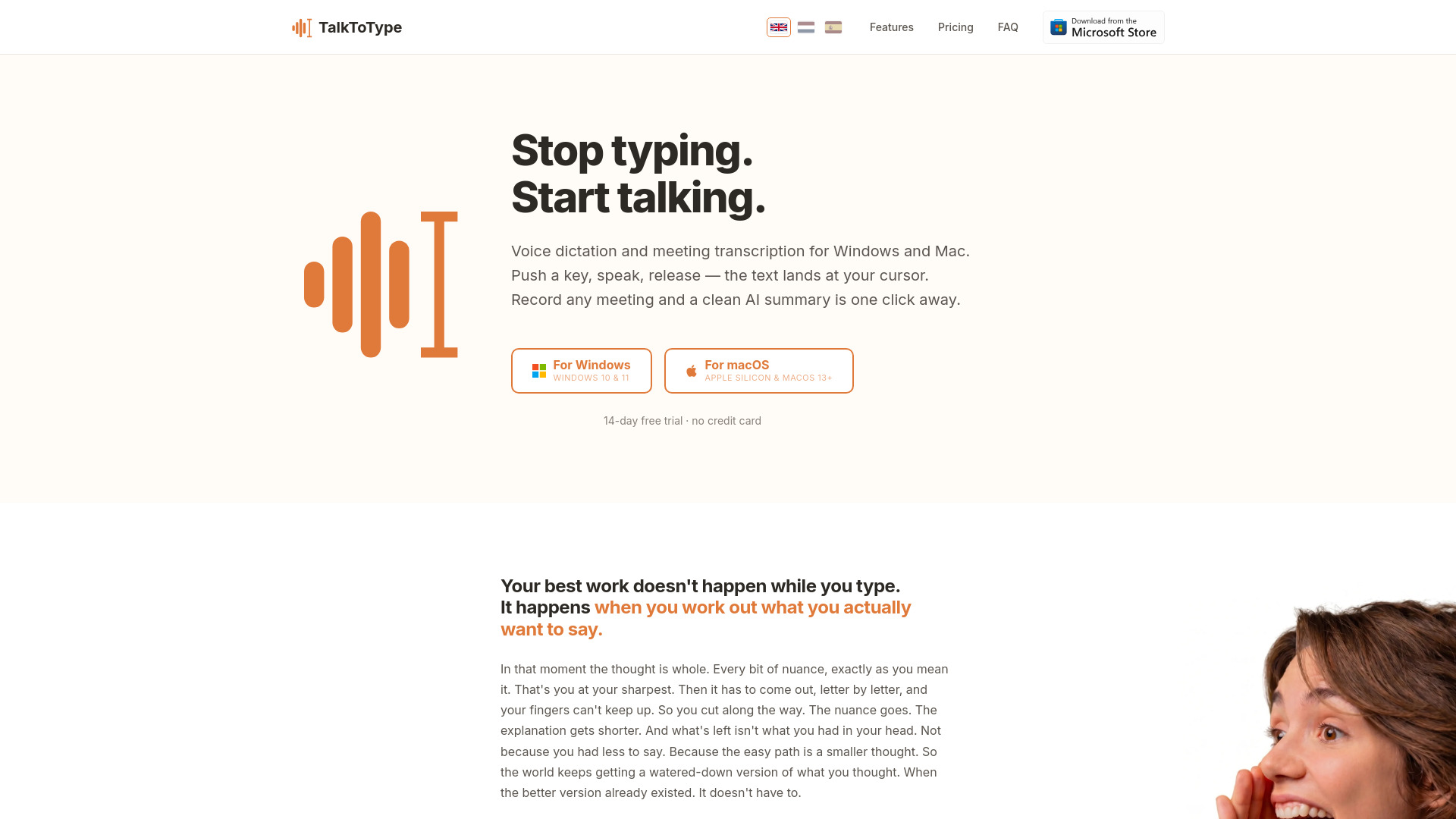
TalkToType is a desktop app for Windows and Mac that combines push-to-talk voice dictation with meeting recording and transcription. It allows you to dictate text into any application by holding a hotkey, speaking, and releasing — the text appears at your cursor. It also records meetings from your own computer (microphone and speakers) without joining as a bot, providing live transcripts and AI summaries.
How to use Talk to Type
- Install the app (small installer, under a minute).
- Open it and pick your language — your 14-day free trial starts automatically.
- Talk — press Alt+Q (Windows) or ⌘+⌥ (Mac) and your words land at your cursor. Hit record for a live meeting transcript.
- It's yours — every recording becomes an MP3 plus a clean text file on your own computer.
Features of Talk to Type
- Dictate into anything — hold a key, speak, release; works in any text field (email, ChatGPT, Slack, Word, browser search bar).
- Record meetings without a bot — captures both microphone and speaker audio; no "bot has joined" notification.
- Live checklists — create a list of talking points before a meeting; AI ticks them off as they come up.
- Eleven languages, one hotkey — set primary and secondary languages; tap F8 to flip output between them.
- Upload existing audio files — drag MP3, WAV, M4A, or OGG files for transcript and AI summary.
- Premium transcript upgrade — upgrade recordings with Gemini Pro for better accuracy, speaker labels, and timestamps.
- AI summaries — overview, decisions, and action items.
- Custom dictionary — add names and jargon for correct spelling.
- Full-text search across sessions.
- Privacy-first — audio stays on your computer; goes directly to the speech-to-text provider, not through TalkToType servers.
Use Cases of Talk to Type
- Vibe coders — speak prompts directly into Cursor, Copilot, or ChatGPT for sharper AI output.
- Recruiters — use live checklists to ensure all questions are covered during interviews.
- Sales — capture discovery calls without a bot; pull out needs for CRM.
- Managers — get summaries and action items automatically after meetings.
- Consultants — capture client requirements with premium transcripts for reports.
- Researchers & journalists — upload interview audio files for searchable transcripts.
Pricing
| Plan | Price | Key Features |
|---|---|---|
| Free | €0 forever | Inline dictation (5 min/day) |
| Starter | €9.95/month | Unlimited dictation, meeting recording, uploads, live checklists, AI summary |
| Pro | €25/month | Everything in Starter + email summary delivery, premium transcript upgrade (1200 min/mo), premium AI summary |
| Lifetime License | €49 one-time | Everything in Pro + bring your own AI key (Groq/OpenAI/Google), no subscription |
Every plan starts with a 14-day free trial, no credit card needed.
FAQ
Is my audio private? Yes. Audio files stay on your computer. For transcription, audio goes directly from your computer to the speech-to-text provider — TalkToType never stores it. With the Lifetime License, you bring your own key and choose the provider.
Can I try before I buy? Yes, 14 days with every feature included, no credit card needed.
Does it work with Teams, Zoom, Google Meet? Yes, and any other platform. TalkToType records from your own computer — no bot joins the call.
Which languages does it support? Eleven languages. Set a primary and secondary language and flip between them with F8.
What is a premium transcript? An upgraded transcript using a heavier AI model for better accuracy on important recordings. Pro plan includes 1200 minutes/month.
Can I drop in an old recording? Yes — drag MP3, WAV, M4A, or OGG files into the app.