What is Text Deblur
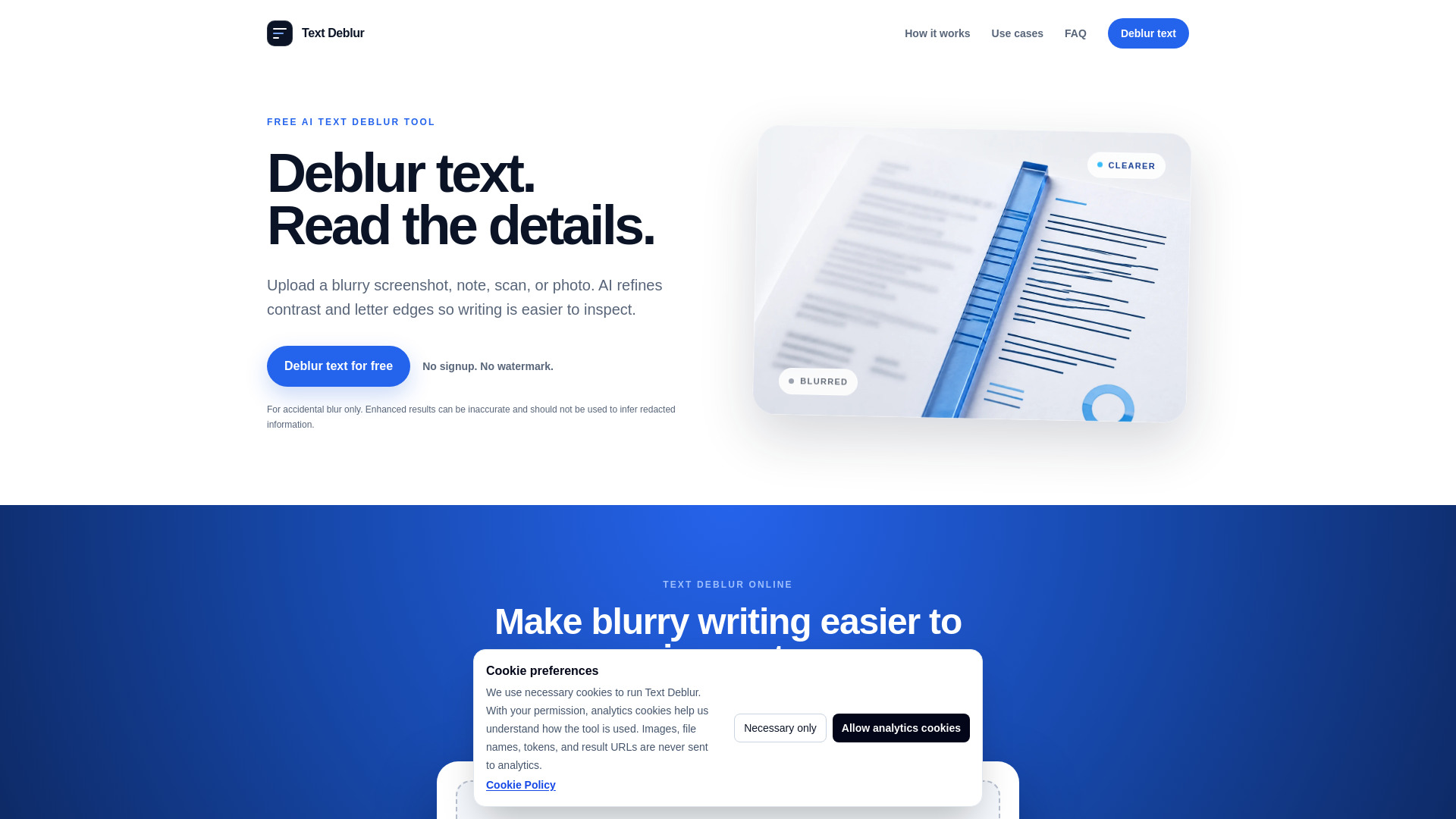
Text Deblur is a free AI-powered online tool that enhances blurry text in images, making it easier to inspect. It refines contrast and letter edges in screenshots, notes, scans, and photos, allowing users to download a clearer JPG. The tool is designed for accidental blur and does not perform OCR or recover intentionally redacted information.
How to use Text Deblur
- Upload an image: Choose a blurry note, screenshot, scan, label, or sign in JPG, PNG, WebP, AVIF, GIF, BMP, TIFF, HEIC, or HEIF format (max 20 MB).
- Verify and deblur: Complete a quick human check, then run the fixed text enhancement model.
- Inspect and download: Compare the enhanced image carefully, then download it while the private result link is active (links expire in 24 hours).
Features of Text Deblur
- AI text deblurring: Enhances contrast and letter edges to make blurry writing clearer.
- Supports multiple formats: JPG, PNG, WebP, AVIF, GIF, BMP, TIFF, HEIC, and HEIF.
- No account required: Use the tool without signing up.
- Free daily quota: 20 free images per UTC day.
- Private storage: Inputs and results are stored privately; links expire in 24 hours and files are deleted after one day.
- Transparency support: Transparent images remain PNG; otherwise, output is JPG by default.
Use Cases of Text Deblur
- Notes & whiteboards: Repair soft phone photos of class notes, meeting boards, and handwritten reminders.
- Screenshots & UI: Enlarge tiny interface labels, chat captures, and compressed screenshots.
- Scans & documents: Improve the visual clarity of low-resolution pages before reading or manual transcription.
- Signs & labels: Sharpen packaging, signs, menus, serial labels, and other text photographed at a distance.
Pricing
Text Deblur is free to use. You can enhance up to 20 images per UTC day without creating an account.
FAQ
What does text deblur do? Text deblur refines contrast and letter edges to make blurry writing easier to inspect. It creates an enhanced image; it does not extract text or guarantee that every character is correct.
How can I unblur text in an image? Upload a supported static image, complete verification, and run the enhancer. A tight crop usually gives the AI the clearest signal.
Can AI recover blurred-out or redacted text? No. If information was intentionally covered, pixelated, or removed, the original characters are not reliably recoverable. Text Deblur is for accidental camera blur, soft screenshots, and low-resolution scans.
Which blurry text images work best? Screenshots, notes, documents, labels, and signs with some visible letter structure work best. Severe motion blur, tiny distant text, glare, or heavy compression may still be unreadable.
Is Text Deblur free? Yes. You can enhance up to 20 images per UTC day without creating an account.
Are uploaded images stored? Inputs and generated results use private storage so processing and downloads can work. Links expire in 24 hours, and stored files are scheduled for deletion after one day.