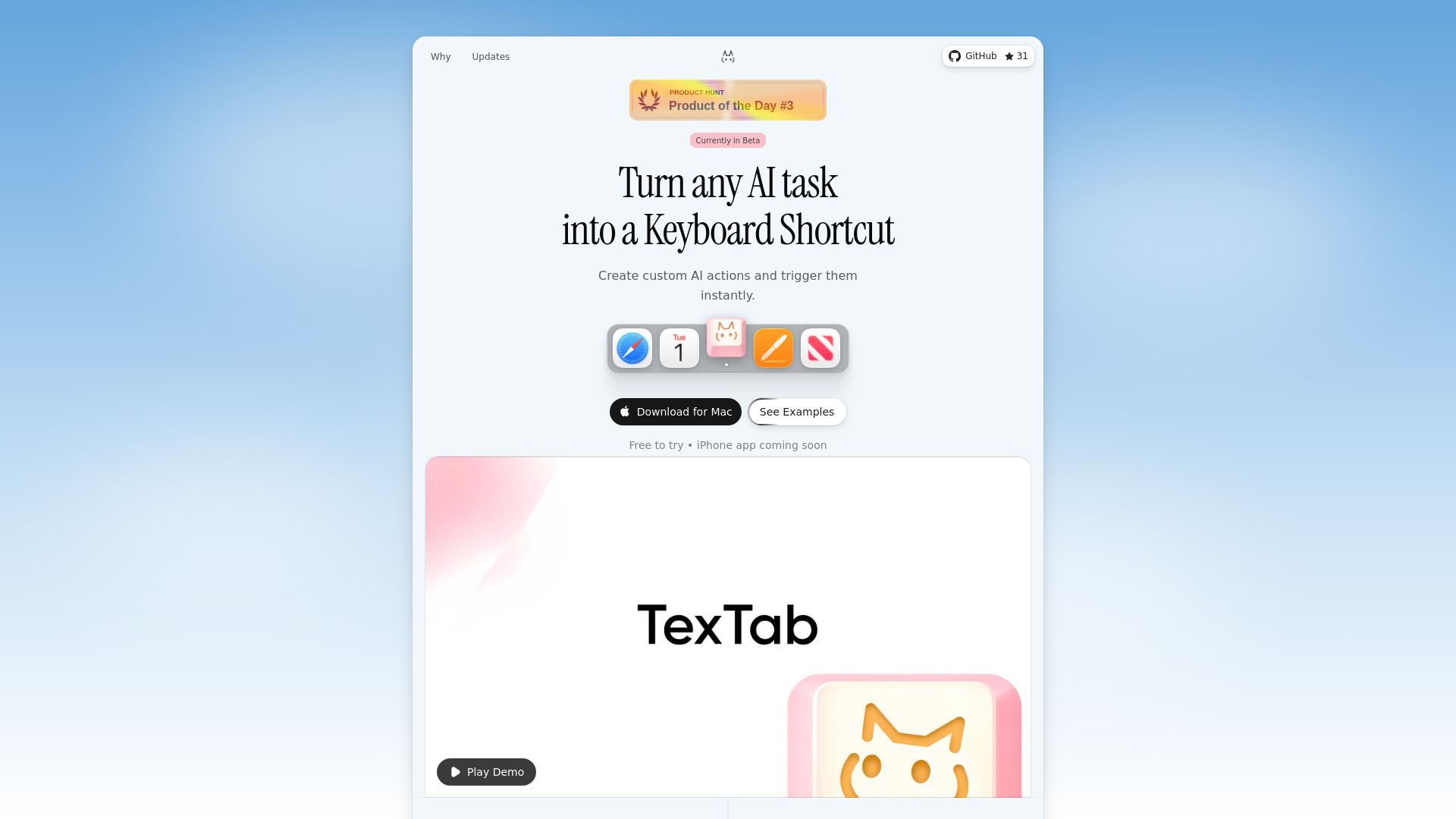
What is TexTab
TexTab is a macOS tool designed to create custom AI-powered keyboard shortcuts for text processing within any application.
How to use TexTab
- Create AI actions and assign them unique keyboard shortcuts.
- Select text in any macOS application (browsers, emails, IDEs, documents).
- Trigger your AI action with a single keyboard shortcut.
Features of TexTab
- Custom Keyboard Shortcuts: Create unlimited AI actions and assign unique keyboard shortcuts for instant triggering.
- Universal Compatibility: Works across all macOS applications, including browsers, emails, IDEs, and documents.
- Multiple AI Providers: Supports OpenAI, Anthropic, Groq, Perplexity, and OpenRouter. Users can switch providers and choose their preferred models.
- Bring Your Own API Key: Connect directly to AI providers without subscriptions or middlemen.
- Prompt Enhancement: One-click AI-powered prompt improvement to create better-structured prompts.
- Native Plugins (Beta): Includes built-in plugins for Chat with AI, QR Code Generator, Image Converter, and Color Picker.
- Chat with AI: Engage in direct conversations with AI in a popup window, supporting multi-turn conversations with streaming responses.
- Web Search: Search the web using Perplexity, receiving formatted results with links and images.
- Pre-built Actions: Offers ready-to-use actions such as Fix Grammar, Rephrase, Shorten, Formalize, and Translate.
- Private & Local: Data remains on the user's Mac, and API calls are made directly to providers.
Use Cases of TexTab
- Instantly rephrasing selected text in an email.
- Summarizing long articles in a browser with a keyboard shortcut.
- Translating selected text in a document.
- Formalizing text in an IDE.
- Generating QR codes from selected text.
- Converting images with a keyboard shortcut.
- Having direct AI conversations for quick queries.
- Performing web searches for live data within any application.
Pricing
TexTab is free to try. It supports user-provided API keys, implying costs are associated with the AI provider's usage, not TexTab itself.
FAQ
- What operating system does TexTab support? TexTab is a macOS tool and requires macOS 14+.
- Is TexTab free? TexTab is free to try.
- Does TexTab store my data? No, your data stays on your Mac. API calls go directly to providers.