
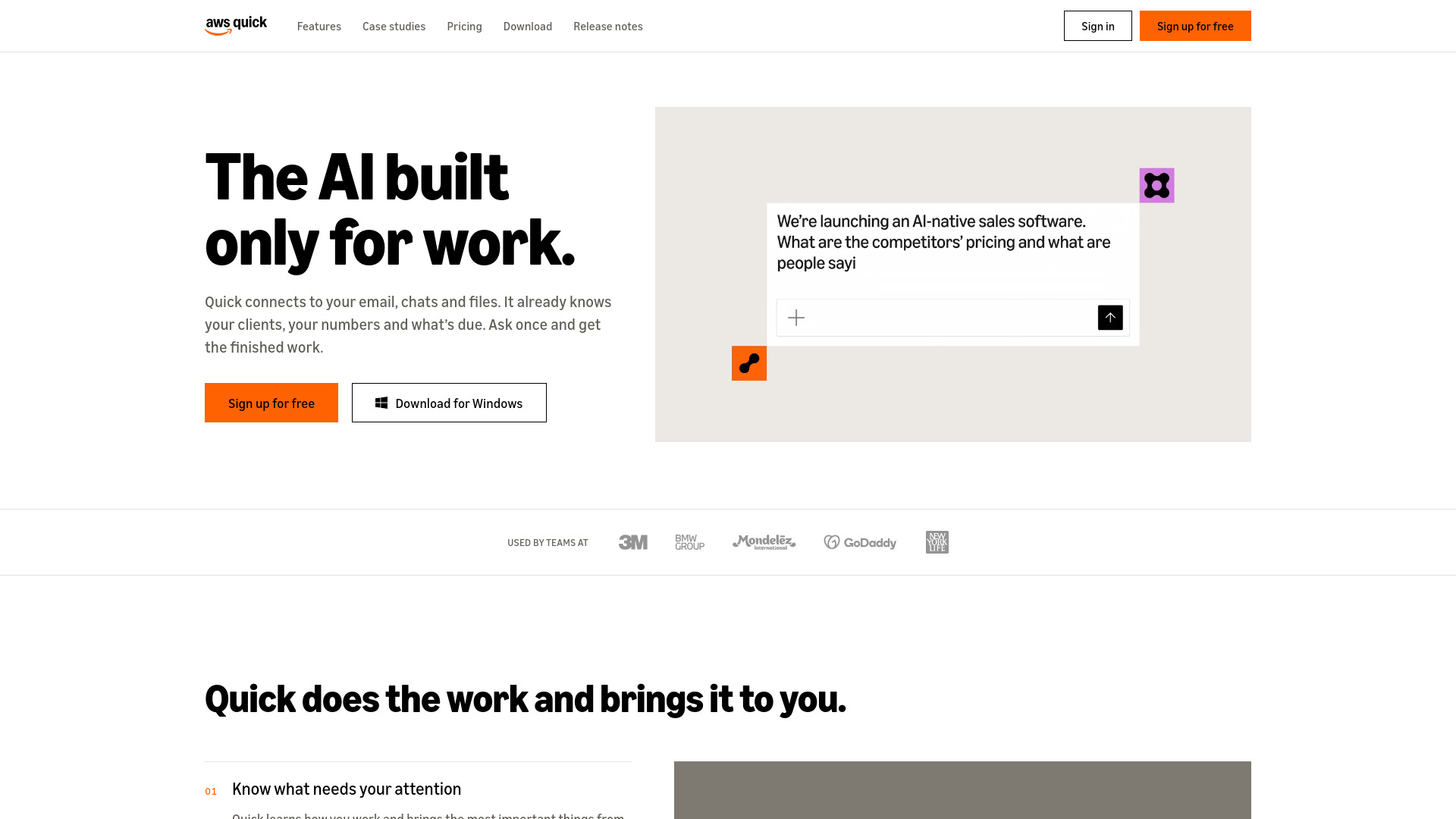

AWS Quick
AI For Data Analytics
AI work assistant that connects apps, answers questions, and creates deliverables.
Check pricingVisit site

AI Developer Tools
Open-source toolkit for building custom AI-powered design apps
Explore other tools in related categories.
AI For Data Analytics
AI work assistant that connects apps, answers questions, and creates deliverables.

AI Developer Tools
Affordable CI runners and persistent cloud computers for AI agents

AI Developer Tools
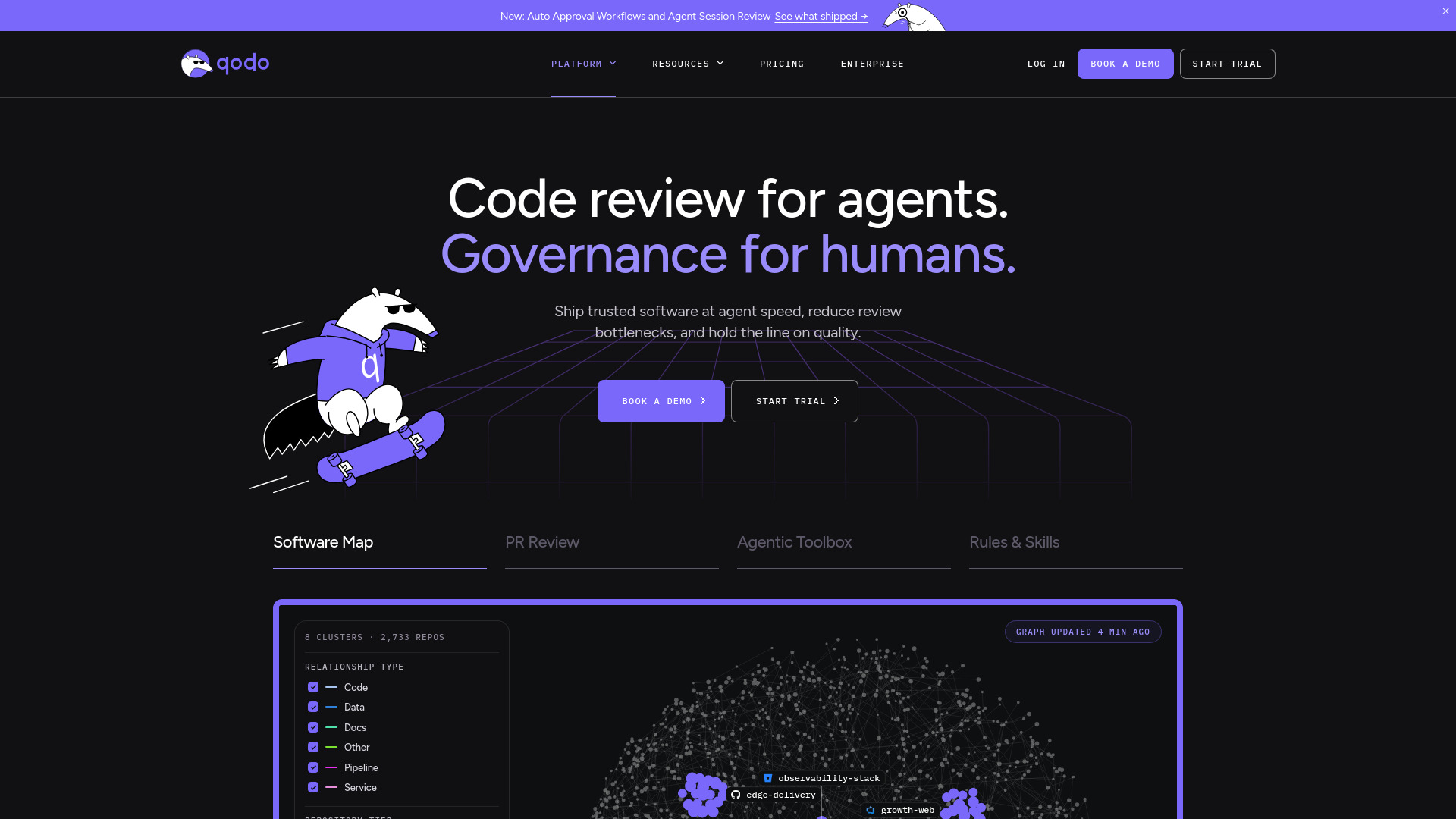
AI code review and governance for engineering teams
Toolcraft is an open-source starter kit and UI library for building custom design apps with AI. It enables you to create branded asset generators, explore new visual styles, and turn repetitive design tasks into reusable tools.
To get started with Toolcraft, run the following command in your terminal:
npx @pixel-point/toolcraft createThis will scaffold a new project with the necessary setup. Once installed, you can begin building your custom design app using the provided components and AI integrations.
Toolcraft can be used to build a variety of design apps, such as:
These are just a few examples; the possibilities are endless.
Q: What is Toolcraft?
A: Toolcraft is an open-source starter kit and UI library for building custom design apps with AI.
Q: How do I install Toolcraft?
A: You can install Toolcraft by running npx @pixel-point/toolcraft create in your terminal.
Q: Is Toolcraft free?
A: Yes, Toolcraft is open-source and free to use.
Q: Can I see examples of what others have built with Toolcraft?
A: Yes, the website features case studies showcasing various apps built with Toolcraft, such as a mini app for Neon's testimonials section, a rotating logo sphere, and a WebGL image carousel.