What is TryCase
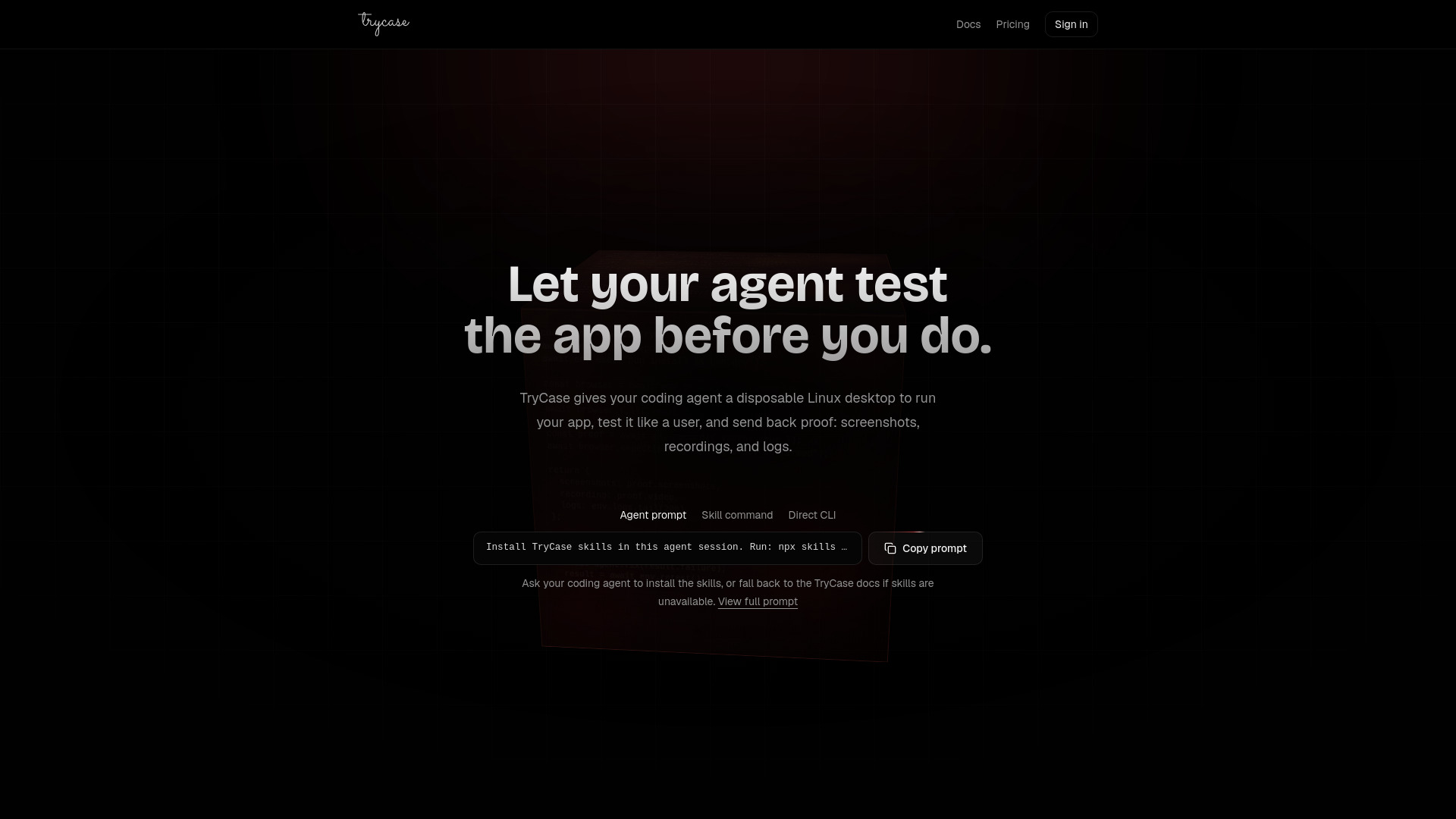
TryCase provides disposable Linux environments for AI coding agents to run applications, test changes end-to-end, and return proof in the form of screenshots, recordings, logs, and artifacts. It integrates with agents like Claude, Codex, and Cursor via installable skills.
How to use TryCase
- Install the skills – Run
npx skills add bencsn/trycase-skills --skill trycase-cli --skill trycase-run-linux-app -g in your agent session.
- Ask for proof – Prompt your agent to test an app. The agent launches a disposable Linux desktop with terminal and browser control.
- Review what comes back – Screenshots, recordings, logs, and artifacts are returned. The environment is destroyed afterwards.
Features of TryCase
- Disposable Linux environments for each test run
- Terminal and browser control for agents
- Captures screenshots, video recordings, logs, and artifacts
- Works with Claude, Codex, Cursor, and other coding agents
- Skills-based integration (one command to install)
- Environment destroyed after use for security
Use Cases of TryCase
- Fix – Fix an issue, then verify end-to-end that it is fixed. Iterate until it works.
- Build – Implement a feature, run the app in TryCase, test the changed flow, and return proof.
- Reproduce – Reproduce a bug in TryCase, fix it, rerun the same steps, and show before/after proof.
- Review – Review a branch like a user would: run it, click through the main workflow, and report what broke.
- Upgrade – Upgrade a dependency, run the app, verify critical flows still work, and iterate on regressions.
- Ship – Before shipping, test login, main user flow, mobile layout, and error states.
FAQ
Q: What agents does TryCase work with?
A: It works with Claude, Codex, Cursor, or any coding agent that can install skills.
Q: How do I install TryCase skills?
A: Run npx skills add bencsn/trycase-skills --skill trycase-cli --skill trycase-run-linux-app -g in your agent session.
Q: What happens to the environment after testing?
A: The environment is destroyed after the test completes.
Q: What kind of proof does TryCase return?
A: Screenshots, video recordings, logs, and artifacts.