LogoTop AI Hubs
icon of UGCraft AI

UGCraft AI

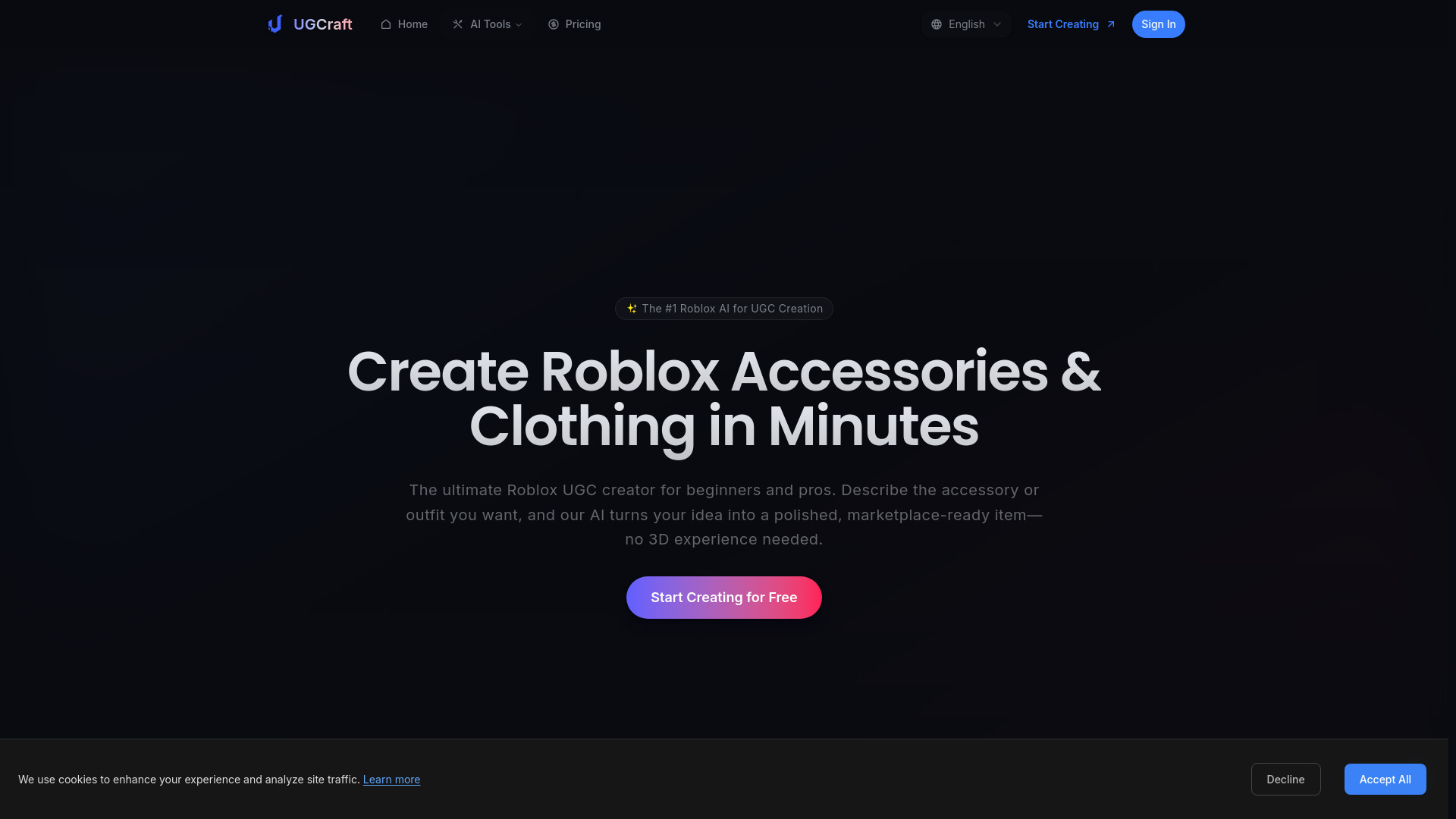
UGCraft AI: Create marketplace-ready Roblox UGC instantly—no Blender required.

Introduction

What is UGCraft AI

UGCraft AI is a platform designed to help Roblox creators instantly generate marketplace-ready Roblox UGC (User-Generated Content), specifically accessories and clothing, without requiring any 3D modeling experience or software like Blender.

How to use UGCraft AI

UGCraft AI simplifies the creation process into three main steps:

  1. Describe Your Idea: Users can either type a detailed text prompt describing the accessory or clothing they want to create (e.g., "Gothic Lolita dress" or "Cyberpunk demon horns") or upload a reference image.
  2. Generate with AI: The AI then instantly generates a marketplace-ready 3D model based on the provided description or image. This process handles proportions and details automatically.
  3. Ship & Earn: The generated 3D models are ready for direct upload to the Roblox Marketplace, allowing creators to publish their items and start earning Robux.
Features of UGCraft AI
  • AI-Powered 3D Generation: Creates 3D models from text prompts or uploaded images.
  • No Blender Required: Eliminates the need for complex 3D modeling software.
  • Instant Generation: Produces marketplace-ready items in minutes.
  • Roblox UGC Compliance: Generates assets optimized for the Roblox Marketplace.
  • Multiple Export Formats: Allows for downloading in formats like FBX and GLB for potential editing.
  • Style Variety: Offers various design styles for accessories and clothing.
  • PBR Texture Support: Supports Physically Based Rendering textures for enhanced realism.
  • Commercial Usage Rights: Users own the full commercial rights to their creations.
  • Team Workspaces: Available for larger teams and agencies.
Use Cases of UGCraft AI
  • Beginner Creators: Easily design and publish unique UGC accessories and clothing without prior 3D skills.
  • Experienced Creators: Speed up workflow by generating multiple variations or prototypes quickly.
  • Trendsetters: Express personal style and create unique items that stand out in the Roblox community.
  • Monetization: Earn Robux by publishing AI-generated designs to the Roblox Marketplace.
Pricing

UGCraft AI offers several pricing tiers:
  • Free: Includes 20 credits to start, 1 free AI edit per task, export 10 community designs, text-to-3D and image-to-3D generation, and basic design styles. This tier is for non-commercial use and includes a watermark.
  • Creator: Available at $12/month (annually billed at $144/year, saving 20%). Includes 300 credits/month, generates 15 Roblox accessories/month, 1 free AI edit per task, all design styles unlocked, unlimited exports, priority processing queue, private creations, watermark-free, commercial usage rights, and email support.
  • Pro: Available at $24/month (annually billed at $288/year, saving 20%). Includes 700 credits/month, generates 35 Roblox accessories/month, 3 free AI edits per task, all design styles unlocked, PBR texture support, unlimited exports, highest priority queue, private creations, watermark-free, commercial usage rights, priority email support, and early access to new features. This is the most popular plan.
  • Studio: Available at $48/month (annually billed at $576/year, saving 20%). Includes 1,600 pooled credits with 30-day rollover, 5 free AI edits per task, team workspaces with reviewer-only seats, early access to experimental models & style presets, hands-on onboarding + dedicated account manager, and quarterly quality & compliance reviews.
FAQ
  • How to make UGC in Roblox with UGCraft AI? You can use UGCraft AI by either describing your idea with a text prompt or uploading a reference image. The AI then generates a marketplace-ready 3D model in under 2 minutes, which can be directly uploaded to the Roblox UGC Marketplace.
  • Do I need 3D experience to create Roblox UGC? No, UGCraft AI is designed for beginners. You don't need any 3D modeling experience or knowledge of software like Blender. Simply describe your idea in text to get a marketplace-ready 3D model.
  • Can I edit Roblox UGC items after generation? Yes, you can download items in FBX and GLB formats to edit them in tools like Blender or Maya. However, most generated results are ready for direct upload.
  • Who owns the copyright to Roblox UGC items created with UGCraft AI? You own the full commercial rights to all UGC items created with UGCraft AI, allowing you to sell them on the Roblox Marketplace or use them as you wish.
  • How is UGCraft AI different from other Roblox UGC makers? UGCraft AI is optimized for Roblox accessories and clothing, featuring built-in compliance checking, instant marketplace-ready exports, and fast generation times. Other tools may require manual post-processing and might not meet Roblox's technical requirements.

Newsletter

Join the Community

Subscribe to our newsletter for the latest news and updates