Newsletter
Join the Community
Subscribe to our newsletter for the latest news and updates

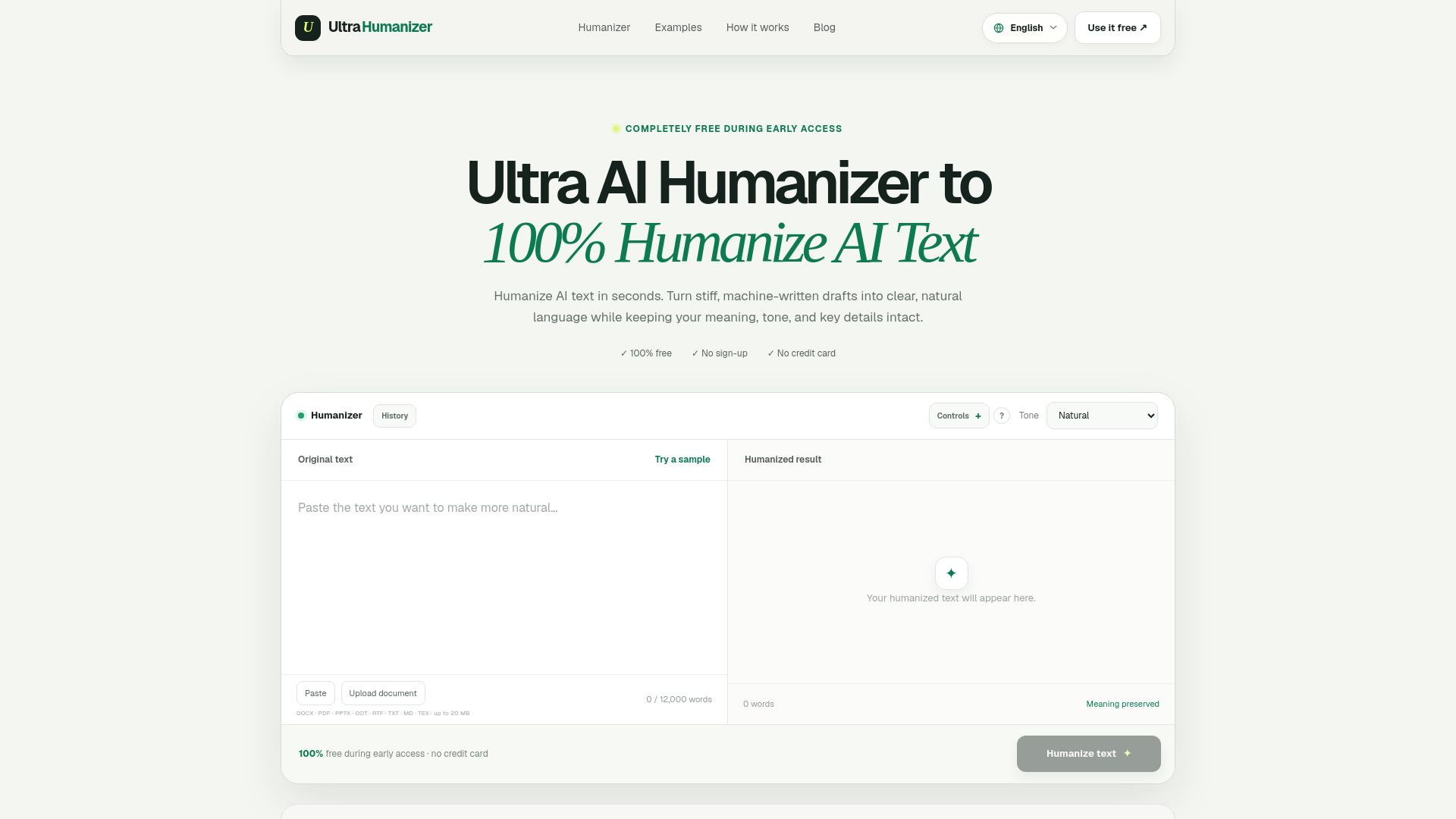
Free AI tool for making machine-written text sound more natural
UltraHumanizer.ai is a free AI humanizer tool that rewrites machine-generated text to sound more natural and human-like. It is designed to improve rhythm, clarity, transitions, and tone while preserving the original meaning, facts, and intent. The tool is available online without requiring sign-up or a credit card during early access.
UltraHumanizer.ai is completely free during early access. No sign-up or credit card is required.
What is an AI humanizer? An AI humanizer rewrites machine-assisted text so it reads more naturally, improving rhythm, clarity, transitions, and tone while preserving the central meaning.
Can I humanize AI text for free? Yes, UltraHumanizer is completely free during early access. You can humanize documents up to 12,000 words without entering payment details.
Do I need to create an account? No, the current web tool works without sign-up.
How much text can I humanize at once? The current editor limit is 12,000 words. Longer drafts are automatically processed in logical sections and combined in order.
Will the result always bypass AI detection? No tool can guarantee a score across every detector. Detection systems change and can misclassify both AI and human writing. Review the output and follow any disclosure or integrity rules that apply.
Does it keep the original meaning? The tool is designed to preserve facts, context, and intent. You should still review names, numbers, citations, and other critical details before publishing.
What kinds of text can I use? You can refine essays, study notes, reports, articles, emails, scripts, and other prose. Paste text directly or upload DOCX, PDF, PPTX, ODT, RTF, TXT, Markdown, or LaTeX documents up to 20 MB.
Which tone should I choose? Natural is a balanced default. Conversational works well for blogs, captions, and friendly emails. Professional is better for reports, proposals, and workplace communication.
Does UltraHumanizer check facts or citations? No. Humanization improves wording, rhythm, and tone; it is not a fact-checker. Verify names, dates, statistics, quotations, links, and citations against your original sources.
What should I do if the tool does not work? Check that the document is under 20 MB and the extracted draft stays within the 12,000-word editor limit. UltraHumanizer can run local English OCR on the first eight pages of a scanned PDF; legacy .doc files should be saved as .docx. If a supported upload still fails, paste the text directly or contact support.
Should I paste confidential information? Avoid submitting passwords, financial details, medical records, private client information, or other sensitive material. Remove confidential details before using any online writing tool.
How can I contact UltraHumanizer support? If the problem continues or you have a product question, contact our support team at support@ultrahumanizer.ai.