Newsletter
Join the Community
Subscribe to our newsletter for the latest news and updates

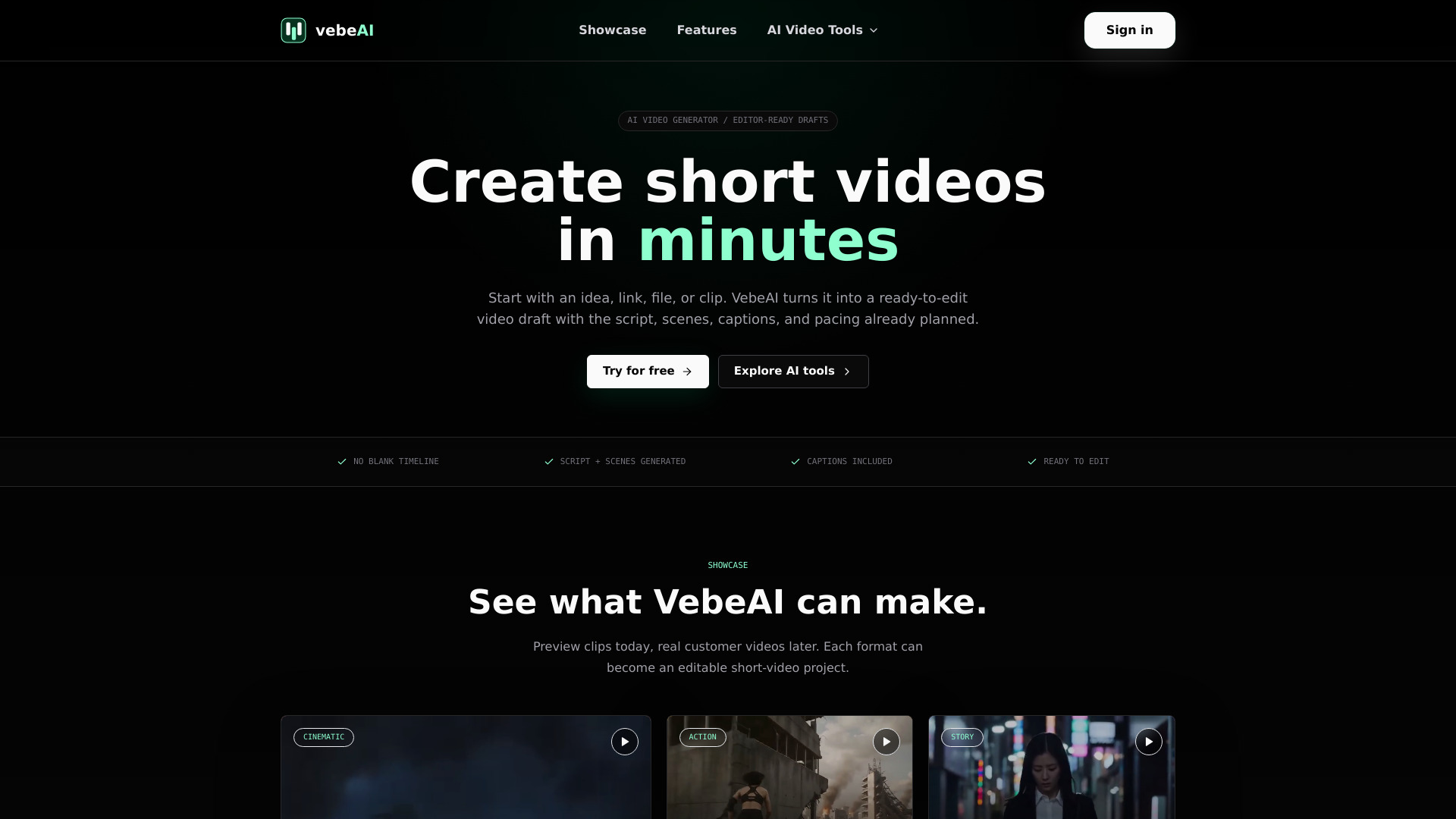
VebeAI - Innovative AI Video Generator & Short Video Creation Platform Built for teams that need more video output.
VebeAI is an AI-powered short-video production workspace that turns ideas, links, files, audio, and existing media into publish-ready short videos. It generates a structured draft with a script, scenes, captions, and pacing, which can then be edited and exported for platforms like TikTok, Instagram Reels, YouTube Shorts, and ads.
What can I turn into a video with VebeAI? You can start from an idea, prompt, article, URL, PDF, product page, audio file, or existing clip. VebeAI turns the source into a structured short-video draft with a script, scene plan, captions, and export settings.
Is VebeAI only for TikTok videos? No. The first experience is optimized for vertical short-form video, but the workflow is designed for TikTok, Instagram Reels, YouTube Shorts, paid social ads, product explainers, and review drafts.
Do I need video editing experience? No. VebeAI gives you a strong first cut before you open a traditional editor. You can adjust scenes, captions, hooks, timing, and output format from a guided project workspace.
Can I edit the video after it is generated? Yes. Generated scripts, scene cards, captions, media direction, and export settings stay inside one editable project. The goal is to make the AI draft easy to review and refine.
What aspect ratios will VebeAI support? The product contract includes 9:16, 1:1, and 16:9. The homepage currently emphasizes 9:16 because most launch clips, Shorts, Reels, TikToks, and UGC-style ads start there.
Can teams use VebeAI for repeatable content production? Yes. The workflow is designed for creators, marketers, and agencies that need repeatable drafts from product updates, articles, briefs, podcasts, customer stories, and campaign ideas.
Will I own the videos I create? The intended product direction is that users can export and use their generated projects for their own publishing workflows. Final ownership, commercial usage, and billing terms should be confirmed when the legal and pricing pages are added.