What is Veo 3.1.io
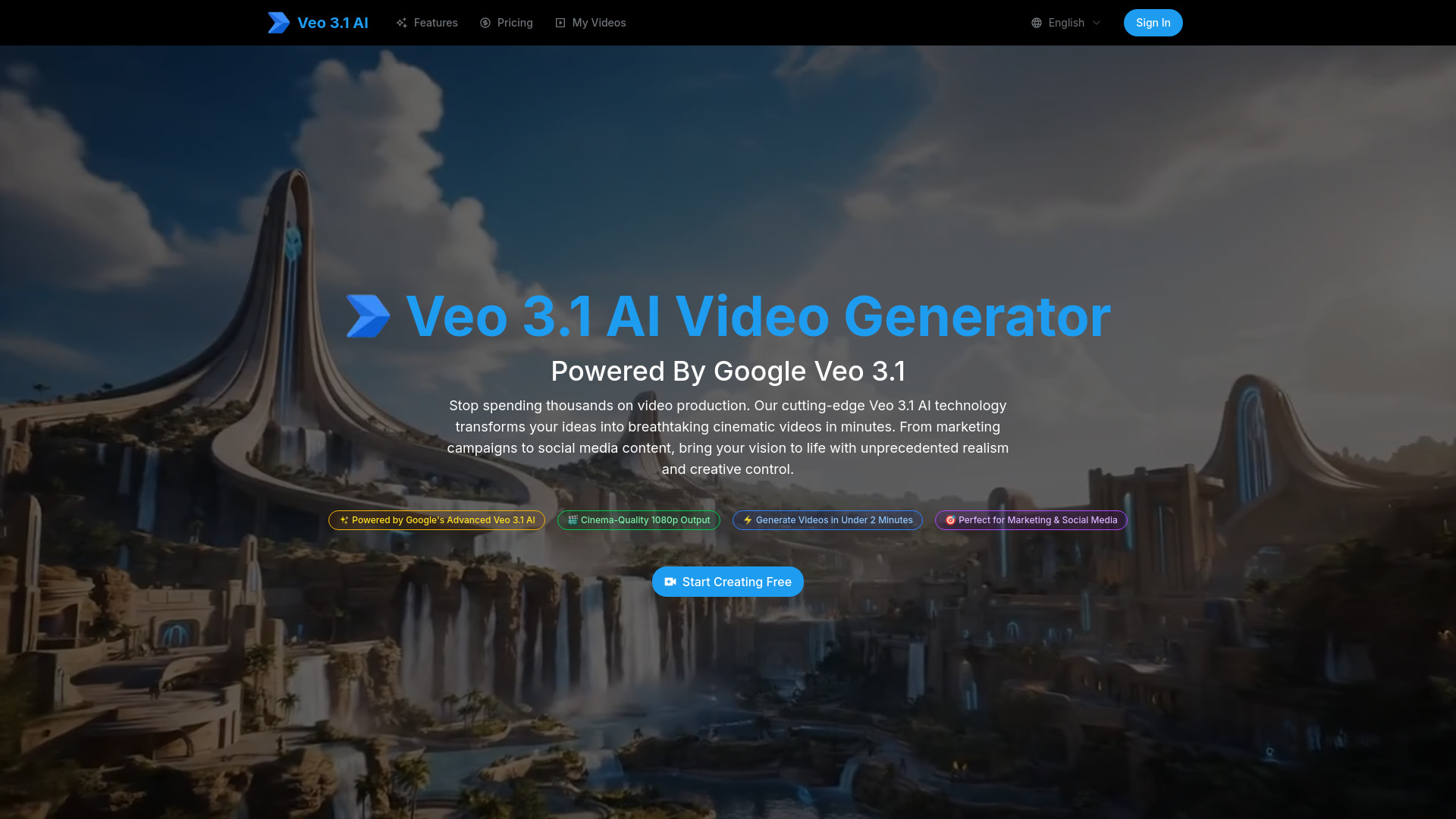
Veo 3.1 Video Generator is an AI-powered platform that transforms text and images into cinematic videos. It utilizes Google's advanced Veo 3.1 model to generate professional-quality videos quickly.
How to use Veo 3.1.io
- Input Your Creative Vision: Describe your video idea in plain English or upload an image. The AI optimizes your input for video generation.
- Customize Style & Settings: Choose duration, aspect ratio, and quality options. The AI ensures your vision is translated into the video.
- Generate & Download Your Video: Click 'Generate' to create your video in under 2 minutes. Preview, make adjustments, and download your 1080p video file.
Features of Veo 3.1.io
- Text to Video: Transform text prompts into stunning videos with enhanced semantic understanding and visual quality.
- Image to Video: Bring static images to life with natural and dynamic animations. Upload single images or use start and end frames.
- 1080p Professional Quality: Render videos in crisp 1080p HD resolution with film-grade visual quality.
- Lightning-Fast Generation: Create complex video sequences in under 2 minutes.
- Intelligent Scene Understanding: Comprehend complex scenarios, maintaining visual consistency and narrative flow.
- Multi-Format Export: Download videos in multiple formats optimized for social media, web, presentations, or broadcast.
- Commercial Usage Rights: Videos are cleared for commercial use, including marketing campaigns and client work.
Use Cases of Veo 3.1.io
- Social Media Content Creators: Transform photos into viral-ready videos for platforms like Instagram, TikTok, and YouTube Shorts to maximize engagement.
- Business & Entrepreneurs: Convert product photos and brand assets into professional promotional videos instantly for ads, presentations, and e-commerce.
- Educators & Students: Convert diagrams, infographics, and illustrations into dynamic learning experiences to enhance student engagement.
- Personal & Creative Projects: Transform personal photos into heartwarming animated videos, slideshows, and creative presentations for special moments.
FAQ
- How does Veo 3.1 video generator compare to other AI video tools? Veo 3.1 is powered by Google's most advanced AI model, offering superior video quality, better instruction understanding, and more coherent storytelling than alternatives. It focuses on cinematic quality and professional output.
- Can I use Veo 3.1 generated videos for commercial purposes? Yes, all videos created are cleared for commercial use, including marketing campaigns, advertisements, social media content, and client work.
- How long does it take to generate a video with Veo 3.1? Most videos are generated in under 2 minutes.
- Is there a free trial for the Veo 3.1 video generator? Yes, a free trial is offered to create initial videos with the Veo 3.1 AI technology.
- What video formats and resolutions does Veo 3.1 support? Videos are created in 1080p HD resolution with multiple export formats including MP4, MOV, and optimized versions for social media platforms.
- Do I need technical skills to use the Veo 3.1 video generator? No, the platform is designed for everyone. Simply describe what you want in plain English, and the AI handles the technical complexity.