What is Veo 4 - 1
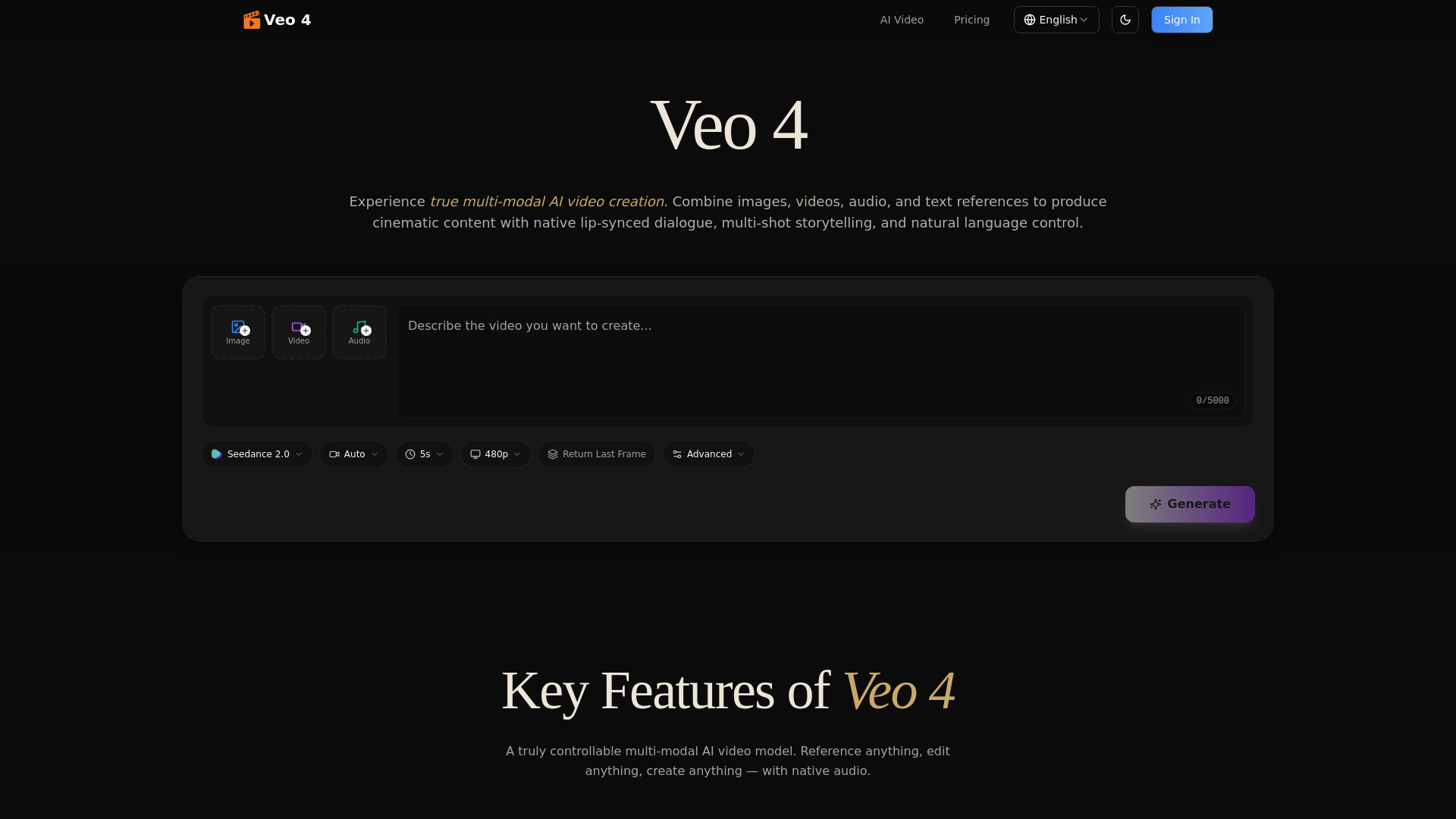
Veo 4 is a multi-modal AI video generator that allows users to create cinematic videos by combining text, images, video, and audio references. It offers features like native audio generation, character consistency, and precise motion control.
How to use Veo 4 - 1
- Upload your assets (images, videos, audio files).
- Describe your vision using natural language, referencing uploaded assets.
- Generate the video and iterate on it by extending, editing, or refining.
Features of Veo 4 - 1
- Multi-Modal Input: Combine images, video clips, audio files, and text references in a single generation.
- Reference Anything: Reference motion, effects, camera movements, characters, scenes, and sounds from uploaded content.
- Native Audio Generation: Produces lip-synced dialogue, Foley effects, and background music synchronized with the video.
- Multi-Shot Storytelling: Compose logical scene sequences from a single prompt, maintaining consistency across shots.
- Superior Consistency: Maintains stable character appearance, clothing, text, scenes, and visual styles across frames and shots.
- Precise Motion & Camera Replication: Replicate complex choreography, cinematic camera moves, and action sequences from reference videos.
- Video Extension & Editing: Smoothly extend existing videos, merge clips, or edit specific segments without full regeneration.
- Cinematic Quality: Generates output at production-grade cinematic quality with synchronized audio.
Use Cases of Veo 4 - 1
- Advertising & Marketing: Create promotional content, product videos, brand content, and commercial ads by referencing successful templates.
- Education & Training: Develop engaging visual content for lessons, animated explanations, and interactive learning materials.
- Creative Storytelling: Craft unique narratives, short films, art projects, music videos, and visual poetry.
- Social Media Content: Generate scroll-stopping content for platforms like Instagram Reels, TikTok, and YouTube Shorts.
- Motion & Dance Videos: Apply reference choreography or motion clips to any character for dance covers and action sequences.
- Video Editing & Extension: Extend clips, merge scenes, and modify segments of existing videos.
- Film Pre-Visualization: Replicate camera movements, transitions, and visual effects from film clips for concept proofing.
- Real Estate & Architecture: Create immersive virtual tours and dynamic walkthroughs of properties and architectural designs.
- Music & Audio Sync: Generate beat-synced videos by uploading audio tracks and creating matching sound effects and background music.
Pricing
Pricing information is not detailed in the provided content.
FAQ
- What is Veo 4? Veo 4 is a multi-modal AI video generator supporting image, video, audio, and text inputs, allowing reference of content like motion, effects, and characters via natural language, producing cinematic multi-shot stories with native audio.
- What inputs does Veo 4 support? It supports images, videos, audio files (MP3), and natural language text prompts in a single generation.
- What can I reference with Veo 4? You can reference motion, choreography, visual effects, transitions, camera movements, angles, character appearances, styles, scene compositions, and audio from uploaded content.
- Does Veo 4 generate audio? Yes, it generates lip-synced dialogue, Foley effects, and background music, and can also sync video to uploaded audio.
- How does video extension work? Upload a video and specify the extension length; the model maintains continuity for seamless results.
- Can I edit existing videos with Veo 4? Yes, you can replace characters, modify segments, add elements, or remove content while preserving the rest of the video.
- What video lengths and resolutions are supported? Generates videos from 4 to 15 seconds per shot at cinematic quality, supporting aspect ratios like 21:9, 16:9, 4:3, 1:1, 3:4, and 9:16 in landscape and portrait.
- How is character consistency maintained? Veo 4 features improved consistency for faces, clothing, text, scenes, and styles, maintaining stable character appearance across frames and shots.
- Can I replicate camera movements from other videos? Yes, you can upload reference videos to accurately replicate camera moves or choreography with your own content.
- Are there watermarks on generated videos? No, all generated videos are watermark-free.
- How do you ensure privacy and security? Uploaded content and generated videos are stored securely with industry-standard encryption, and user data is private and not shared.
- How do I get started with Veo 4? Sign up, choose a plan, upload reference materials, describe your vision using natural language, and generate your video.