What is VeoNano
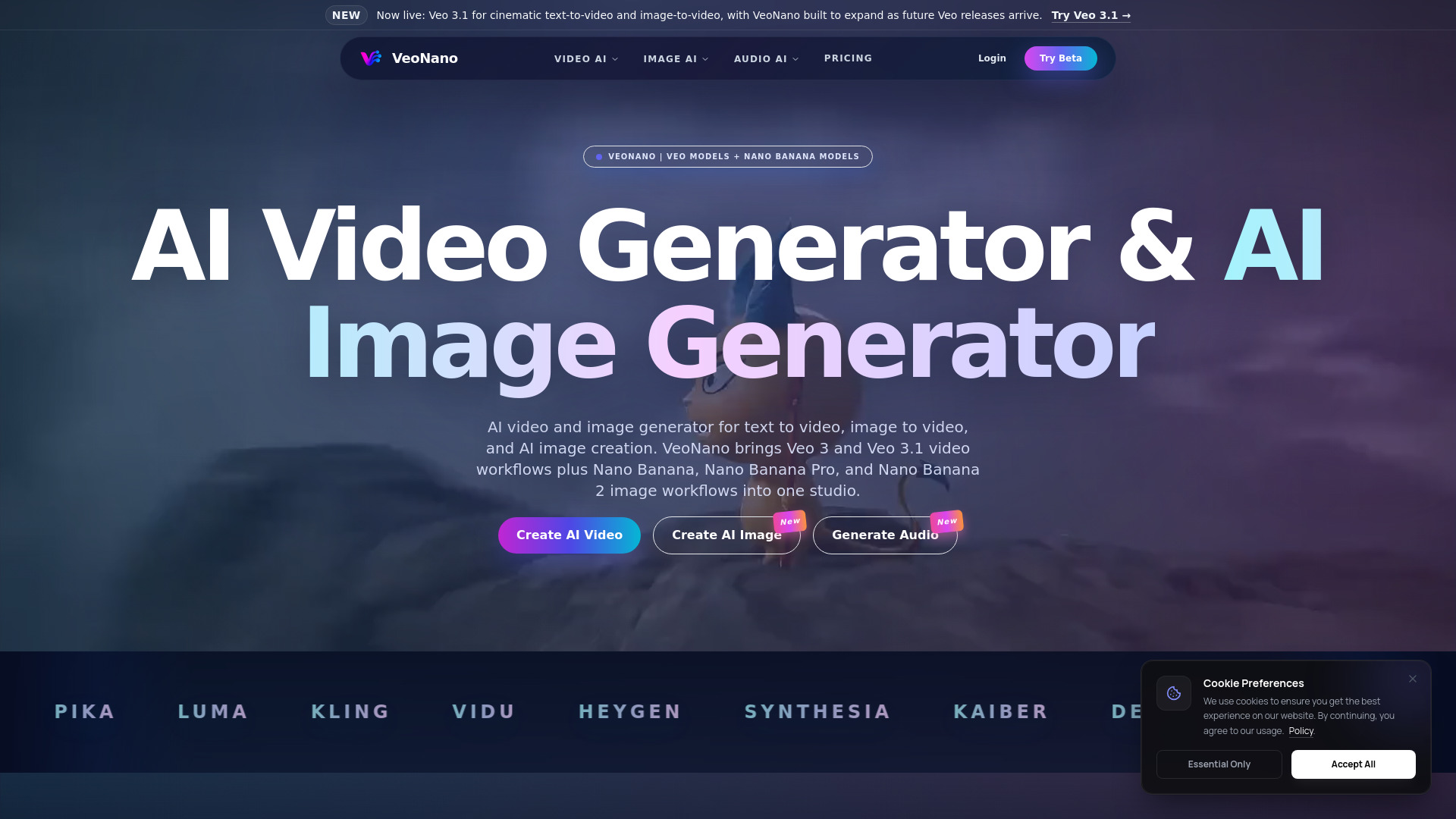
VeoNano is a cinematic AI video and image studio that offers high-quality video, image, and audio generation. It integrates Veo and Nano Banana model families, including Veo 3, Veo 3.1, Nano Banana, Nano Banana Pro, and Nano Banana 2, into a single platform for text-to-video, image-to-video, and AI image creation.
How to use VeoNano
VeoNano provides distinct workflows for different AI generation tasks:
- AI Video Generation: Use Veo models for text-to-video and image-to-video generation. This includes options like Veo 3.1 4K, Veo 3.1 Pro 4K, Kling 3.0, Vidu Q3, Grok Imagine, LTX 2, Sora 2, and Wan 2.5.
- AI Image Generation: Utilize Nano Banana models for text-to-image and image-to-image tasks. Available models include Nano Banana 2, Seedream 5.0, Grok Imagine Image, Nano Banana, Flux2 Pro, Vidu Q3, Qwen Image Edit, LTX 2, Z-Image, and GPT Image 1.5.
- AI Audio Generation: Create sound effects, voice, and music using models like MMaudio, SFX, Suno, ThinkSound, Kling Audio, and ElevenLabs Music.
- AI Video Effects: Apply various effects such as AI Kissing Generator, AI Hugging Generator, AI Dance Video Generator, AI Girlfriend, AI Boyfriend, Bullet Time, and more.
- Video Extension: Extend existing video clips by continuing motion, action, and camera direction using AI.
Features of VeoNano
- Integrated Studio: Combines Veo and Nano Banana model families for video, image, and audio generation.
- Multiple AI Models: Supports a wide range of models including Veo 3.1, Kling 3.0, Vidu Q3, Nano Banana 2, Suno, and more.
- Text-to-Video: Generate videos from text prompts.
- Image-to-Video: Create video clips from reference images.
- Text-to-Image: Generate AI images from text descriptions.
- Image-to-Image: Transform existing images using AI.
- AI Audio Generation: Produce sound effects, voiceovers, and music.
- AI Video Effects: Apply pre-defined effects to videos.
- Video Extension: Extend video clips with AI-generated continuations.
- High-Fidelity Output: Focuses on quality for video, image, and audio generation.
- User-Friendly Interface: Designed for ease of use with clear workflows and advanced settings.
Use Cases of VeoNano
- Cinematic Video Creation: Generate high-quality AI videos from text or images.
- Marketing and Advertising: Create ad concepts, product demos, and social media content.
- Storyboarding and Concept Art: Visualize ideas with AI-generated images and video clips.
- Content Creation: Produce engaging videos and images for various platforms.
- Audio-Visual Synchronization: Turn audio into video or generate audio for video clips.
- Creative Exploration: Experiment with different AI models and effects.
FAQ
- What is VeoNano? VeoNano is a cinematic AI video and image studio for text-to-video, image-to-video, and AI image generation, integrating Veo and Nano Banana model families.
- Is VeoNano free to try? The starter tier includes credits to test AI video, image-to-video, AI image creation, and audio generation. Paid plans offer higher resolutions, longer generations, faster queues, and more credits.
- Can I turn one image into video with VeoNano? Yes, VeoNano supports image-to-video generation, allowing you to create clips with camera motion and prompt guidance from a reference image.
- Does VeoNano support text to video and text to image? Yes, VeoNano supports text-to-video with Veo models and AI image generation with Nano Banana models.
- Which model families power VeoNano? VeoNano is powered by the Veo and Nano Banana model families, including Veo 3.1, Nano Banana Pro, and Nano Banana 2.
- How does content safety work? VeoNano blocks impersonation fraud, non-consensual content, and misinformation. Users must have rights to any uploaded content, and misuse is prohibited.
- Is VeoNano useful if I searched for Google Veo 3 or Gemini Veo 3? Yes, VeoNano supports the Veo model family, which is relevant for users searching for Google Veo 3, Veo 3.1, or similar terms.
- Is VeoNano useful if I searched for Nano Banana, Nano Banana Pro, or Nano Banana 2? Yes, VeoNano integrates Nano Banana model families, which is relevant for users searching for these terms for image generation and editing.