What is VibeMV
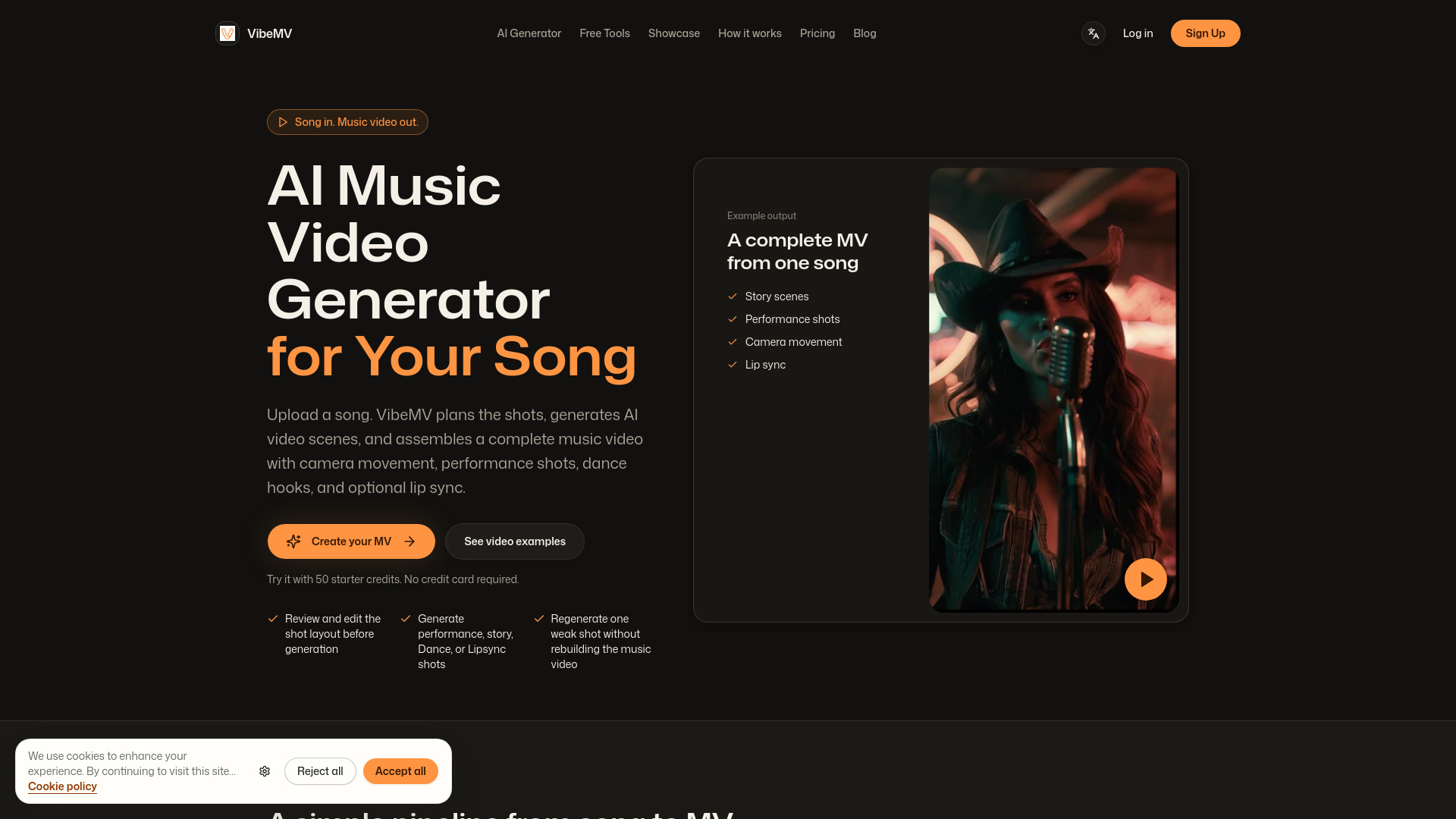
VibeMV is an AI music video generator that turns a finished song into a complete music video. It analyzes the track, plans shots, generates AI video scenes, and assembles a full music video with camera movement, performance shots, dance hooks, and optional lip sync. It is built for release visuals, not generic prompt clips or simple visualizer loops.
How to use VibeMV
- Analyze song: Upload a finished song (MP3, WAV, AAC, M4A, FLAC, or AIFF from 3 seconds to 7 minutes). VibeMV analyzes the beat, song sections, vocals, and mood.
- Review the shot layout: Review shot order and timing in the shot layout, then check visual direction and prompts in the Creative plan before generation.
- Generate and refine shots: Generate shots one at a time, then edit the image prompt or video prompt and regenerate only the shots that need more work.
- Assemble MV: Stitch the clips into one complete MV you can review and export.
Features of VibeMV
- Finished-song input: Supports MP3, WAV, AAC, M4A, FLAC, and AIFF files from 3 seconds to 7 minutes, up to 100MB on every tier.
- Shot layout and Creative plan: Review each shot's order, timing, visual direction, and prompts before spending credits on generation.
- Per-shot regeneration: Regenerate one start frame or shot video, keep the shots that already work, then update the music video.
- Music video output: Export a 16:9 or 9:16 MP4 as a 720p version. Spend credits to create an optional 2K version.
- Optional lip sync: Generate lip-sync shots where mouth movement matches the vocal line.
- Multiple shot types: Generate performance, story, dance, or lip-sync shots.
- Commercial use: Included with subscriptions (Hobby, Pro, and Studio). Free usage and standalone credit-pack usage are for personal projects only.
Use Cases of VibeMV
- Long-form story MV: A 79-second story cut that connects performance, road, and campfire scenes into one music video.
- Dance hook MV: A short vertical dance hook built for chorus drops, social cuts, and repeatable release moments.
- Cinematic performance MV: A cinematic vertical performance shot with close-ups, camera movement, and polished music-video mood.
- Lip-sync studio shot: A rapper studio shot where mouth shape, head movement, and mic performance follow the vocal line.
- Release visuals: Turn a finished song into a complete music video for release, rather than generic prompt clips or simple visualizer loops.
Pricing
- Free: 50 one-time sign-up credits; personal use only.
- Hobby: $19/month; 600 credits/month; commercial use included.
- Pro: $49/month; 1700 credits/month; commercial use included.
- Studio: $99/month; 3800 credits/month; commercial use included.
FAQ
What audio file formats do you support?
We support MP3, WAV, AAC, M4A, FLAC, and AIFF files from 3 seconds to 7 minutes. Files up to 100MB are supported on every tier, and how much you can generate depends on available credits.
How long does it take to generate a video from audio?
Generation time varies with song length, Shot count, selected modes, queue load, retries, and model behavior. A short test section usually finishes sooner than a complete music video, and lip-sync can take longer.
Can I use generated videos commercially?
Commercial use is included with subscriptions (Hobby, Pro, and Studio). Free usage and standalone credit-pack usage are for personal projects only.
Can VibeMV generate a full music video from one song file?
Yes. VibeMV is built for finished-song uploads rather than isolated prompt clips. It analyzes the track, plans sections, generates video segments, and assembles a complete music video for the song.
Is VibeMV a music visualizer or an AI music video generator?
VibeMV is the AI music video generator for complete music videos. The free music visualizer is a lighter browser tool for template-based, audio-reactive teasers or cover-art videos.
How do credits affect the cost of an AI music video?
Generation uses credits based on rendered seconds and model choice. Start-frame generation costs 4 credits per image; regenerating a shot and an optional 2K version use additional credits. Start with a short test section before spending credits on a full render.