Newsletter
Join the Community
Subscribe to our newsletter for the latest news and updates

Free online platform integrating top AI models for video and image creation.
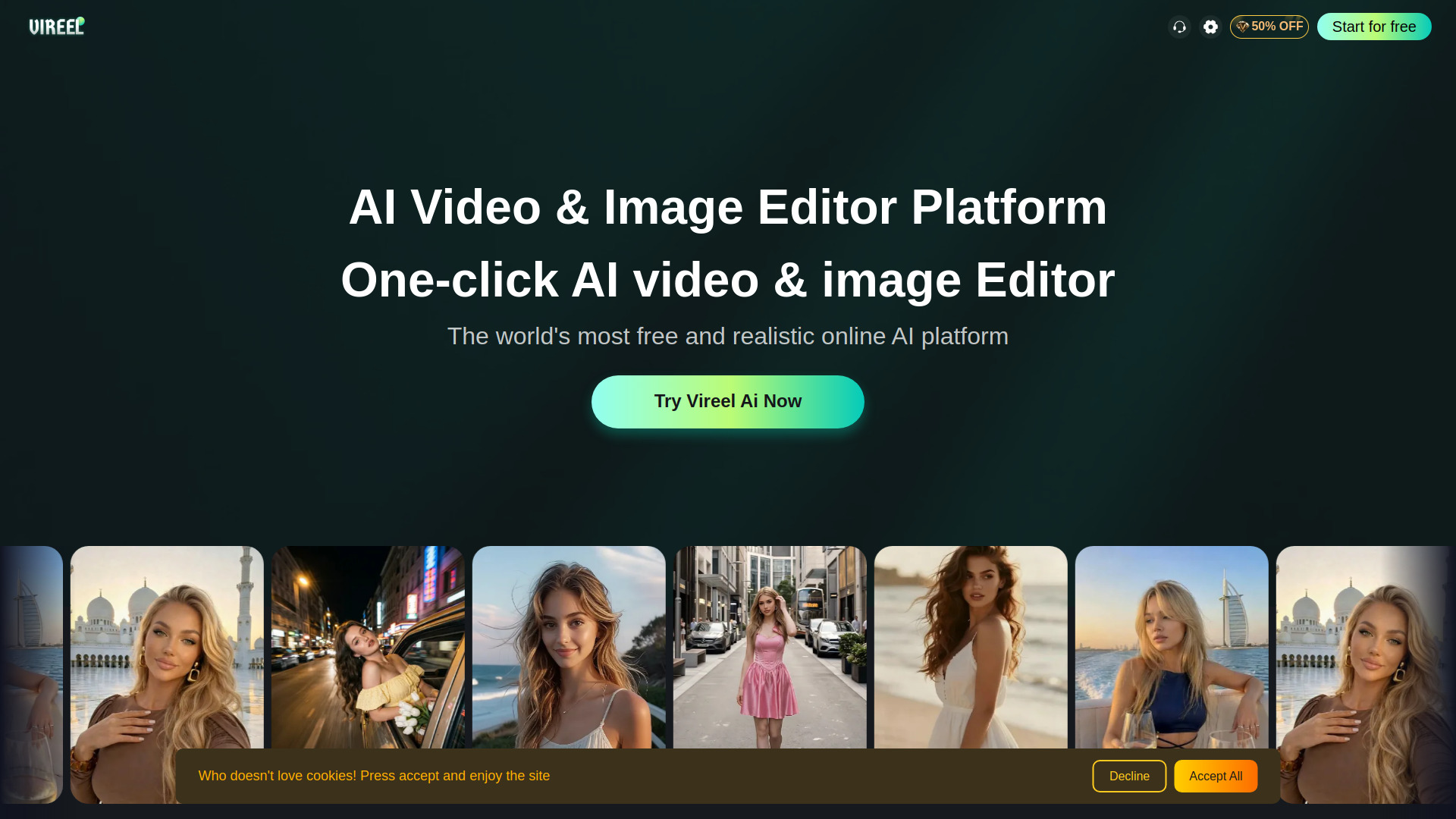
Vireel AI is a free online platform that integrates top AI models for video and image creation. It allows users to generate realistic clips and stunning artwork with one-click editing, supporting text-to-video, image-to-video, AI kissing generator, AI outfit changer, video extender, motion control, and more. The platform is cross-platform, available via web browser, iOS, and Android apps.
Vireel AI offers a free tier with initial credits. Premium plans (Lite, Pro, Max) provide faster rendering, higher resolutions, and priority access to models. Specific pricing details are available on the website.
What is Vireel and what can I create with it? Vireel is an advanced AI video platform turning text or images into cinematic clips, perfect for creating social media content, movie trailers, animations, and high-quality visual art.
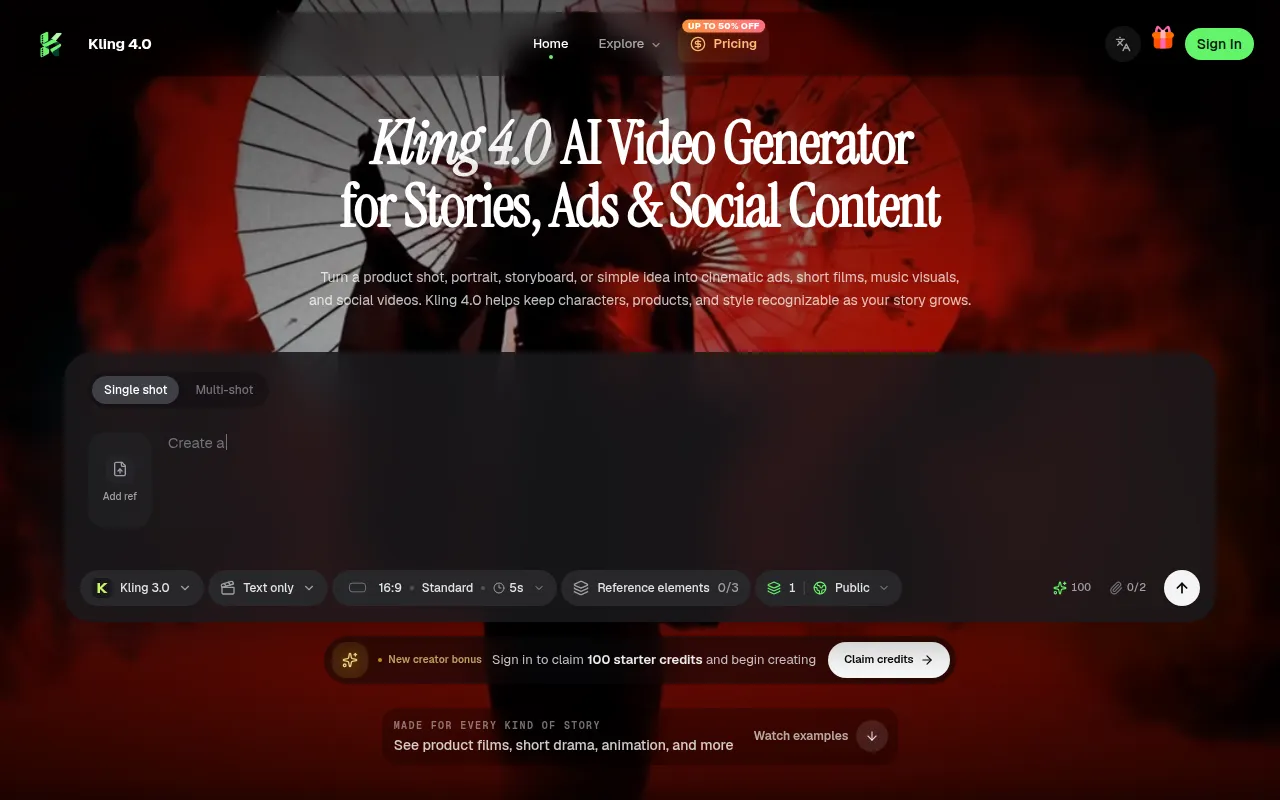
Which AI video models does Vireel support? Vireel integrates leading AI video models including Sora, Kling AI, Luma Dream Machine, Runway Gen-3 Alpha, and Veo to match any cinematic or animation style you need.
Can I use Vireel for free? Yes. New users receive free credits upon signup, and you can upgrade to a premium plan for faster rendering, higher resolutions, and priority model access.
Does Vireel offer full creative freedom in AI generation? You get advanced camera controls and aspect ratios, but safety filters strictly prohibit inappropriate adult content, extreme violence, hate speech, and unauthorized deepfakes of real individuals.
Which platforms does Vireel support? Vireel is completely cross-platform, offering a desktop-optimized web browser interface for detailed editing alongside native iOS and Android mobile apps for creation on the go.
How does Vireel handle my data and privacy? We secure your data using industry-standard encryption and never sell your personal information, keeping your generated videos strictly private unless you choose to share them.
Can I access my membership across different platforms? Absolutely. Your premium plan, credits, and project history automatically sync across all web and mobile devices as long as you log in using the exact same credentials.
How can I contact support or join the community? Contact support via vireelai@outlook.com or the in-app help tab, and join our community on Discord, Reddit, or X via the links in your account dashboard.