What is Vizbl Photo to 3D
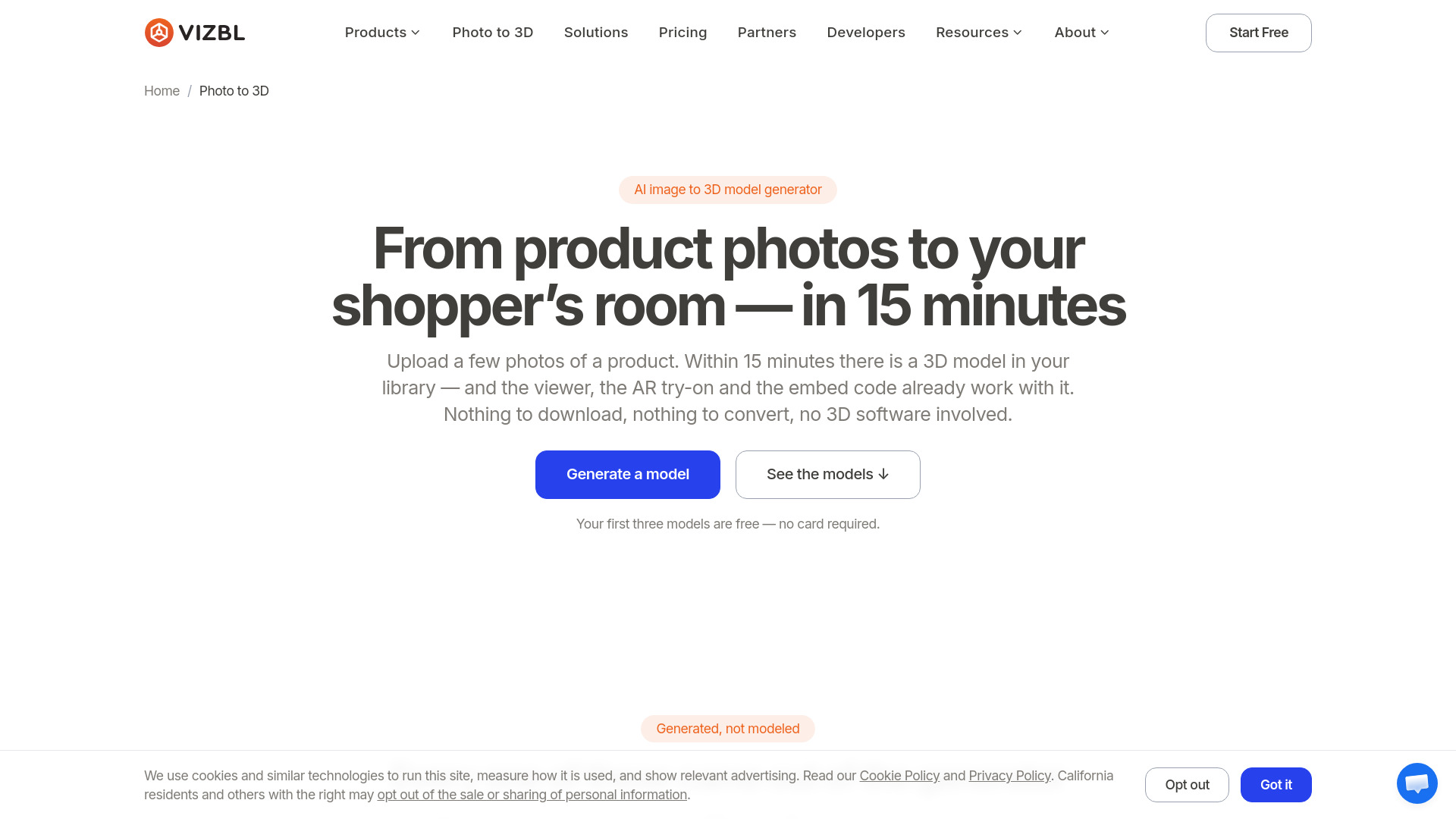
Vizbl Photo to 3D is an AI image to 3D model generator designed for ecommerce. It transforms 1–6 product photos into a textured 3D model that is immediately hosted and ready for use. The generated model comes with a 3D viewer, AR try-on capability in the phone browser, embed code, link, and QR code. Models can be downloaded as GLB or USDZ files.
How to use Vizbl Photo to 3D
- Upload photos: Provide one to six shots of the product, depending on the engine selected. Each photo should show the whole product, uncropped, with nothing in front of it and nothing else in the frame.
- Wait for generation: The Preview preset checks the shape in a minute or two, Standard takes three to five minutes, and High runs eight to fifteen minutes. Generation happens in the background, so you can close the tab and the model will be in your library when you return.
- Put it on your product page: Copy the embed code for the 3D viewer or the AR button, or share the model as a link or QR code. Integration takes about half an hour on platforms like Shopify, WooCommerce, Wix, Squarespace, Webflow, or a custom build.
Features of Vizbl Photo to 3D
- AI-powered generation: Turns 1–6 product photos into a textured 3D model.
- Fast turnaround: Models are ready in 1–15 minutes, depending on the preset chosen.
- Hosted 3D viewer: The model is immediately viewable in a hosted 3D viewer.
- AR try-on: Shoppers can view the product in their own space using AR in the phone browser.
- Embed code: Easily embed the 3D viewer or AR button on product pages.
- Link and QR code: Share models via a direct link or QR code.
- Download options: Export models as GLB or USDZ files.
- No 3D software required: No need for downloads, conversions, or 3D modeling expertise.
- Workspace integration: Models land in a workspace with viewer, AR, and embed code already configured.
Use Cases of Vizbl Photo to 3D
- Ecommerce product visualization: Enable shoppers to view products in 3D and AR directly on product pages.
- Furniture and home goods: Generate 3D models of furniture items like beds, sofas, chairs, and lamps from catalog photos.
- Lighting products: Create 3D models of floor lamps and table lamps for interactive viewing.
- AR try-on: Let customers place products in their own rooms at true scale using AR.
- Catalog enhancement: Add 3D and AR experiences to existing product catalogs without 3D modeling.
Pricing
- Free tokens: New accounts receive 1,000 free tokens on sign-up, with no card required and no auto-charging trial.
- Pay per model: After free tokens, generation costs tokens. The exact price appears on the Create button before starting; a quick Preview run costs a fraction of a High-detail one.
- No subscription: Tokens never expire, and there is no subscription.
- Free viewer: Letting shoppers spin a model in 3D is always free.
FAQ
What do I need to get started?
You need 1–6 product photos. Each photo should show the whole product, uncropped, with nothing in front of it and nothing else in the frame.
How long does it take to generate a model?
Generation time depends on the preset: Preview takes 1–2 minutes, Standard takes 3–5 minutes, and High takes 8–15 minutes.
Do I need any 3D software?
No. The process requires no downloads, conversions, or 3D software.
What formats can I download?
Models can be downloaded as GLB or USDZ files.
How do I integrate the model into my product page?
You can copy the embed code for the 3D viewer or AR button, or share the model via link or QR code. Integration takes about half an hour on platforms like Shopify, WooCommerce, Wix, Squarespace, Webflow, or a custom build.
Is there a free trial?
New accounts get 1,000 free tokens on sign-up, with no card required and no auto-charging trial.