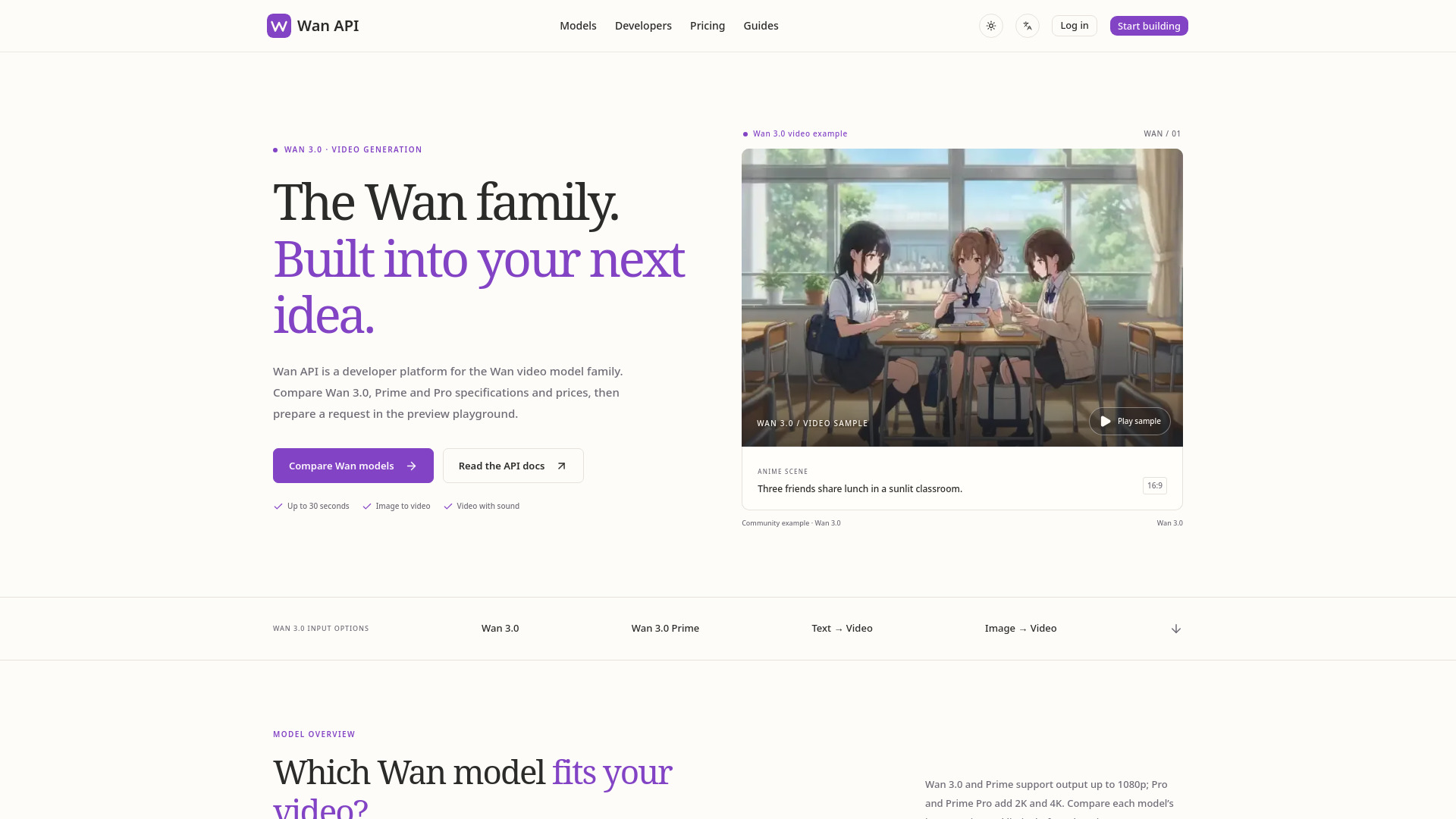
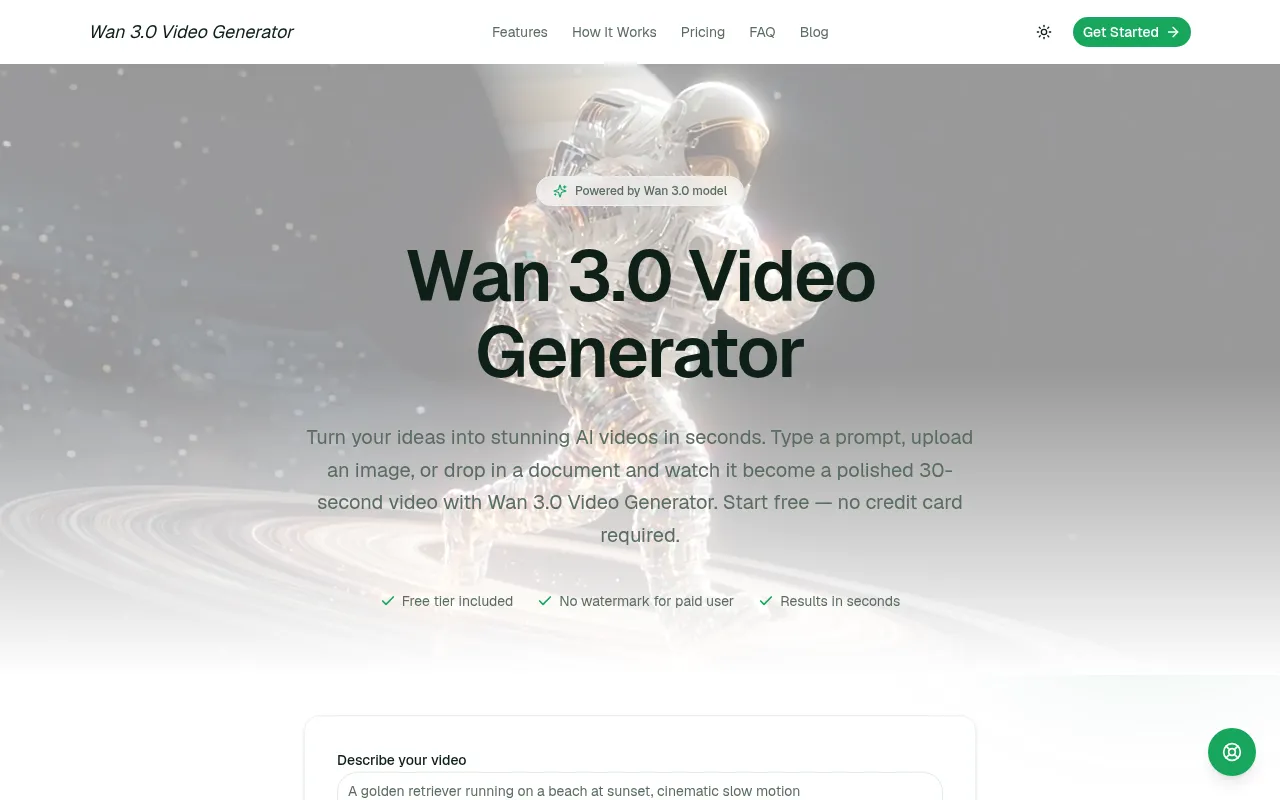
What is WAN 3.0 AI VIDEO Generators
WAN 3.0 Video Generator is an online AI video creation tool built on the Wan 3.0 model. It transforms text, images, and documents into short, shareable videos automatically. The tool operates entirely within the browser, requiring no installation or configuration.
How to use WAN 3.0 AI VIDEO Generators
- Choose Your Input: Start by selecting your input method. You can type a text prompt for a new scene, upload an image to animate it, or attach a document (PDF, Word file, or spreadsheet) to convert its contents into a video.
- Describe the Result: Specify the desired style, mood, length, and any text or voiceover for the video. The more detailed the description, the closer the output will match your vision.
- Generate and Download: Press the generate button, review the preview, and download the video in high resolution. Adjustments can be made and the process repeated until the clip meets your requirements.
Features of WAN 3.0 AI VIDEO Generators
- Text to Video: Generate videos from text descriptions.
- Image to Video: Animate uploaded images.
- Document to Video: Convert PDFs, Word documents, or spreadsheets into videos.
- Natural Voiceover: Generates synchronized narration that matches the scene's pacing.
- Every Aspect Ratio: Supports 16:9, 9:16, 1:1, and other aspect ratios.
- Online, No Install: Operates entirely in the browser.
Use Cases of WAN 3.0 AI VIDEO Generators
- Social Media Clips: Create short vertical videos for platforms like Reels, Shorts, and TikTok.
- Product Demos: Animate product photography into motion clips.
- Explainer Videos: Convert reports or proposals into short explainer videos with narration.
- Training Content: Transform internal documents and course materials into video lessons.
- Client Pitches: Quickly prototype concepts for client presentations.
- Personal Projects: Bring photos and ideas to life for personal use.
Pricing
- Free: Offers 2 video credits per day, supports text, image, and document input, but includes a watermark on downloads and has resource limits in the queue.
- Basic: Costs $20/month, provides 55 video credits per month, high-quality output, all aspect ratios supported, and email support.
- Pro: Costs $40/month, includes 115 video credits per month, priority render queue, priority support, and API access.
- Max: Costs $150/month, offers 450 video credits per month, includes all Pro features, commercial usage rights, and dedicated support.
FAQ
- Is the Wan 3.0 Video Generator really free? Yes, there is a free tier that allows you to generate videos. Paid plans offer more credits and features.
- What can I create with the Wan 3.0 Video Generator? You can create social media clips, product demos, explainer videos, training content, client pitches, and personal projects.
- Do I need any video editing experience? No, the tool is designed for users without video editing experience. You simply describe what you want, and the AI generates the video.
- Is there a watermark or a usage limit? The free tier includes a watermark on downloads. Paid users do not have watermarks. Usage limits (credits) apply to all tiers, with higher plans offering more credits.
- Which input formats does the video generator support? It supports text prompts, image uploads, and documents (PDF, Word, spreadsheets).
- Is this the same technology as the official Wan 3.0 model? The tool is built on the Wan 3.0 model, offering advanced AI video generation capabilities.
- Can I use the videos commercially? Commercial usage rights are included in the Pro and Max plans.