What is Whisperstream
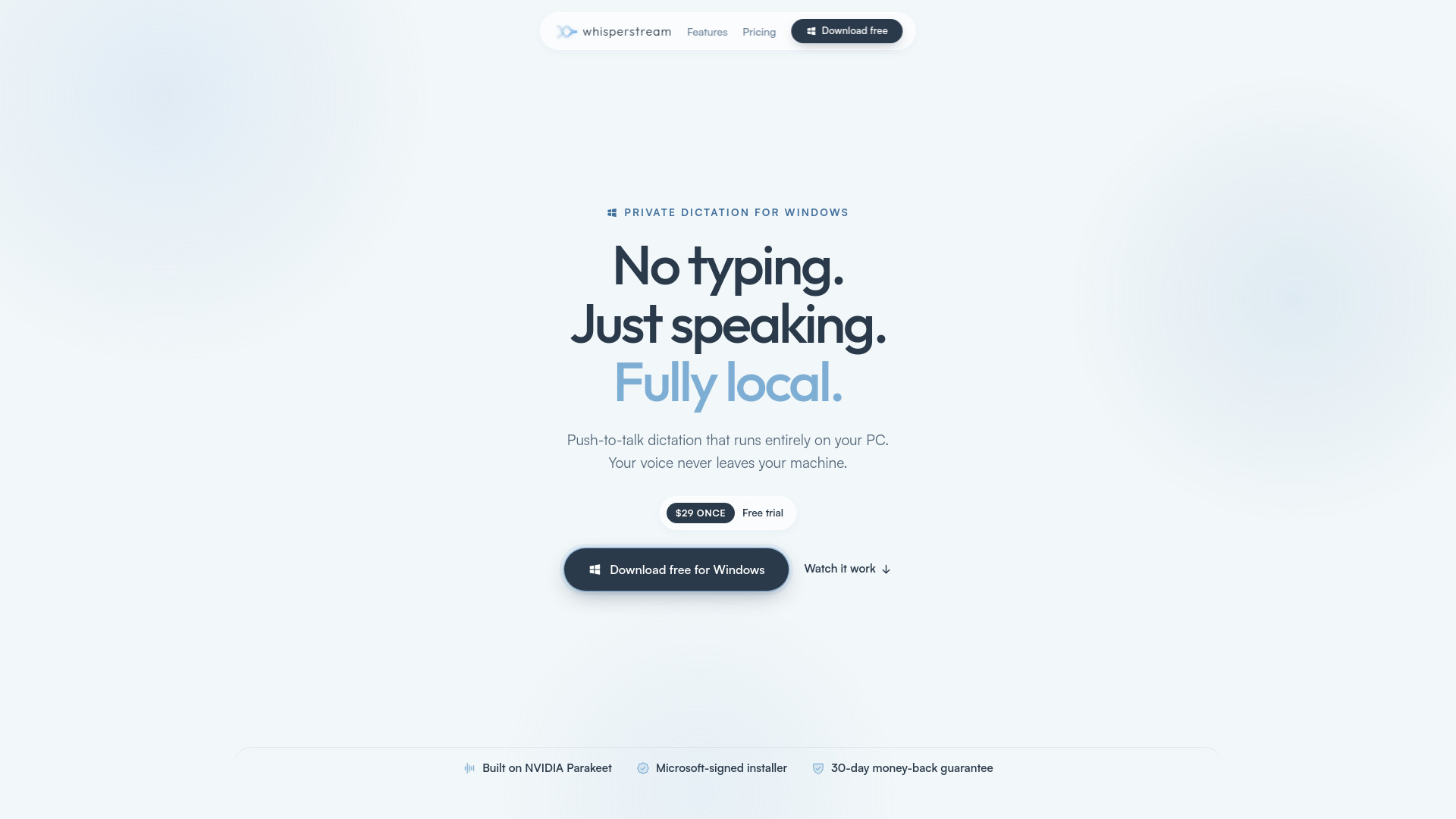
Whisperstream is a Windows-native dictation app that turns speech into text entirely on your own PC. It uses a push-to-talk hotkey: hold it, speak, and your words are cleaned up, formatted for the app you're in, and pasted where your cursor is. Audio never leaves your device, it works offline, and it's a one-time $29 purchase.
How to use Whisperstream
- Download the free trial from the official website.
- Install the Microsoft-signed installer on Windows 10 or 11 (64-bit).
- Hold the push-to-talk hotkey and speak.
- Whisperstream transcribes your speech on-device, cleans up filler words, and pastes the text into any app where your cursor is.
Features of Whisperstream
- On-device transcription: Runs 100% on your PC using CPU (no GPU required).
- Push-to-talk hotkey: Hold a key, speak, release to paste.
- Types into any app: Works in Gmail, Slack, VS Code, Outlook, Teams, Notion, Word, Google Docs, Chrome, Discord, Figma, Obsidian, Linear, Cursor, Claude, ChatGPT, and more.
- AI cleanup: A local model removes filler words and applies spoken corrections.
- Custom dictionary: Add names, jargon, and acronyms (e.g., "Claude", "Sarah Nguyen", "MySQL", "Next.js").
- 25 languages: English, Spanish, French, German, Italian, Portuguese, Russian, Polish, plus 17 more.
- Works offline: Only internet needed for initial model download and license activation.
- Transcript history: View past dictations.
- Audio file import: Transcribe pre-recorded audio.
- Automatic profile switching: Adapts to different contexts.
- System-volume ducking: Lowers other audio while dictating.
- Optional cloud fallback: For older hardware (free).
- Microsoft-signed installer: Secure installation.
- Built on NVIDIA Parakeet: Accurate speech recognition.
Use Cases of Whisperstream
- Email and messaging: Dictate emails in Gmail, Outlook, or Slack without typing.
- Coding: Dictate code or comments in VS Code, Cursor, or Claude Code.
- Document writing: Write reports, notes, or articles in Word, Google Docs, or Notion.
- Meetings and collaboration: Transcribe thoughts in Teams, Discord, or Linear.
- Accessibility: For users who type slower than they speak or have repetitive strain injuries.
Pricing
- One-time purchase: $29 USD.
- Free trial: Download and try before buying, no account or credit card required.
- License: Activates on up to 2 of your own PCs (e.g., laptop and desktop).
- 30-day money-back guarantee: Full refund if it doesn't work for you.
FAQ
Is there a free trial? Yes. Download Whisperstream and try it free, no account and no credit card.
Do I need an internet connection? Only to set up. You'll need internet to download the speech model and to activate your license once. After that, Whisperstream runs offline.
What are the system requirements? Windows 10 or 11 (64-bit). 8 GB RAM minimum, 16 GB recommended. Works on CPU, no GPU required. A modern processor (Intel 8th gen+ / AMD Ryzen 3000+) gives near-instant transcription.
Can I use one license on more than one PC? Yes. One purchase activates Whisperstream on up to 2 of your own PCs, like a laptop and a desktop.
What languages do you support? 25 languages: English, Spanish, French, German, Italian, Portuguese, Russian, Polish, plus Bulgarian, Croatian, Czech, Danish, Dutch, Estonian, Finnish, Greek, Hungarian, Latvian, Lithuanian, Maltese, Romanian, Slovak, Slovenian, Swedish, Ukrainian.
What if it doesn't work for me? 30-day refund, no questions asked. Email support@whisperstream.io.
How does Whisperstream compare to other dictation apps? The website provides side-by-side comparisons with Wispr Flow, Aqua Voice, OpenWhispr, Win+H, Dragon, MacWhisper, and superwhisper.